BLACKLIST
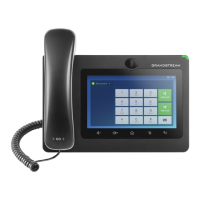
The GXV3275 has blacklist support for users to manage incoming calls. To access blacklist, tap on icon
in the phone's menu.
BLOCK HISTORY
Open blacklist and tap on to view the block history. It shows the detailed information for the blocked
calls: caller number, caller name and calling time.
RESTORE BLOCKED NUMBER
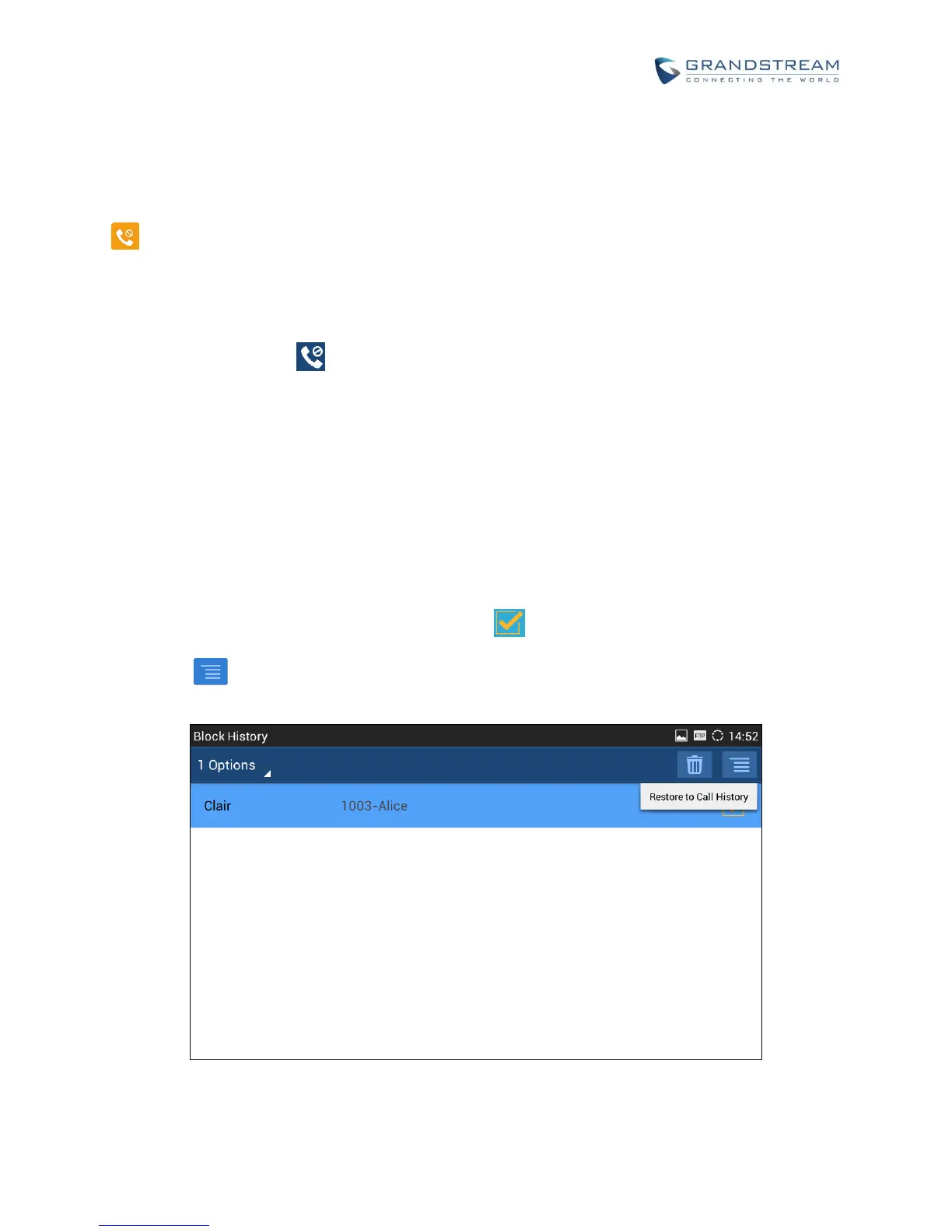
The blocked number in the block history can be restored to call history and the number will be removed
from blacklist. To do this:
1. In the block history, touch and press the entry for about 2 seconds until checkbox displays.
2. Tap on the checkbox for the entries to be selected. indicates the entry is selected.
3. Tap on and select "Restore to Call History".
Figure 85: Restore Blocked Number


 To Next Page
 Loading...