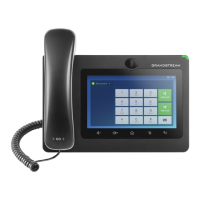
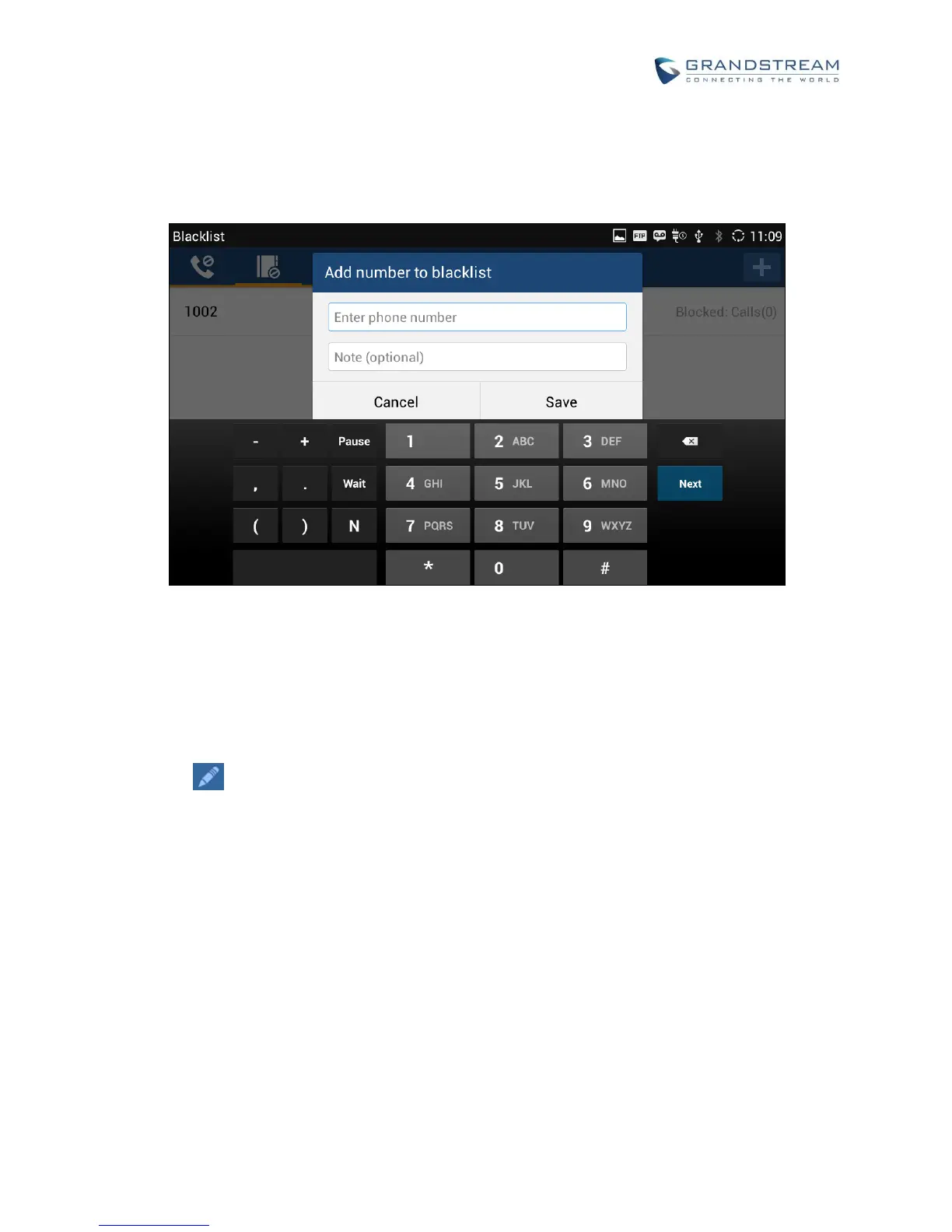
2. The following figure shows manually adding number to blacklist. Once Manually add option is selected,
a window will be prompted for users to enter the phone number in the first field and name/other note
information in the second field (optional). Tap on Save to finish the adding operation.
Figure 87: Manually Add Number to Blacklist
EDIT BLACKLIST
1. In the blacklist, touch and press the entry for about 2 seconds until checkbox displays.
2. Tap on to edit the blacklist.
3. Tap on OK once done.


 To Next Page
 Loading...