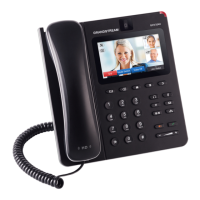
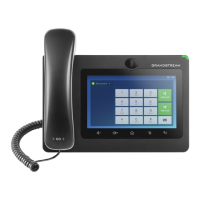
Figure 48: Blind Transfer
Note:
If wrong digits are entered, tap on to delete the digit one by one;
If users would like to cancel the transfer, press button to go back to the previous talking
screen.
ATTENDED TRANSFER
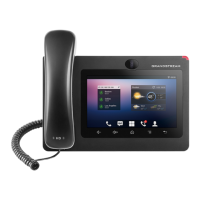
GXV3275 supports attended transfer:
1. During the active call, tap on "More" softkey. Select "Transfer" to bring up transfer screen.
2. Select transfer mode as "Attended" by tapping on the mode selection area (see figure below).


 To Next Page
 Loading...