Starting up/Setup mode
56 A0293_06_E00_03 HBM: public MP85A
MeaningDisplay
Stopped Press the SET key before removing the memory card from the
device. This ensures that all files are closed correctly.
Otherwise, data could be lost.
The display briefly shows the message “MMC/SD Disk Closed” or, in
the event of an error, “MMC DiskClose Err”. The MMC/SD card then
changes to “Stopped” status and can be removed from the device. If
there is no more space left on the memory card, it automatically
changes to “Stopped” status. This status only ends when the
memory card is removed from the device. Re-initialization then
follows automatically.
6. Error types
During measurement, the ! character in the status field of the PME Assistant
(in measuring mode) indicates an MP85A process controller error.
Errors are displayed one after the other (accessible via
+ -
).
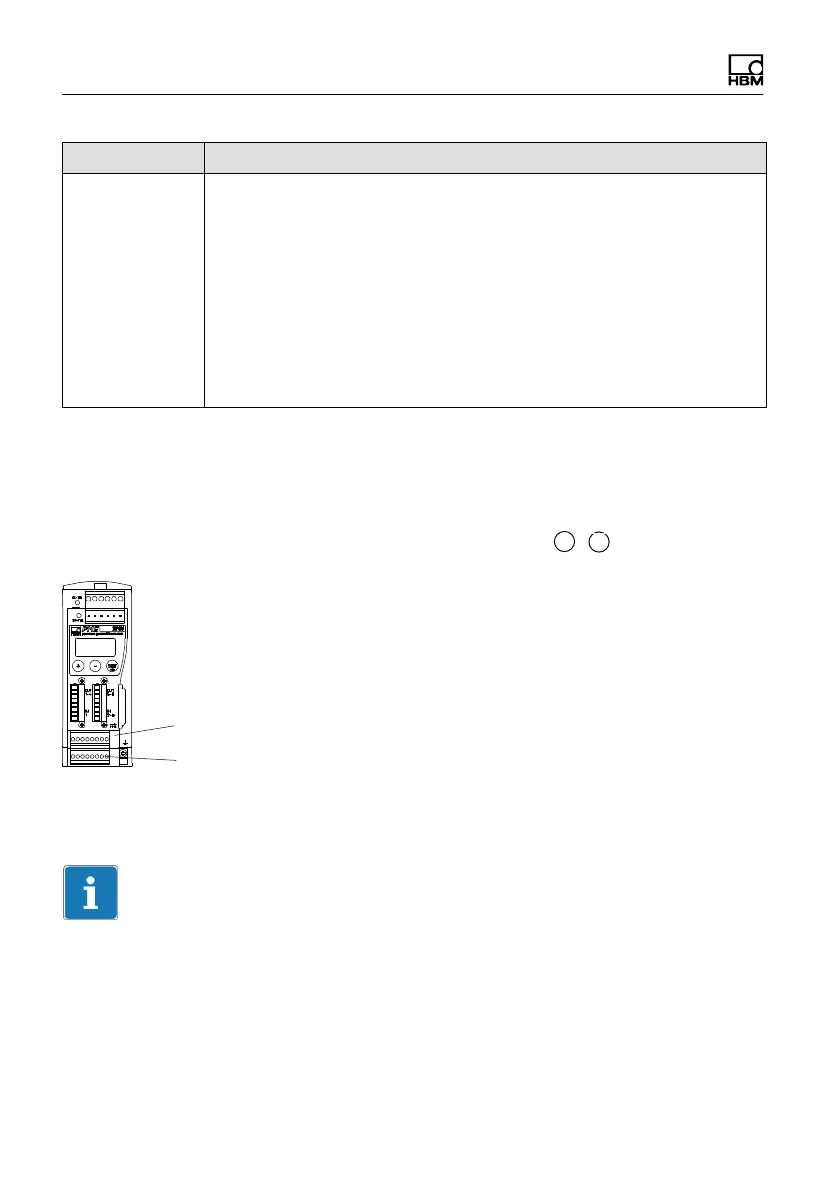
SENSOR X
SENSOR Y
S ERROR x (relating to the SENSOR X screw terminal)
S ERROR y (relating to the SENSOR Y screw terminal)
Tip
The relevant device status and an error list are clearly displayed in the Status
Overview dialog of the PME Assistant. Open the dialog via the “Status” button
in the Measured Value display window.



 To Next Page