Starting up/Setup mode
MP85A A0293_06_E00_03 HBM: public 57
The meaning of the displays and possible corrective measures for error
messages are shown in the online help (open with F1). Further valuable tips
and setting tools can be found in the FAQ section.
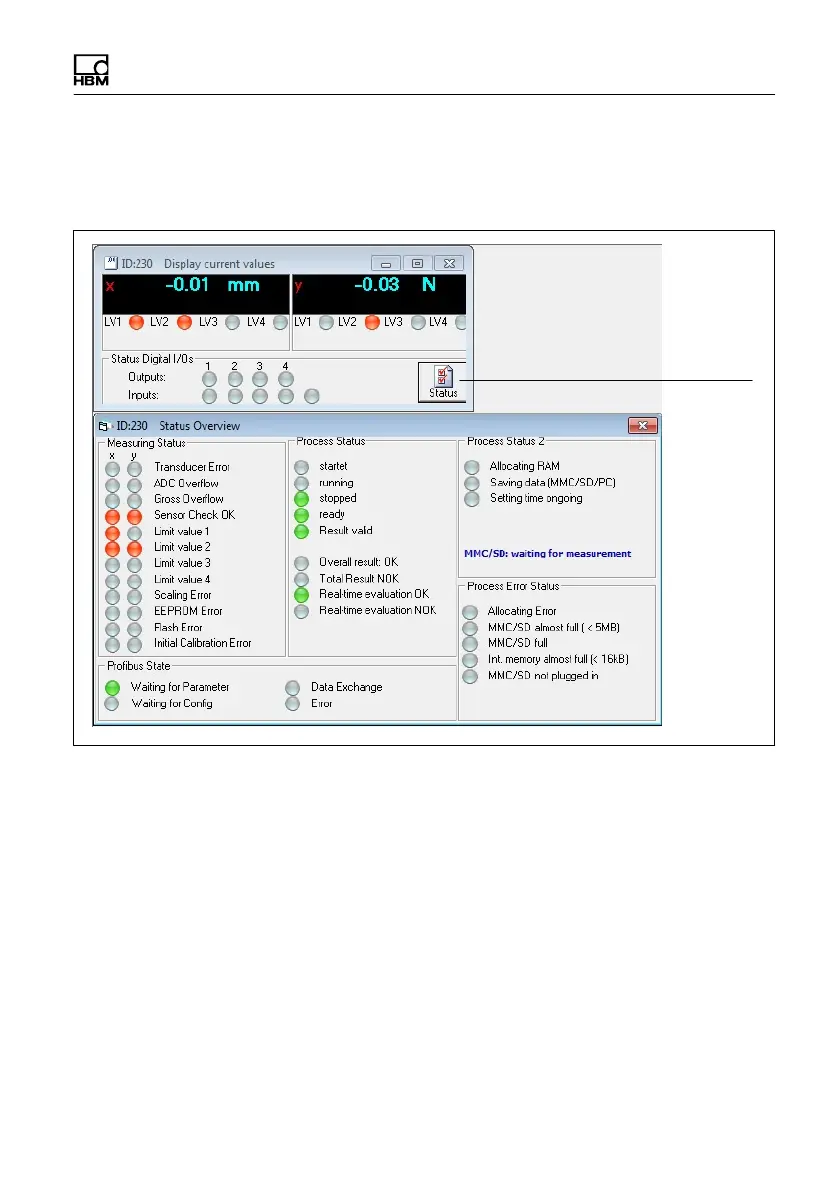
Status
Possible error messages are summarized in section 12, “Error messages”, on
page 107.
7. Firmware update (F Update)
To update the firmware, use the PME Update program. You can also find a
description of the procedure in the online help. With the program, you can also
simultaneously transfer a new firmware version to several devices. To prevent
conflict with ongoing processing (no measurements or evaluations can take
place during an update), from firmware version 2.22 or higher you can stipulate
that firmware updates should go ahead only following manual confirmation on
the device (F Update: Permitted!). If confirmation does not occur within
15 minutes, the firmware is not updated.



 To Next Page