21
_____________________________________________________________________________________________
3.8 Clamp Current Measurement
______________________________________________________________________________________________
3.8.1 DC Clamp Current Measurement
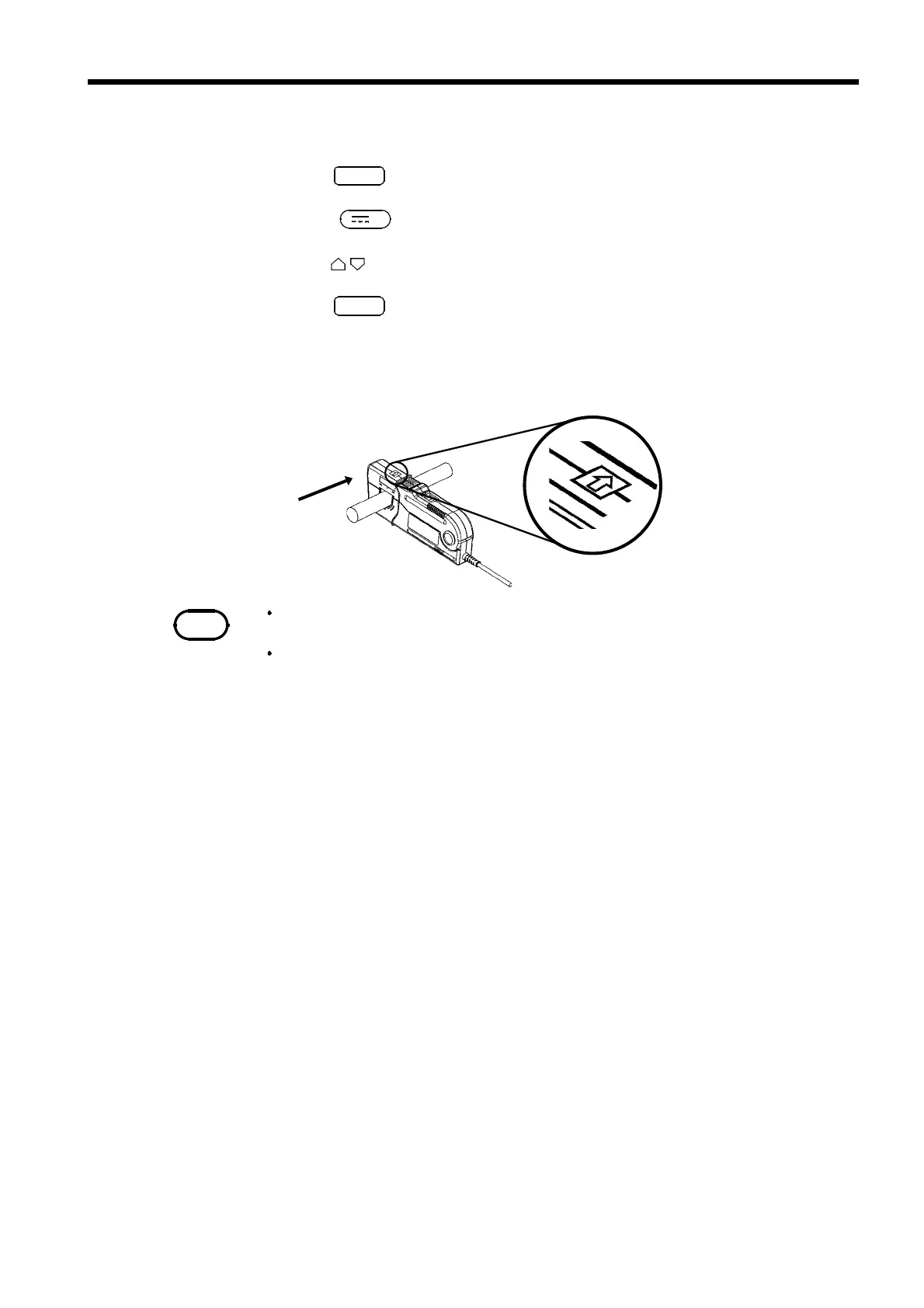
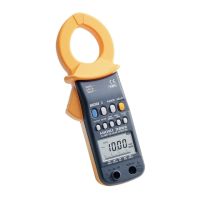
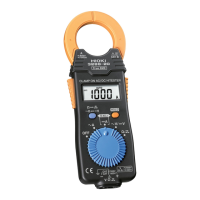
(9277/9278/9279/3284/3285)
Source side
Load side
Corresponds the current
direction indication to
the direction of current
flow.
NOTE
The DC clamp current measurement function cannot be used if a clamp sensor
other than 9277/9278/9279/3284/3285 is selected.
Auto Ran
e cannot be used.
1
.Press
SHIFT
."SHIFT" lights up on the display.
2
.Press
V
.
3
.Press to select a clamp sensor range.
4
.Press
SMPL
to select a sampling period.
(See 4.2 Switching of Sampling Period.)
5
. Clip the clamp around one of wires of the circuit to be measured and read
the value.


 To Next Page