EasyManua.ls Logo

HITEC OPTIC 6 - Model Setup Functions; M.SEL - Model Select; COPY - Copy Model

HITEC OPTIC 6
60 pages
Print Icon
To Next Page IconTo Next Page
To Previous Page IconTo Previous Page
Loading...
For more information - www.modelflight.com.au
Model
Setup
Functions
This
section
describes
the
model
setup
functions
that
are
used
to
choose
all
of
the
operating
features
of
a
particular
model
memory.
These
functions
are
used
to
select
the
model
memory,
the
model
type
(from
airplane/glider,
and
helicopters),
set
the
stopwatch,
and
other
useful
functions.
These
functions
are
used
to
set
up
a
new
model
or
a
new
model
memory,
to
switch
between
memories,
and
to
change
transmit
shift..
Map
o
f
Basic
Menu
Functions
(see right)
M.SEL
Model
select:
choose
one
of
eight
model
memories
11
****
Model
Name
(four
letters
+
up
to
three
numbers)
13
ACGL
Acrobatic/Glider
model
mode
12
HELI
Helicopter
model
mode
12
NOR
Normal
swashplate
(HELI
only)
12
120
°
120
°
Swashplate
(HELI
only)
11
COPY
Data
Copy
13
SFT.N
Negative
Transmit
Shift
13
SFT.P
Positive
Transmit
Shift
13
PPM
PPM
or
QPCM
Modulation
14
QPCM
PCM
Modulation
14
STCK1
Transmitter
mode
1
7
STCK2
Transmitter
mode
2
7
TIME
Timer
setup
14
REST
Reset
Memory
14
Powe
r
On
While Pressing
both
Edit
keys
Model
Select
1-8
[M.
SEL]
Model
Name
[ABCD-99]
Model
Type
[ACGL]
or
[HELI]
Swashplate
type
(HELI
only)
[NOR]
[120]
Copy
Model
[COPY]
Shift
Dir.
[SFT.N][SFT.P]
Modulation
[PPM]
or
[QPCM]
MODE
1,
MODE
2
Time
Setup
[TIME
XX]
Reset
Memory
[REST]
M.SEL
-
Mode
l
Select
Your
Optic
system
can
store
up
to
eight
independent
sets
of
model
data
in
its
memory.
The
Model
Select
(
MODL
)
function
allows
you
to
choose
from
any
of
the
eight
sets
of
model
data.
You
can
assign
a
four-character
name
and
three
numerals
from
0-199
to
each
model
memory.
The
model
names
are
not
visible
when
you
wish
to
switch
memories.
There
are
several
ways
to
keep
track
of
which
model
is
in
each
memory.
You
may
attach
a
small
piece
of
white
tape
to
the
transmitter
and
write
the
model's
name
along
with
the
model
setup
number
(and
its
channel
number),
or
you
may
use
a
notebook,
or
label
the
model
with
its
memory
number
prominently
near
its
on-off
switch
inside
the
fuselage.
Choosing
a
model
memory
to
load
1.
Start
with
the
transmitter
switched
off.
2.
Turn
on
your
transmitter
while
pressing
both
of
the
two
Edit
keys
(the
two
keys
on
the
far
left).
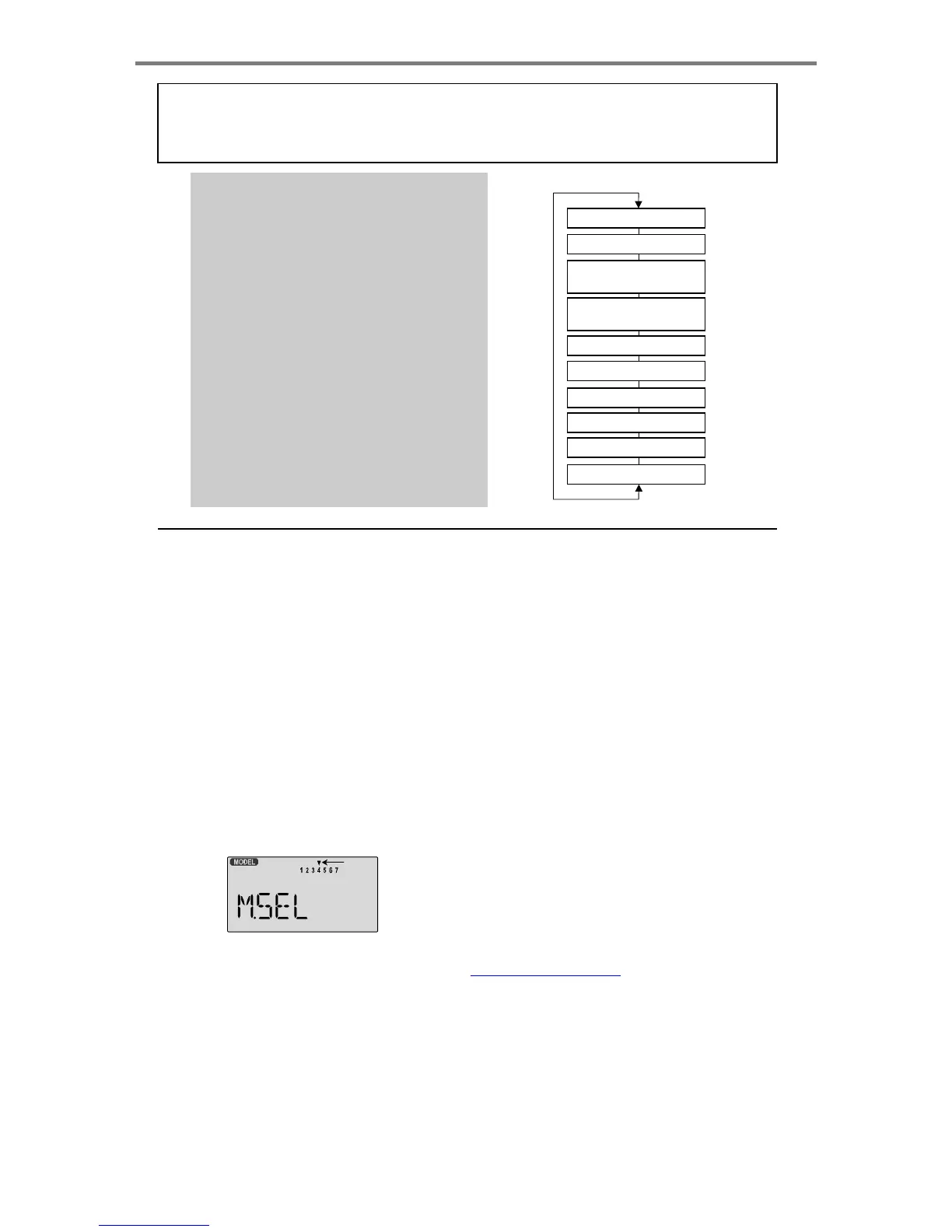
This
gets
you
into
the
model
select
(
M.SEL
)
menu
Flashing
3.
Select
the
desired
model
number
by
pressing
the
Cursor
Right
or
Left
button.
At
this
time,
the
small
arrow
above
the
selected
model
number
will
blink
on
and
off.
4.
Switch
power
off.
5.
Switch
power
back
on.
The
previously-selected
model
number
is
indicated
by
the
arrow
above
the
model
numbers
in
the
display.
COPY
-
Copy
Model
The
COPY
function
is
used
to
copy
the
model
data
stored
in
the
current
model
memory
into
another
model
memory.
This
function
is
handy
to
use
to
start
a
new
model
that's
similar
to
one
you
have
already
programmed,
and
is
also
handy
for
copying
the
current
model
data
into
another
model
memory
as
a
backup.
Copying
from
one
model
memory
to
another
1.
With
the
transmitter
switched
off,
turn
on
your
transmitter
while
pressing
both
of
the
two
Edit
keys
(the
two
keys
on
the
far
left).
The
model
select
(
M.SEL
)
menu
will
be
displayed.
2.
Press
the
Up
arrow
key.
This
gets
you
into
the
model
copy
(
COPY
)
menu.
(If
you're
already
in
the
setup
menus,
you
can
just
press
the
UP
or
Down
arrow
key
to
get
here.)
Mode
l
Setu
p
Function
s
-
Pa
g
e
11

Table of Contents

Other manuals for HITEC OPTIC 6

Related product manuals