EasyManua.ls Logo

HITEC OPTIC 6 - R->T - Rudder Throttle Mixing

HITEC OPTIC 6
60 pages
Print Icon
To Next Page IconTo Next Page
To Previous Page IconTo Previous Page
Loading...
For more information - www.modelflight.com.au
Menu
Descri
p
tions
-
Helico
p
ter
A
s
these
functions
are
switched
on
or
off,
ST3
=
HOLD
has
highest
priority,
followed
by
ST2
and
ST1
.
Regular
settings
(
NOR
)
occur
when
all
of
the
others
are
off
.
You
can
see
which
condition
your
transmitter
is
currently
in
by
viewing
the
display.
The
current
condition
may
be
found
flashing
in
the
lower
right o
f
the
TRIM
display.
EPA
-
End
point
adjust
See
ACGL
instructions
on
page
27.
R
-
>T
-
Rudder Throttle
Mixing
Rudder
Throttle
(R->T)
mixing
is
used
to
maintain
rotor
speed
so
that
altitude
is
kept
constant
when
the
rudder
stick
is
operated
in
hover.
The
reason
for
this
mixing
is
that
when
rudder
is
commanded,
the
tail
rotor
consumes
a
little
more
power,
which
reduces
the
power
at
the
main
rotor
and
the
helicopter
drops
or
climbs.
For
helicopters
with
normal
rotor
rotation,
commanding
right
rudder
(which
requires
more
power)
should
also
increase
throttle
slightly,
while
using
left
rudder
(requires
less
power)
should
decrease
the
throttle
slightly.
R->T
mixing
is
handy
for
hovering
but
may
also
be
used
in
540
°
stall
turns,
hovering
eights,
nose-in
circles,
Top
Hats,
Pirouettes,
and
other
aerobatics.
This
function
only
operates
when
the
NOR
menu
is
selected.
D/R
-
Dua
l
Rates
Refer
to
ACGL
instructions
on
page
27.
EXP
-
Exponential
See
the
ACGL
instructions
on
p
a
g
e
28.
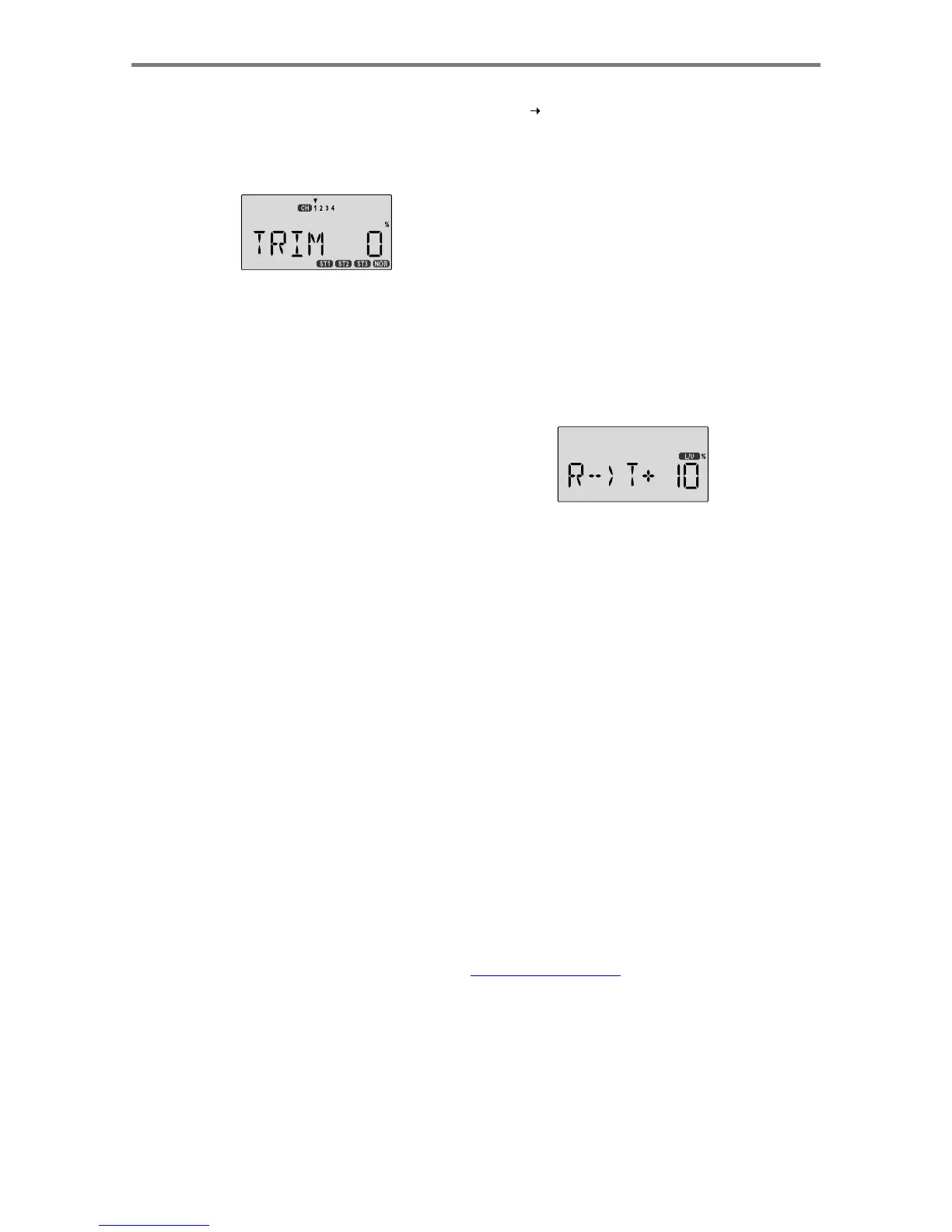
Setting Up Rudder->Throttle
Mixing
1.
Press
one
of
the
Up
Down
Edit
buttons
repeatedly
to
select
the
R->T
window.
To
begin
with,
the
function
is
already
activated,
but
it's
set
to
0%
on
both
sides
so
there
is
no
differential.
STR
M
-
Subtrim
Refer
to
the
ACGL
instructions
on
page
28.
REV
-
Servo
Reverse
See
ACGL
instructions
on
page
29.
T.CUT
-
Throttle
Cut
Described
in
the
ACGL
instructions
on
page
29.
PMX1,
PMX2
-
Programmable
Mixing
See
ACGL
PMX
instructions
on
page
38.
These
instructions are
the
same
for
the
two
programmable
mixers
in
the
helicopter
menus.
2.
To
set
the
mixing
amount
for
the
left
rudder,
hold
the
rudde
r
stick
to
the
left
side
(display
shows
L/U
),
and
press
the
Dat
a
Decrease
key.
Continue
reducing
the
percentage
until
yo
u
reach
about
10%.
If
for
some
reason
you
want
a
0%
setting
,
press
the
Active/Inhibit
(Clear)
key.
3.
Input
the
mixing
amount
for
right
rudder
by
moving
the
rudder
stick
to
the
right
(display
shows
R/D
),
and
press
the
Data
Increase
or
Decrease
key
to
reach
about
10%
.
4.
After
you
try
these
settings
out,
you
can
adjust
them
higher
or
lower
to
suit
your
machine.
The
signs
shown
here
may
need
reversing
depending
on
the
way
the
servo
is
mounted.
5.
You
may
select
which
ON-OFF
switch
turns
this
function
on.
See
the
Switch
Select
instructions
on
P.
53
for
information
on
how
to
select
the
ON-OFF
switch.
6.
Note
that
R->T
mixing
may
only
be
set
up,
and
only
operates,
in
the
NOR
menu.
Men
u
Descri
p
tion
s
-
Helico
p
ter
-
Pa
g
e
50

Table of Contents

Other manuals for HITEC OPTIC 6

Related product manuals