EasyManua.ls Logo

HITEC OPTIC 6 - Model Setup Functions; AIRCRAFT & GLIDER (ACGL) MENU FUNCTIONS; Simple Aerobatic Airplane Transmitter Setup

HITEC OPTIC 6
60 pages
Print Icon
To Next Page IconTo Next Page
To Previous Page IconTo Previous Page
Loading...
For more information - www.modelflight.com.au
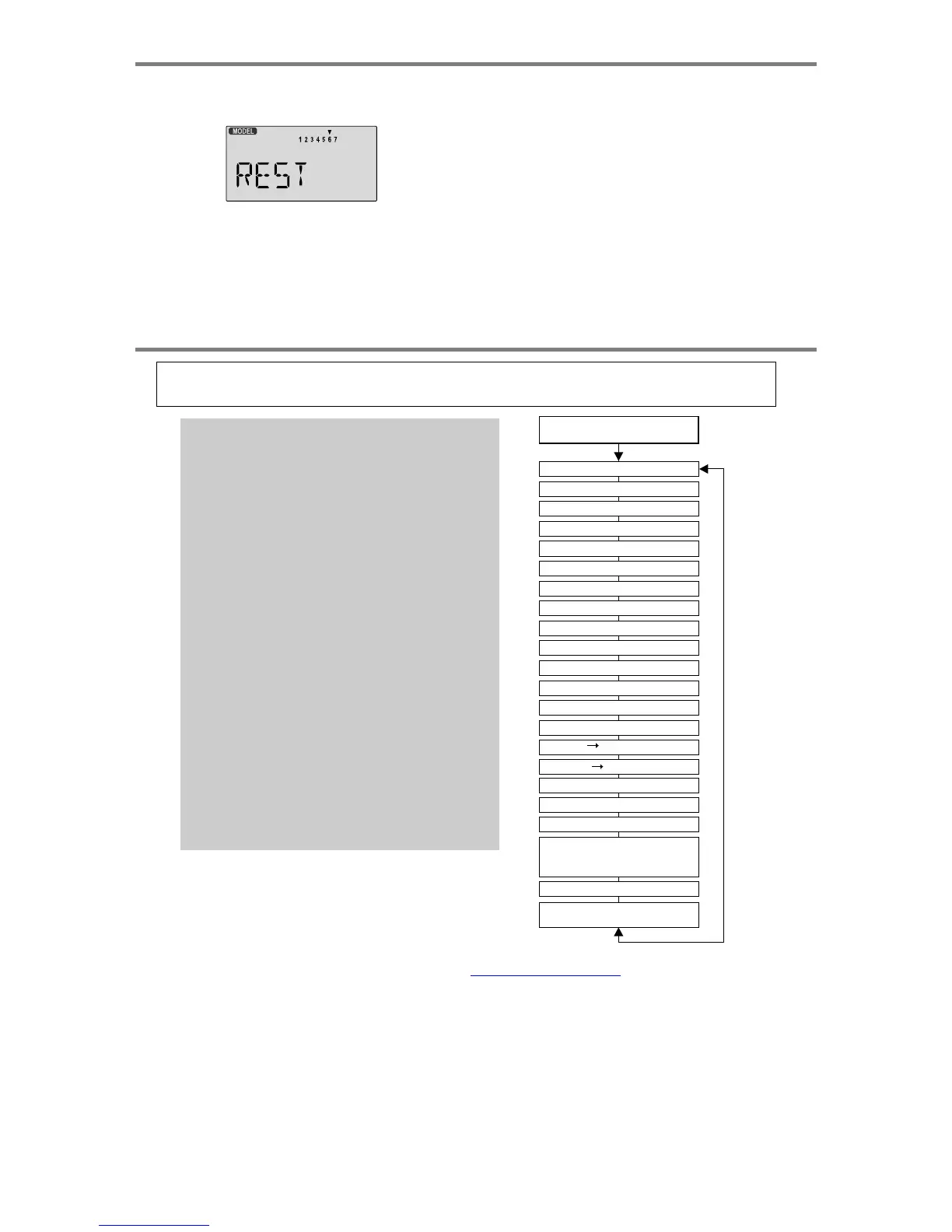
Model
Setu
p
Functions
and
off.
(If
you're
already
in
the
setup
menus,
you
can
just
press
the
Up
or
Down
arrow
key
to
get
here.)
4.
Press
the
Up
or
Down
arrow
keys
to
get
to
another
setup
menu,
or
switch
power
off.
5.
Switch
power
back
on.
You
may
now
set
up
the
details
of
your
model
in
the
Edit
mode.
3.
IF
YOU
ARE
SURE
YOU
WANT
TO
RESET
and
clear
out
the
current
model
memory,
press
both
the
+Increase
and
-Decrease
Data
keys
at
the
same
time.
The
transmitter
will
beep
twice
to
indicate
a
successful
reset
CAUTION:
WHEN
YOU
COMMAND
RESET,
YOU'LL
ERASE
THE
MEMORY
YOU'RE
IN
AND
LOSE
ANY
PROGRAMMING
YOU
HAVE
ENTERED.
DON'T
DO
THIS
UNLESS
YOU
ARE
POSITIVE
YOU
WANT
TO
FLUSH
OUT
THAT
MEMORY
AND
START
FROM
SCRATCH
WITH
THE
FACTORY-DEFAULT
SETTINGS.
A
IRCRAFT
&
GLIDER
(
ACGL
)
MENU
FUNCTIONS
This
section
describes
the
functions fo
r
fixed-wing aircraft, p
r
ovides a setup example,
and
then
describes
the
functions
individuall
y
. Helico
p
te
r
functions are in the followin
g
section
ACGL
Functions
Map
(see right)
Simple
Aerobatic
Airplane
Transmitter
Setup
15
EPA
End
Point
Adjust
(servo
travels)
27
D/R
Dual
Rates
27
EXP
Exponential
Settings
28
STRM
Subtrim
(Neutral
settings)
28
REV
Servo
Reverse
29
T.CUT
Throttle
Cut
(engine
shut
off)
29
STCK
Throttle
Control
Location
29
FLPT
Flap
Travel
30
FLPN
Flaperon
(combined
flaps
&
ailerons)
30
ADIF
Aileron
Differential
31
CAMB
Camber
(combined
flaps
&
ailerons)
32
LAND
Landing
function
(select
aileron/flap
presets)
33
ELVN
Elevon
mixing
(tailless
models)
34
VTAL
V-tail
mixing
35
A->R
Rudder
Coupling
36
E->F
Elevator
Flap
mixing
36
CROW
Crow
(Proportional
Airbrake
Function)
37
PMX1-2
Programmable
Mixer
#1
-
#2
38
S/W
SEL
Switch
select
for
A-R,
E-F,
CAMB,
CROW,
LAND,
PMX1,
PMX2
39
AILV
Ailevator
function
(Dual
elevators)
39
FAIL
QPCM
Position
Input
Menu
40
Aircraft
Trimming
Chart
41-43
Useful
Switch
&
Lever
Information
Gear
Switch
(
SW-2)
controls
receiver
CH5
Gear
Switch
Down
turns
on
CROW
Left
Lever
controls
CROW
(airbrake
motions)
Right
Lever
controls
CAMBer
motion
FLT
MODE
(
SW-3
)
switch
Aft
=
LAND
On,
Forward
CAMB On
V
oltage
/
Time
r
Display
Normal
Display
Mode
Press
both
Edit/Display
key
End
Point
Adjust
[EPA]
Dual
Rate
Set
[D/R]
Exponential
[EXP]
Sub-
Trims
[S.TRM]
Servo
Reversing
[REV]
Throttle
Cut
[T.CUT]
Throttle
Ioc.
[STCK]
Flap
Travel
[FLPT]
Flaperon
Mix
[FLPN]
Ail
Differential
[ADIF]
Camber
[CAMB]
Landing
Mix
[LAND]
Elevon
Mix
[ELVN]
V-Tail
[VTAL]
Ail
Rud
Mix
[A-R]
Elev
Flap
Mix
[E-F]
Crow
Mix
[CROW]
Prog.
Mix
1
[PMX1]
Prog.
Mix
2
[PMX2]
Switch
select
S/W
SEL
for
[A-R]
[E-F]
[CAMB]
[CROW]
[PMX1]
[PMX2][LAND]
Ailevator
[AILV]
Failsafe
[FAIL]
(QPCM
only)
Sim
p
le
Transmitter
Setu
p
-
A
erobatic
A
ir
p
lane
(
ACGL
Menu
)
-
Pa
g
e
1
5

Table of Contents

Other manuals for HITEC OPTIC 6

Related product manuals