EasyManua.ls Logo

HITEC OPTIC 6 - Airplane Model Function Descriptions; FAIL - Failsafe Function

HITEC OPTIC 6
60 pages
Print Icon
To Next Page IconTo Next Page
To Previous Page IconTo Previous Page
Loading...
For more information - www.modelflight.com.au
A
irplane
Model
Function Descriptions
F
A
IL
-
Failsafe
Function
Your
Optic
system
contains
special
programming
to
allow
you
to
fly
a
model
using
Hitec's
special
QPCM
software.
In
this
menu,
which
only
appears
when
QPCM
is
selected
in
the
power-on
menus,
you
can
choose
where
your
servos
are
commanded
to
move
if
the
receiver
loses
the
signal
from
the
transmitter
due
to
interference.
1. To access this screen, turn
on
the
transmitter.
2.
Turn
on
the
receiver
power.
3.
Press
both
Edit
keys
at
the
same
time
enter
the
menu
loop.
4.
Use
the
Edit
keys
to
scroll
down
or
up
through
the
menu
until
you
come
to
the
Failsafe
screen.
Setting
Up
the
FAILSAFE
Function
QPCM
Operation
Note:
The
OPTIC
6
QPCM
is
NOT
compatible
with
Hitec's
older
HPD-07RB
PCM
receivers
and
must
be
used
with
Hitec's
HPD-07RH
QPCM
receiver.
Activating
the
Hitec
QPCM
Failsafe
The
failsafe
feature
of
Hitec's
QPCM
receiver,
model
number
HPD-07RH
is
a
safety
feature
designed
to
allow
the
user
to
program
a
"set"
position
for
a
flight
control
surface
to
be
at,
in
the
event
of
a
loss
of
signal
from
the
transmitter.
Note:
Failsafe
does
not
have
to
be
activated
to
use
the
QPCM
signal.
You
do
have
the
choice
of
using
or
not
using
the
failsafe
function.
5. The default position has the
failsafe
feature inhibited.
6.
Arm
the
failsafe
feature
by
pressing
the
"Clear"
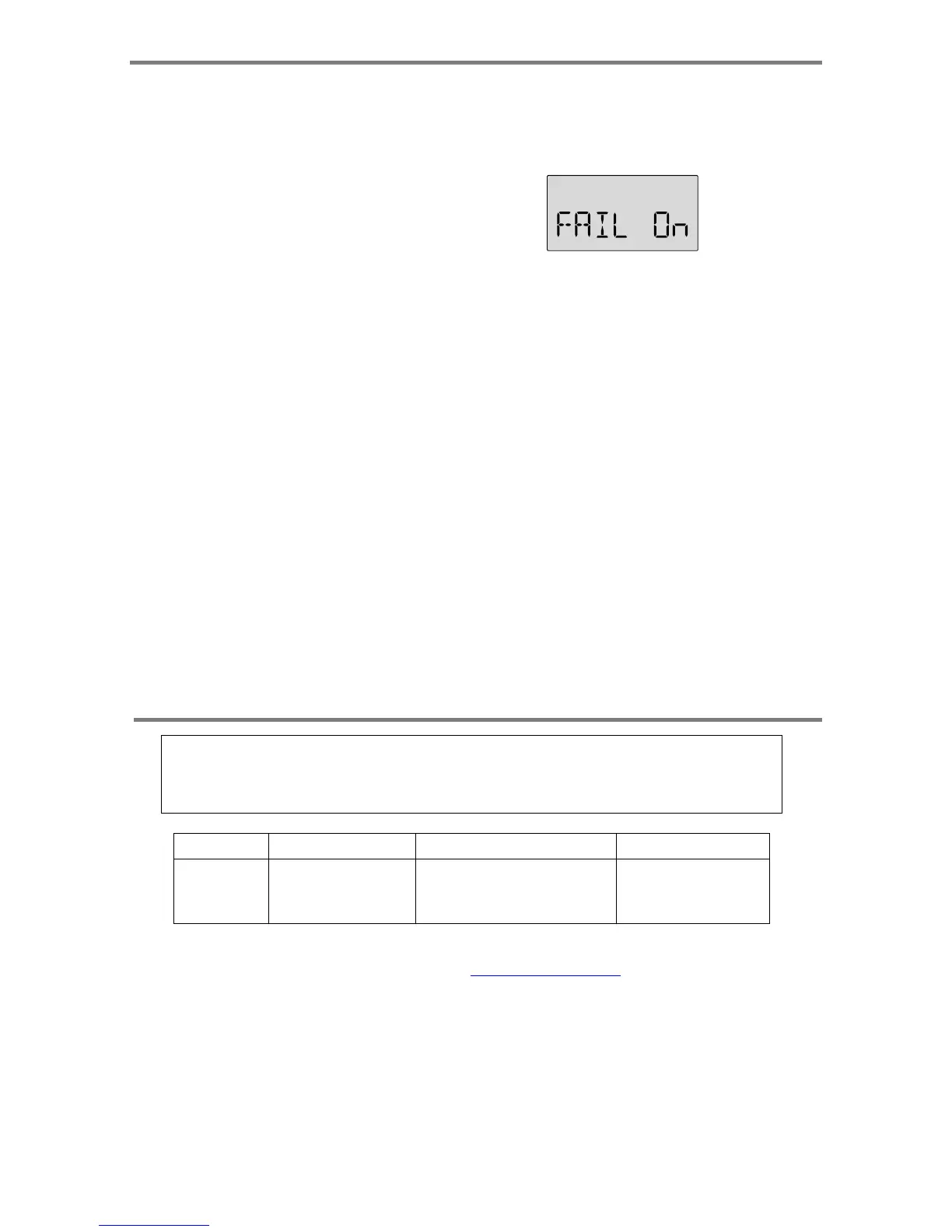
key,
the
screen
should
now
read,
FAIL
On.
7.
To
set
the
desired
servo
position
when
failsafe
lockout
occurs,
move
the
control
sticks
to
the
position
you
want
the
control
surfaces
to
be
in
if
a
failsafe
condition
should
occur,
hold
the
sticks
in
this
position
and
press
both
Data
keys
at
the
same
time.
You
should
hear
a
double
"beep"
8.
Cycle
the
transmitter
on,
then
off,
then
back
on.
9.
Test
the
effect
by
turning
off
your
transmitter
and
watching
the
servo
failsafe
position
activate.
10.
To
change
the
failsafe
hold
positions,
repeat
step
7,
8
and
9
A
ircraft
Fli
g
ht
Trimmin
g
Chart
The
following
chart
may
be
used
to
systematically
set
up
and
trim
a
model
for
straight
flight
and
aerobatic
maneuvers.
Please
note
that
for
best
results,
trimming
should
be
done
in
near-calm
conditions.
Before
you
decide
to
make
a
change,
be
sure
to
try
the
test
several
times
before
making
adjustments.
If
any
changes
are
made,
go
back
through
the
previous
steps
and
verify
that
they
are
not
also
affected.
If
they
are,
make
further
adjustments
as
necessary.
To
test
for...
Test
Procedure
Observations Ad
j
ustments
1.
Contro
l
neutral
s
Fly
the
model
straight
and
level
Use
the
transmitter
trims
for
hands-off
straight
&
level
flight.
Change
electronic
subtrim
s
or
adjust
clevises
to
cente
r
transmitter
trims.
A
ir
p
lane
Mode
l
Function
Descri
p
tion
s
-
Pa
g
e
41

Table of Contents

Other manuals for HITEC OPTIC 6

Related product manuals