EasyManua.ls Logo

HITEC OPTIC 6 - REV - Servo Reversing; T.CUT - Throttle Cut (Engine Kill) Function

HITEC OPTIC 6
60 pages
Print Icon
To Next Page IconTo Next Page
To Previous Page IconTo Previous Page
Loading...
For more information - www.modelflight.com.au
A
irplane
Model
Function Descriptions
subtrims
are
large
values,
the
servo's
full
range
of
travel
may
be
restricted.
Setting
Subtrims
1.
Use
the
Edit
Up
Down
keys
to
call
up
the
STRM
window.
T
.CU
T
-
Throttle Cut (Engine
Kill)
Function
The
Throttle
Cut
function
provides
you
an
easy
way
to
stop
the
engine
by
simply
pressing
a
button
with
the
throttle
stick
at
idle,
which
commands
the
throttle
servo
to
move
a
prescribed
amount.
The
throttle
servo
moves
to
the
selected
cut
position
when
the
Cut
button
is
pressed
and
the
throttle
stick
is
below
50%.
Above
50%
throttle,
the
cut
button
has
no
effect.
The
activation
direction
may
be
chosen
by
the
owner.
2.
Press
the
Cursor
Right
or
Left
key
until
the
small
arrow
is
above
the
channel
you
wish
to
adjust
(the
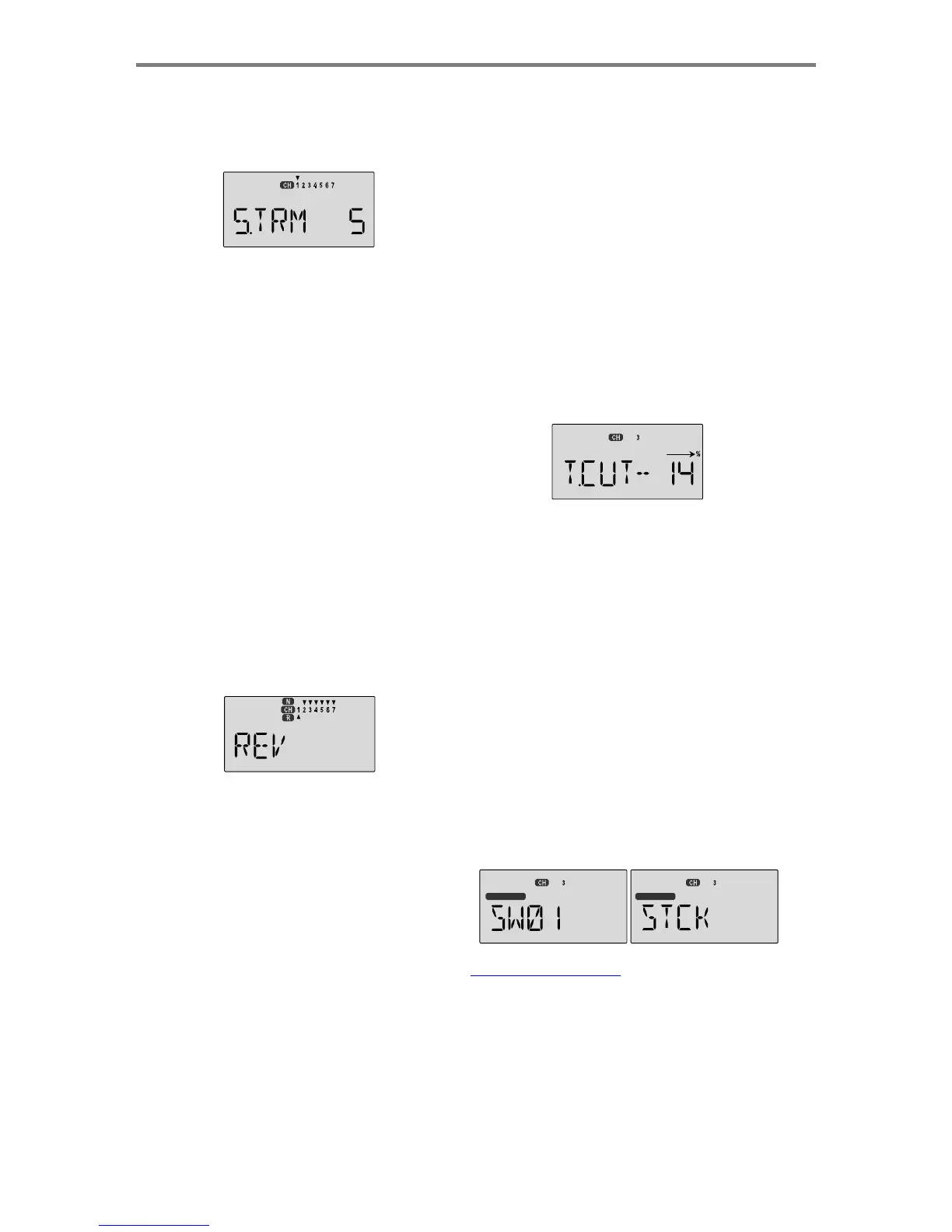
figure
shows
subtrim
adjustment
for
CH1
).
3.
Adjust
the
neutral
position
using
the
Data
+Increase
or
-Decrease
keys.
You
may
adjust
between
-100%
and
+100%.
If
you
want
to
reset
the
value
back
to
zero,
press
the
Active/Inhibit
(Clear)
key.
4.
Repeat
steps
2
and
3
for
each
channel
to
be
adjusted
in
turn.
5.
Return
to
the
regular
operating
mode
by
pressing
the
two
Edit
Up
Down
keys
simultaneously.
Setting up the Throttle Cut function
1.
Get
to
the
T.CUT
screen
with
the
Edit
Up
Down
keys.
2.
Place
the
throtle
stick
at
its
idle
position
(towards
bottom
of
transmitter).
Use
the
Data
-Decrease
key
to
select
the
amount
of
motion
of
the
throttle
servo
you
wish
-
normally
you
want
to
completely
close
the
carburetor,
but
be
careful
not
to
choose
too
much
travel
that
might
stall
the
servo.
You
may
see
the
servo
move
when
you
press
the
Active/Inhibit
(Clear)
button.
A
maximum
of
50%
may
be
chosen,
but
only
use
the
amount
you
need
to
fully
close
the
carburetor
without
stalling
the
servo.
REV
-
Servo
Reversing
The
servo
reverse
function
may
be
used
when
you
need
to
change
the
direction
that
a
servo
responds
to
a
control
stick
motion.
When
you
use
this
function,
BE
SURE
THAT
YOUR
CONTROL
IS
MOVING
THE
CORRECT
DIRECTION.
If
you
are
using
any
preprogrammed
mixers
such
as
flaperon,
be
sure
to
set
correct
travels
in
the
REV
menu
setting
up
the
preprogrammed
function.
Reversing
Servos
1.
Get
to
the
REV
screen
with
the
Edit
Up
Down
keys.
2.
Use
the
Data
+Increase
or
-Decrease
key
to
select
the
channel
you
wish
to
reverse.
The
active
channel
number
will
flash.
Flashing
3.
Return
to
the
regular
operating
mode
by
pressing
the
two
Edit
Up
Down
keys
simultaneously.
Note:
the
throttle
servo
will
be
disabled
for
a
2-3
second
period
after
the
throttle
cut
button
is
pressed.
Note:
The
throttle
cut
function
does
not
operate
if
Switch
01
controls
the
throttle
(see
below).
STCK
-
Throttle
Location
Your
Optic
system
has
a
unique
feature
that
allows
you
to
choose
whether
the
throttle
control
plugged
into
channel
3
is
activated
by
the
throttle
stick
or
by
Switch
SW01(the
switch
labeled
"Elev
Rudd
D/R"
on
the
top
left
of
the
front
of
the
transmitter).
If
you
are
flying
an
electric-powered
model
or
some
other
model
that
only
needs
the
throttle
to
be
on
or
off,
you
can
use
this
function.
3.
Toggle
between
normal
(
N
)
and
reverse
(
R
)withthe
Active/
Inhibit
(Clear)
key.
The
arrow
above
the
number
indicates
normal
travel,
while
the
arrow
below
indicates
reversed
travel
(the
figure
shows
all
channels
normal,
none
reversed).
4.
Repeat
this
procedure
for
each
channel
needing
to
be
reversed.
5.
Return
to
the
regular
operating
mode
by
pressing
the
two
Edit
Up
Down
keys
simultaneously.
Setting the Throttle Location
1.
Use
the
Edit
Up
Down
arrow
keys
to
select
the
STCK
window.
The
window
will
either
display
the
STCK
display,
indicating
the
throttle
stick
controls
channel
3,
or
the
SW01
display,
indicating
the
switch
controls
it.
INPUT
SEL
INPUT
SEL
A
ir
p
lane
Mode
l
Function
Descri
p
tion
s
-
Pa
g
e
29

Table of Contents

Other manuals for HITEC OPTIC 6

Related product manuals