EasyManua.ls Logo

HITEC OPTIC 6 - Helicopter Setup Instructions; Helicopter Flight Conditions; EPA - End point adjust; D;R - Dual Rates

HITEC OPTIC 6
60 pages
Print Icon
To Next Page IconTo Next Page
To Previous Page IconTo Previous Page
Loading...
For more information - www.modelflight.com.au
Helicopter
Setup
Instructions
-
ST2
:
ON
when
FLT
MODE
Switch
is
AFT
.
-
ST3
:
ON
when
ELEV
RUDD
D/R,
SW-1
Switch
is
down
.
A
s
these
functions
are
switched
on
or
off,
ST3
will
override
all the
others,
followed
by
ST2
and
ST1
,
which
will
override
NOR
.
Regular
settings
(
NOR
)
occur
when
the
others
are
off.
Throttle
and
pitch
curves,
revolution
mixing,
and
gyro
gain
may
be
independently
selected
for
each
condition.
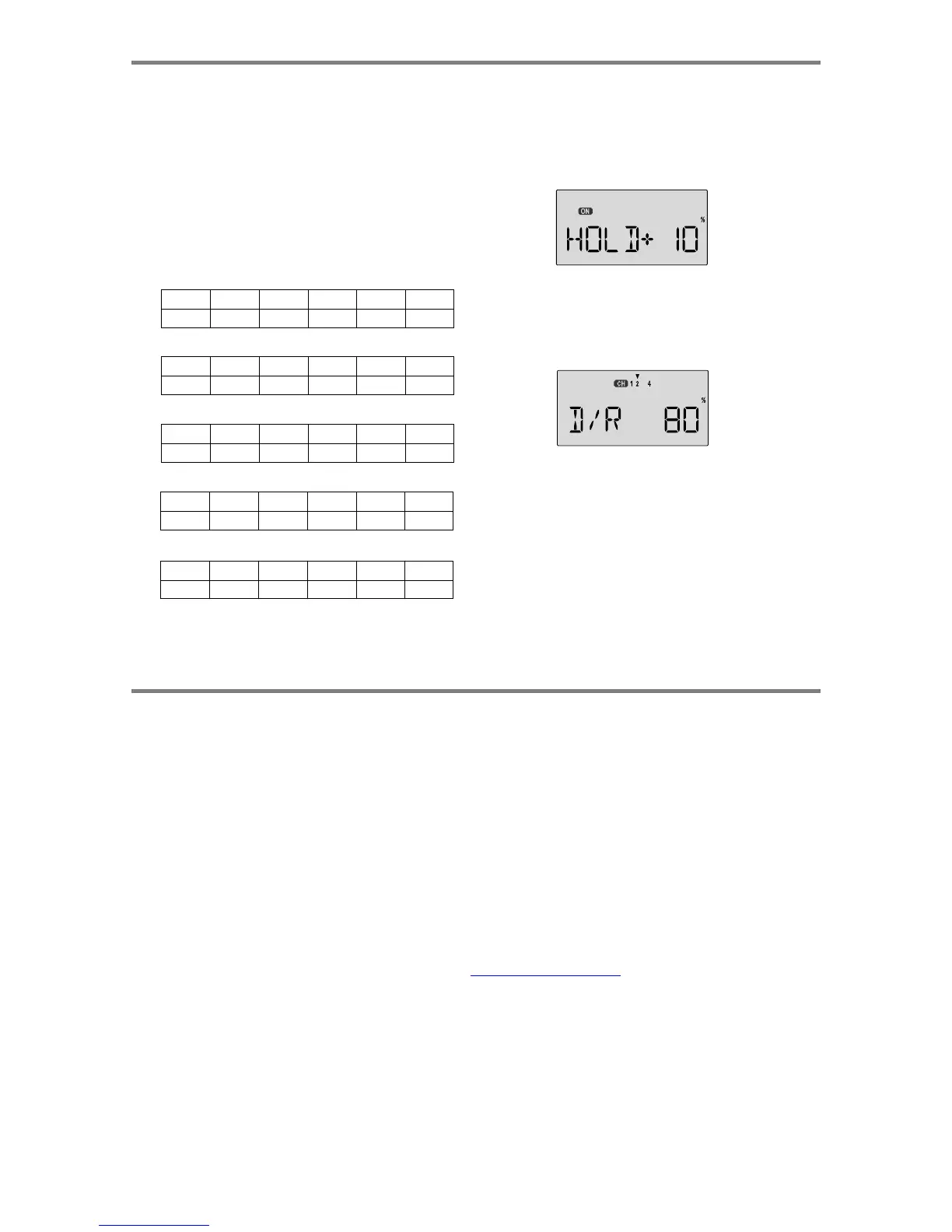
24.
Throttle
Hold
Setting
.
Throttle
hold
(
HOLD
)
commands
the
throttle
to
a
preset
position
near
idle
and
disconnects
it
from
pitch
when
activated.
Move
to
the
HOLD
menu
and
move
the
SW-1
.
switch
to
the
forward
position.
Set
the
hold
position
to
maintain
engine
speed
safely
above
idle
without
engaging
the
main
rotor
clutch.
Here
are
some
suggested
starting
settings
if
your
instructions
do
not
provide
any:
Throttle
Curve
ST1
Point
1
(low)
2
3
4
5
(high)
%
50
38
50
75
100
Throttle
Curve
ST2
Point
1
(low)
2
3
4
5
(high)
%
100
50
38
50
100
25.
Dual
Rate
Settings
.
If
you
find
that
your
aileron
and
elevator
controls
are
too
sensitive,
you
may
set
dual
rates
to
reduce
them.
Use
the
dual
rate
(
D/R
)
window
to
adjust
them
to
the
desired
amount
of
response
when
the
switch
is
flipped.
Pitch
Curve
ST1
Point
1
(low)
2
3
4
5
(high)
Pitch
-4
deg.
+0.5
+6.0
+7.5
+9.0
Pitch
Curve
ST2
Point
1
(low)
2
3
4
5
(high)
Pitch
-9
deg.
-6.0
0
6.0
9
or
10.0
This
is
only
a
brief
introduction
to
the
setup
procedure
for
helicopters.
Be
sure
to
browse
through
the
pages
following
this
example
to
see
the
details
about
the
menus
for
helicopters.
Pitch
Curve
ST3
(
HOLD
)
Point
1
(low)
2
3
4
5
(high)
Pitch
-4
deg.
--
+6.5
--
+12
Menu
Descri
p
tions
-
Helico
p
te
r
Helicopter
Flight
Conditions
Your
Optic
system's
HELI
menu
provides
three
flight
modes
in
addition
to
the
normal
one
(NOR).
Within
each
condition,
you
may
program
an
independent
set
of
dual
rates,
exponentials,
throttle
and
pitch
curves,
revolution
mixing,
and
gyro
gain.
In
the
HELI
menus,
these
are
automatically
called
up
whenever
you
switch
to
a
new
condition.
NOR
is
intended
for
hovering
flight.
ST1
may
be
used
for
forward
flight
and
mild
aerobatics,
ST2
may
be
used
for
inverted,
and
ST3
is
used
for
autorotations
as
it
includes
a
throttle
hold
feature
which
disengages
the
throttle
servo
from
collective
commands.
These
conditions
are
activated
wheneve
r
the
model
memory
is
chosen
to
be
HELI
type.
The
defaults
for
the
switches
controlling
these
flight
conditions
are
as
follows:
-
NOR:
ON
when
Flt.
Mode
(SW-4)
Switch
is
FORWARD
.
-
ST1:
ON
when
Flt.
Mode
(SW-4)
Switch
CENTER
.
-
ST2:
ON
when
Flt.
Mode
(SW-4)
Switch
is
AFT.
-
ST3:
ON
when
SW-1
is
DOWN
.
Men
u
Description
s
-
Helicopter
-
Pa
g
e
49

Table of Contents

Other manuals for HITEC OPTIC 6

Related product manuals