EasyManua.ls Logo

HITEC OPTIC 6 - LAND - Landing Function

HITEC OPTIC 6
60 pages
Print Icon
To Next Page IconTo Next Page
To Previous Page IconTo Previous Page
Loading...
For more information - www.modelflight.com.au
A
ir
p
lane
Model
Function Descri
p
tions
4.
To
get
to
the
second
aileron
travel
setting,
press
the
Cursor
Right
key.
The
small
triangle
is
now
displayed
above
the
numeral
5
,
indicating
the
flap
channel.
You
may
input
any
desired
flap
travel
with
the
Data
+Increase
and
-Decrease
keys.
The
default
is
0%,
and
you
may
set
this
anywhere
from
-100
to
+100%
(check
that
there
is
no
binding
with
large
flap
deflections
and
aileron
commands).
With
flaperons,
large
motions
should
also
be
avoided
because
of
reduced
aileron
effectiveness.
You
may
return
to
the
0%
settings
by
hitting
the
Active/Inhibit
(Clear)
key.
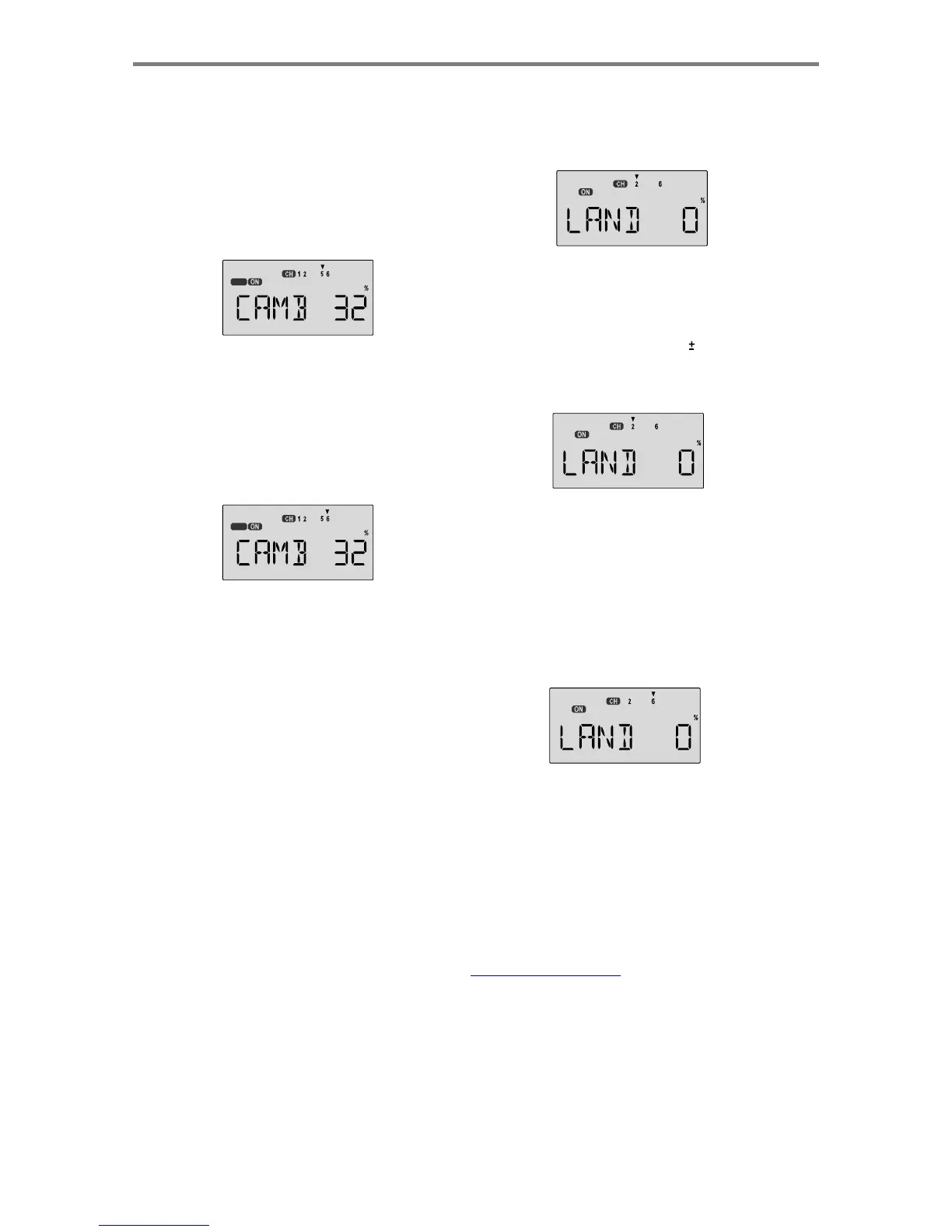
Setting up Landing function
1.
Use
the
Edit
Up
Down
arrow
keys
to
select
the
LAND
window.
Depending
on
the
position
of
the
landing
switch,
the
display
will
show
a
flashing
OFF
or
ON
.
The
Flt.
Mode
(SW-4)
switch
turns
on
LAND
when
all
the
way
AFT
.
OFF
5.
To
get
to
the
flap
travel
setting,
press
the
Cursor
Right
key.
The
small
triangle
is
now
displayed
above
the
numeral
6
,
indicating
the
flap
channel.
You
may
input
any
desired
flap
travel
with
the
Data
+Increase
and
-Decrease
keys.
The
default
is
0%,
and
you
may
set
this
anywhere
from
-100
to
+100%
(check
that
there
is
no
binding
with
large
flap
deflections
and
aileron
commands).
You
may
return
to
the
0%
settings
by
hitting
the
Active/Inhibit
(Clear)
key.
2.
First
the
amount
of
elevator
offset
is
programmed.
A
small
arrow
is
displayed
over
the
numeral
2
(representing
elevator).
You
may
adjust
the
amount
of
travel
with
the
Data
+Increase
and
-Decrease
keys.
You
may
use
anywhere
between
-100%
and
+100%,
but
a
small
value
of
10%
or
less
is
the
recommended
starting
value.
Be
careful
as
this
has
a
very
powerful
effect
on
the
model's
trim.
Press
the
Active/Inhibit
(Clear)
key
if
you
wish
to
reset
to
0%.
OFF
Note:
At
first,
be
very
cautious
using
the
CAMB
function
when
you
are
flying
slowly,
as
there
could
be
a
loss
of
roll
authority.
Check
out
how
it
works
at
high
altitude
first.
3.
To
get
to
the
flap
travel
setting,
press
the
Cursor
Right
key.
The
small
triangle
is
now
displayed
above
the
numeral
6
,
indicating
the
flap
channel.
You
may
input
any
desired
flap
travel
with
the
Data
+Increase
and
-Decrease
keys.
The
default
is
0%,
and
you
may
set
this
anywhere
from
-100
to
+100%
(check
that
there
is
no
binding
with
large
flap
deflections
and
aileron
commands).
With
flaperons,
large
motions
should
also
be
avoided
because
of
reduced
aileron
effectiveness.
You
may
return
to
the
0%
settings
by
hitting
the
Active/Inhibit
(Clear)
key.
LAND
-
Landing
Function
The
LAND
function
simultaneously
moves
the
flap
and
elevator
servos
to
defined
positions
to
help
make
steep
descents
or
limit
airspeed
in
dives.
The
controls
move
to
the
defined
positions
by
flipping
the
FLT
MODE
SW-4
switch
fully
AFT
.
If
your
model
has
a
single
flap
servo
on
CH6,
the
flap
is
dropped.
If
flaperons
are
active,
you'll
want
to
raise
both
to
prevent
tip-stalling
with
some
up-elevator
to
compensate,
but
you
may
want
to
experiment
with
small
values
of
down
flaperons
to
slow
the
model
down.
Use
the
elevator
offset
to
maintain
pitch
trim
when
the
landing
function
is
turned
on.
Note:
At
first,
be
very
cautious
using
the
LAND
function
when
you
are
flying
slowly,
as
there
could
be
a
loss
of
roll
authority.
Check
out
how
it
works
at
high
altitude
first.
A
ir
p
lane
Mode
l
Function
Descri
p
tion
s
-
Pa
g
e
33

Table of Contents

Other manuals for HITEC OPTIC 6

Related product manuals