Black plate (38,1)
Holden WM Caprice Owner Manual (MY12.5) - 2012 - CRC 1st Edition - 6/28
12
5-38 Instruments and Controls
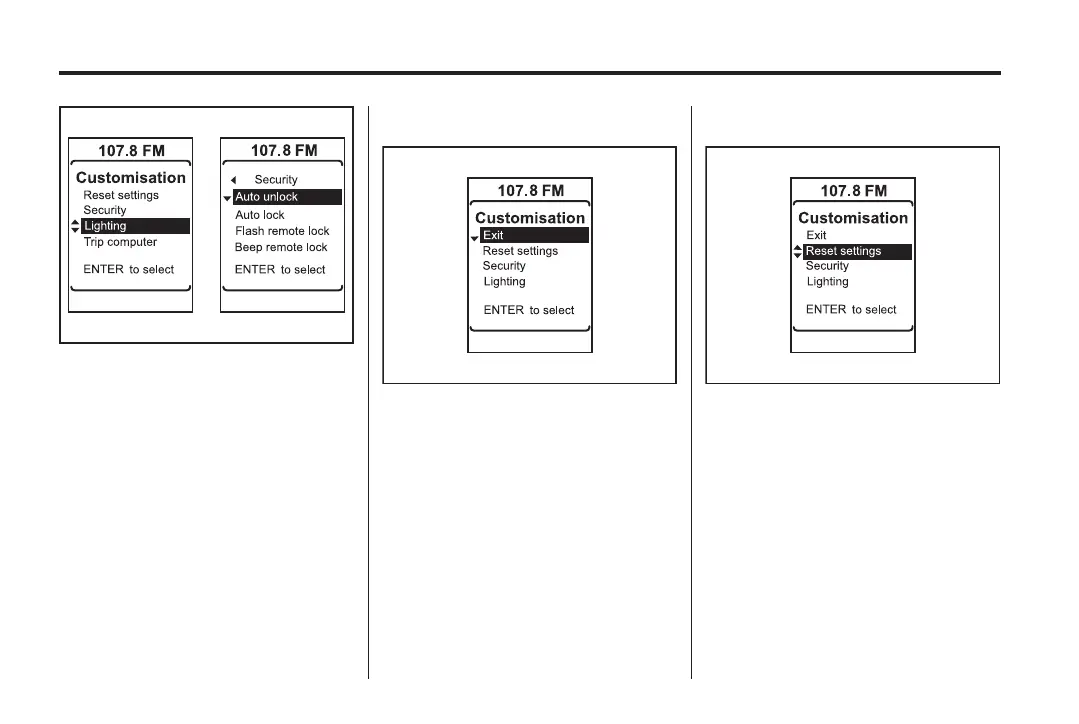
1. Rotate ▲ or ▼ to scroll through
and highlight the menu items.
2. Press the ENTER button to
make a selection.
3. Scroll to ◄ and press the
ENTER button to go up/back a
menu level.
Help screens
A help screen will display a few
seconds after each menu item is
selected.
Exiting the Customisation menu
To exit from the
Customisation menu:
1. Navigate to Exit and press the
ENTER button.
2. Press TRIP and revert to the trip
computer display.
3. Drive the vehicle at more than
10 km/h.
4. Turn the ignition off (only if
stationary).
Resetting the settings
To reset all settings to the default:
1. Navigate to Reset settings.
2. Press the ENTER button.
3. Rotate ▲ or ▼ to highlight Yes
or No.
4. Press the ENTER button to
confirm the reset.



 To Next Page
 Loading...



