Black plate (2,1)
Holden WM Caprice Owner Manual (MY12.5) - 2012 - CRC 1st Edition - 6/28
12
6-2 Lighting
Headlight High/Low-Beam
Changer
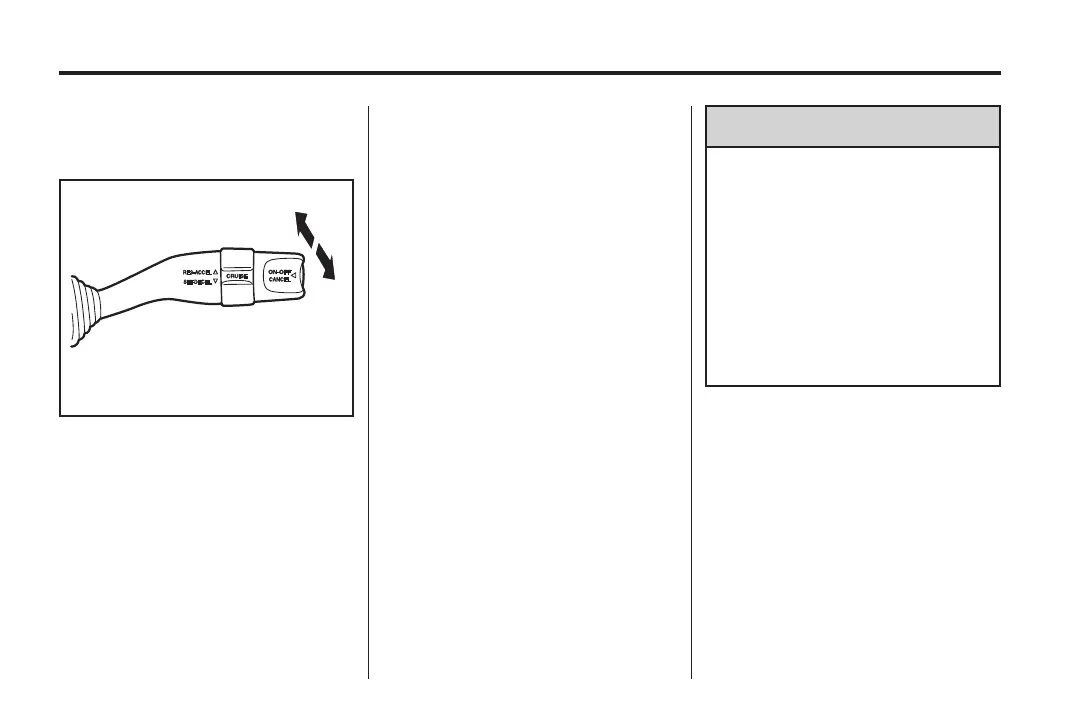
To activate high beam:
.
With the headlights on, push the
lever towards the front of vehicle
until it clicks, then release.
.
The high beam indicator light 3
illuminates on the instrument
panel.
To return to low beam:
.
Pull the lever towards the rear of
the vehicle.
To flash the high beam lights:
.
Pull the lever towards the rear of
the vehicle and release.
.
The high beam lights can be
flashed even if the headlights
and/or ignition are off.
Automatic Headlight
System
When the light control is in the
AUTO position, the headlights and
parking lights switch off and on
automatically depending on the
ambient light.
Note:
.
Keepthesensorcleananddo
not cover it. See Instrument
Panel Overview on page 5‑2.
.
The headlights, parking lights,
reverse lights and puddle lamps
are activated by the approach
lighting feature. See Entry
Lighting on page 6‑ 6.
{
WARNING
The automatic headlight sensor
cannot replace the driver’s
personal judgement of the
prevailing light conditions. For
example, the sensor is unable to
detect foggy conditions.
In situations such as this, set the
light switch to
2, otherwise your
safety and that of other road
users could be endangered.
.
Do not leave the headlights or
parking lights on when the
engine is not running.
.
To prevent the battery running
flat, the headlights and parking
lights switch off when t he ignition
is turned to the lock position.
The lights st ay off until the
ignition is turned on or the lights
are switched on using the light
control.



 To Next Page
 Loading...



