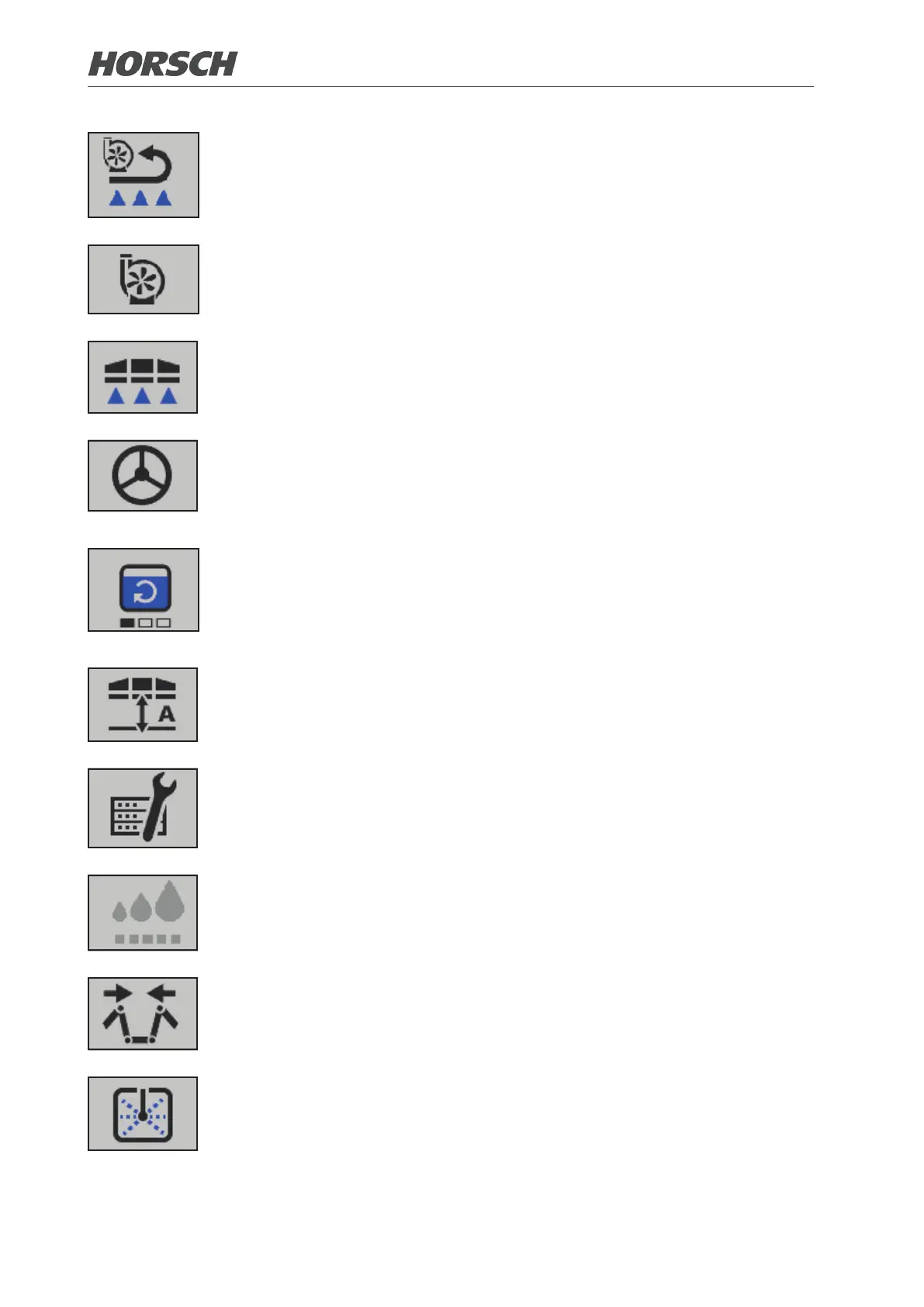
Switchingcirculation on or o
¾ If the crop protection sprayer is connected with active Section Control, an A
is displayed on the symbol of circulation.
¾ Machines of the CCS Pro variant
Switching the pump for circulation on or o
¾ Machines of the CCS variant
Opening / closing nozzles
Switching steering to road or eld mode (optional).
Switching the agitator on or o (possible only for machines of the CCS Pro
variant via terminal)
¾ In the Fill spraying mixture container submenu the agitator can be set to 4 levels
of intensity by touching the symbol or the button. The agitator is switched
one level higher with each touch. See 3.2.12
Switch the folding boom control on or o (optional)
¾ Adjustment of the folding boom control, see 3.2.1
Diagnostics / Settings / Information
¾ Submenu, see 3.2.20
Adjusting the drop size (optional)
¾ The drop size is set one unit larger each time the eld is touched.
Wings
¾ Submenu, see 3.2.2
Cleaning
¾ Submenu for machines of variant CCS Pro, see 3.2.3
¾ Submenu for machines of variant CCS, see 3.2.4
¾ Submenu for machines of variant ECO, see 3.2.5
8 9



 To Next Page