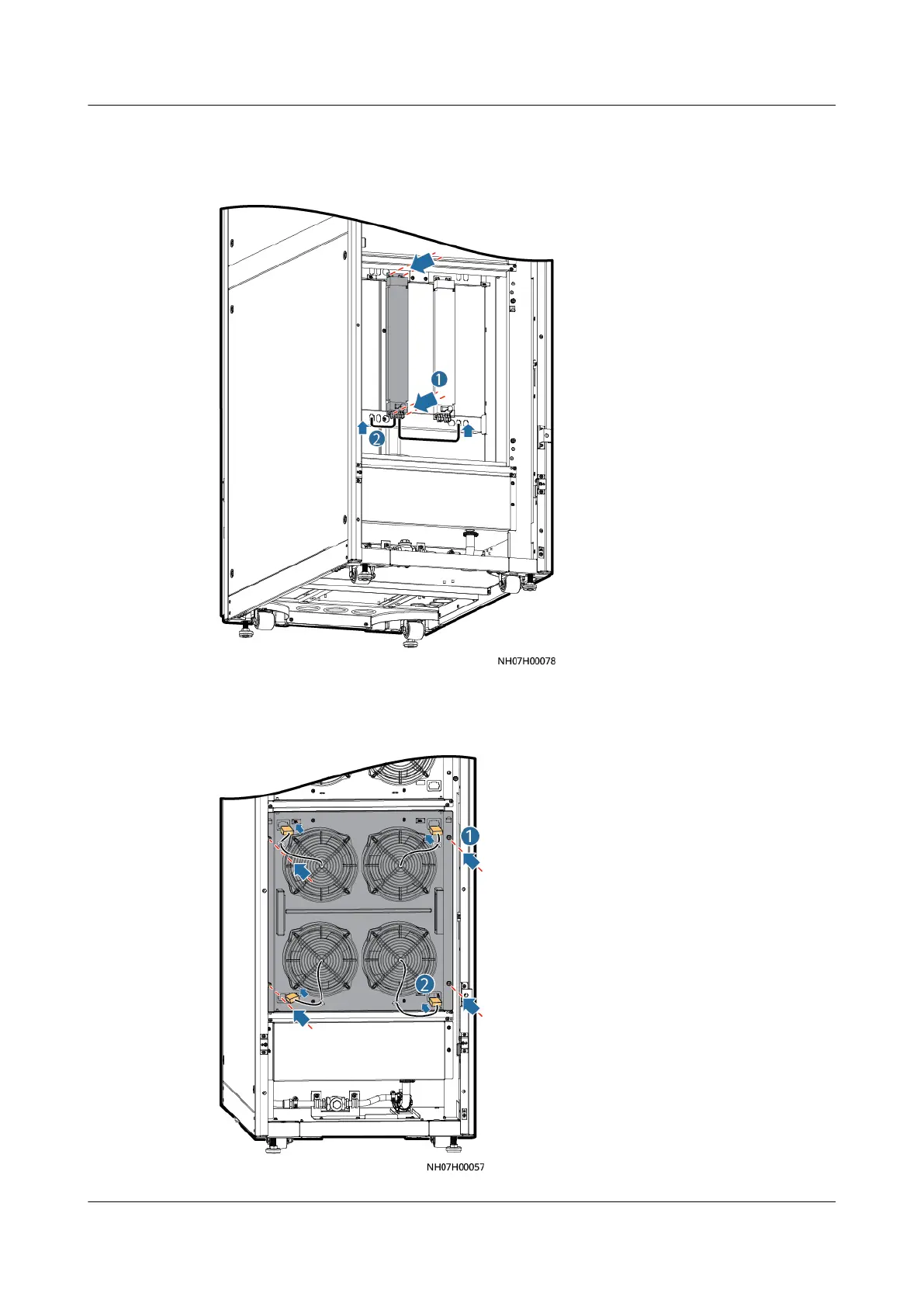
Step 5 Install the new electric heater in the reverse order of the removal.
Figure 11-48 Installing a new electric heater
Step 6 Install the fan support and connect the terminals.
Figure 11-49 Installing a fan support
NetCol5000-A050 In-row Air Cooled Smart Cooling
Product
User Manual 11 Parts Replacement
Issue 08 (2021-09-17) Copyright © Huawei Technologies Co., Ltd. 290



 To Next Page