v 1.0 — February 2020 Altanium Matrix5
224 Install the Dual Touch Monitor
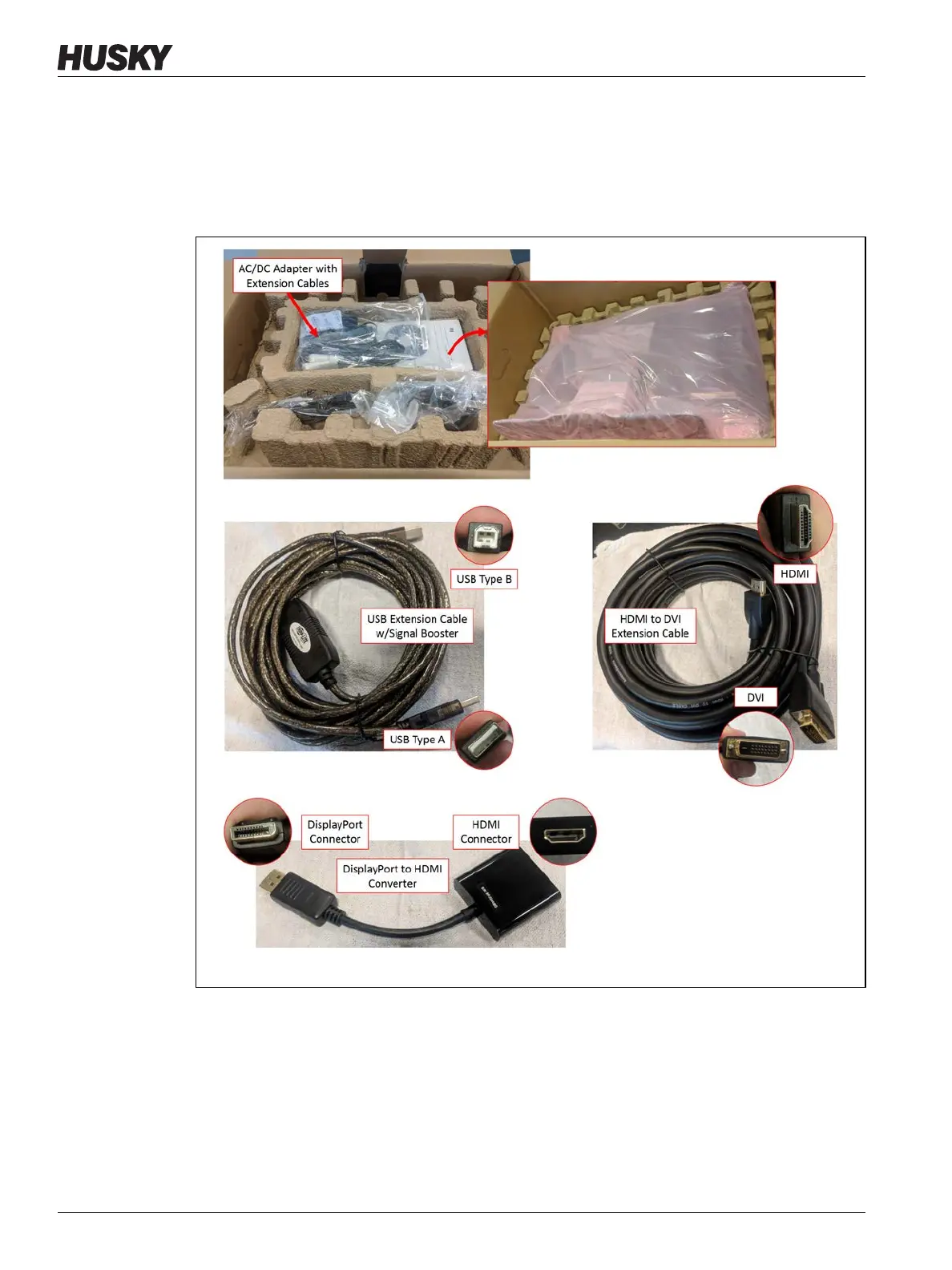
3. Find and unpack the items that follow (refer to Figure 15-37):
• Secondary touch monitor with the AC/DC adapter and extension cables
• USB extension cable with signal booster
• HDMI to DVI extension cable
• DisplayPort to HDMI converter
Figure 15-37 Dual Touch Monitor Install - Unpack



 To Next Page