114
11
PRIORITY WATCH
D DR mode/VFO watch
q Select the VFO mode; then, set an operating frequency.
w Push [DR] to enter the DR mode.
e Select the access repeater to be watched.
For a specific repeater watch:
Select the desired access repeater.
For repeater scan watch:
Push and hold [SCAN](V/MHz) for 1 sec. to start the ac-
cess repeater scan.
r Enter “PRIO” in SCAN set mode.
MENU ¶ SCAN ¶ PRIO
(p. 121)
(Push [MENU ]), (Push [](2)/[](8), then push [ ](5).)
t Rotate [DIAL] to select “ON.”
• Select “BELL” if the priority beep function is desired.
y Push [MENU ] to exit SCAN set mode and start the
watch.
• “PRIO” indicator appears.
• The transceiver checks the VFO mode every 5 sec.
• The watch resume according to the selected scan resume con-
dition. (p. 110)
u Push [V/MHz] to cancel the watch.
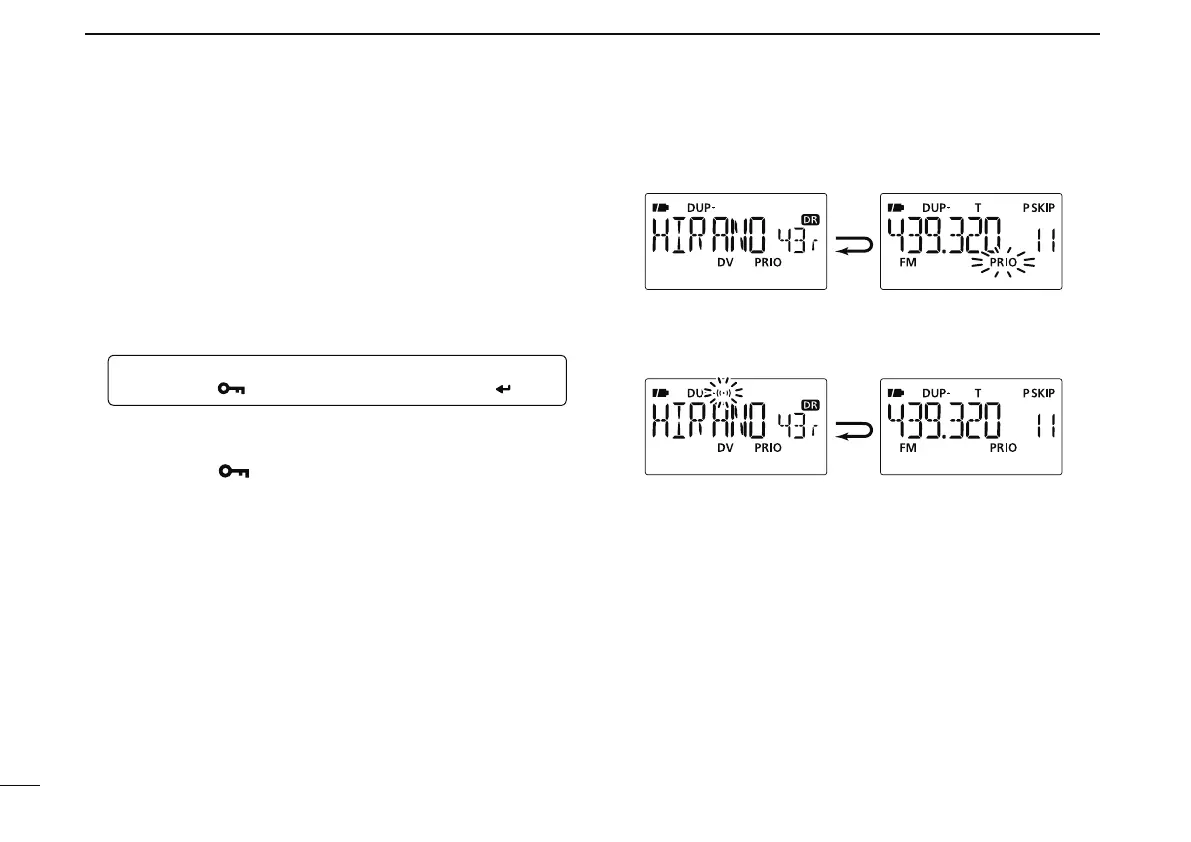
Monitors DR mode
for 5 sec.
Pauses on a VFO mode
when a signal is received.
• During priority watch
Emits beep and blinks “S” indicator when a signal is
received on a VFO mode.
• During priority watch with priority beep



 To Next Page