75
7
DV MODE OPERATION
1
2
3
4
5
6
7
8
9
10
11
12
13
14
15
16
17
18
19
D Transmission condition setting
q Enter “DATATX” in DV SET mode.
MENU ¶ DV SET ¶ DATATX
(p. 132)
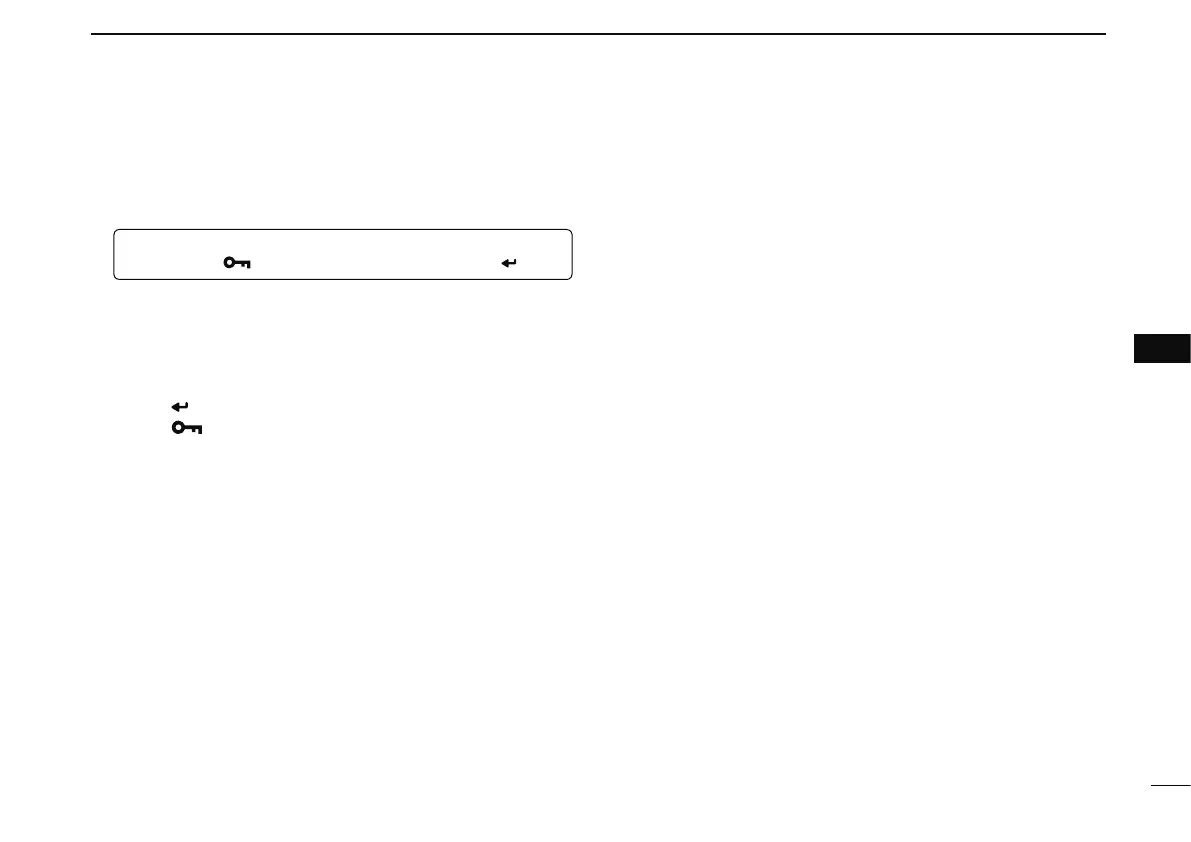
(Push [MENU ]), (Push [](2)/[](8), then push [ ](5).)
w Push [](2) or [](8) to select “PTT” or “AUTO.”
PTT : The input data from [DATA] are transmitted when
pushing [PTT].
(default)
AUTO : The input data from [DATA] are transmitted auto-
matically when the data are input.
e Push [
](5) to return to DV SET mode, and push
[MENU ] to return to the frequency screen.



 To Next Page