38
6
DV MODE PROGRAMMING
t Repeat step r to enter the desired station call sign.
• Up to an 8 digit call sign can be set.
• If an unwanted character is entered, push [](6) or [](4) to
select the character, then push [CLR](1) to erase the selected
character, or push and hold [CLR](1) for 1 sec. to erase all char-
acters following the cursor.
y Push [ ](5) to store the programmed call sign and return
to UR call sign screen.
u Push [MENU ] to return to the frequency screen.
For your information
The IC-E80D has a call sign edit record function.
When editing a call sign stored in a call sign memory (or reg-
ular memory/call channel), the default setting is to store the
edited call sign into a blank channel automatically. (When all
call sign memories are already programmed, the edited call
sign will overwrite the selected channels call sign.)
The programmed call sign can be over-written when the set-
ting of “EDIT R” (Edit record) is set to OFF or SEL.
(p. 134)
However, you must manually over-write a reprogrammed call
sign in regular memory/call channels (temporary operation
without over-writing is possible).
D Current repeater call sign programming
“RPT1” or “RPT2” can store current call sign only, and re-
peater call signs must be stored in the repeater list
(p. 39)
.
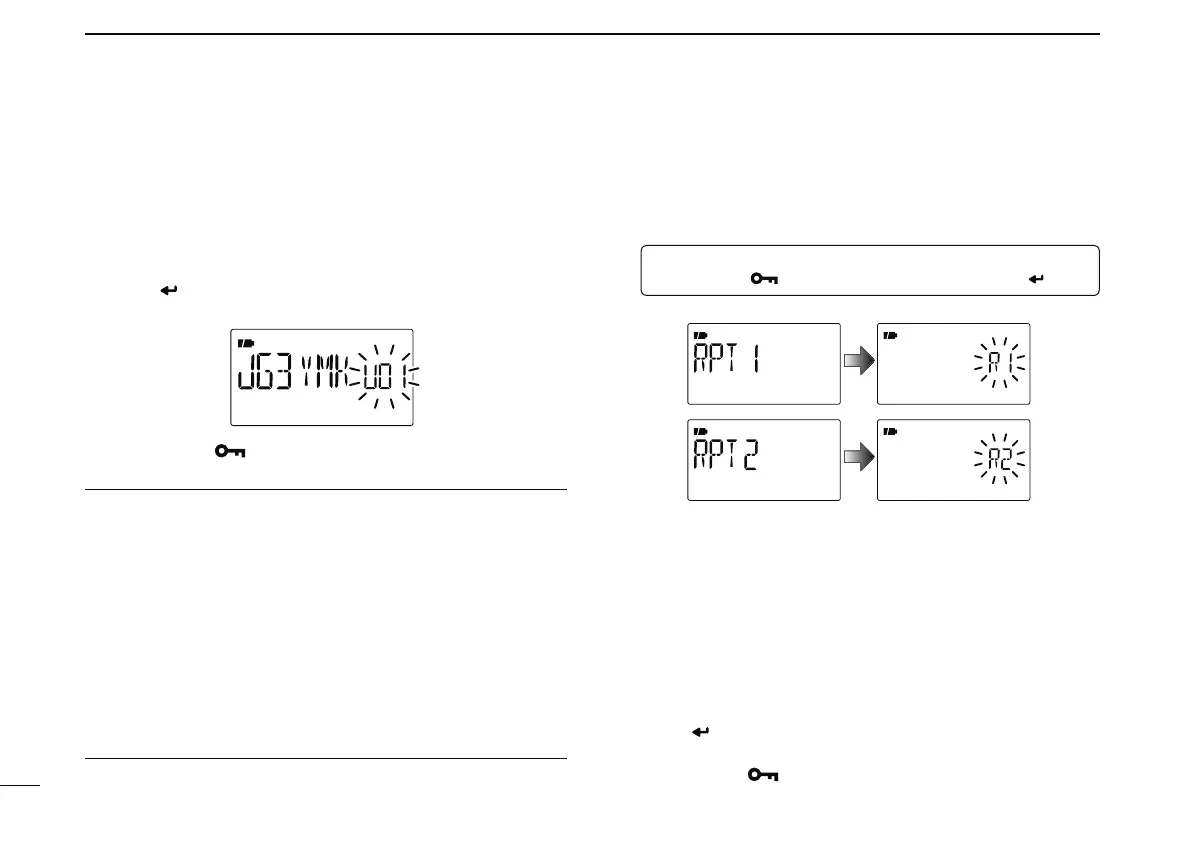
q Enter “RPT1” or “RPT2” in call sign screen.
MENU ¶ CALL-S ¶ RPT1 or RPT2
(Push [MENU ]), (Push [](2)/[](8), then push [ ](5).)
• RPT1/RPT2 call sign screen is displayed.
w Push [](6) to enter call sign programming mode.
• The 1st digit blinks.
e Push [](2) or [](8) to select the desired character or code.
• Push [](6) or [](4) to move the cursor right or left, respectively.
r
Repeat step e to enter the desired repeater call sign.
• Up to an 8 digit call sign can be set.
• If an unwanted character is entered, push [](6) or [](4) to
select the character, then push [CLR](1) to erase the selected
character, or push and hold [CLR](1) for 1 sec. to erase all char-
acters following the cursor.
t Push [ ](5) to store the programmed call sign and returns
to call sign screen.
y Push
[MENU ] to return to the frequency screen.



 To Next Page