86
8
GPS/GPS-A OPERATION
D GPS alarm setting in GPS memory channel
GPS alarm setting for a specified GPS memory channel is
available on GPS memory channel indication.
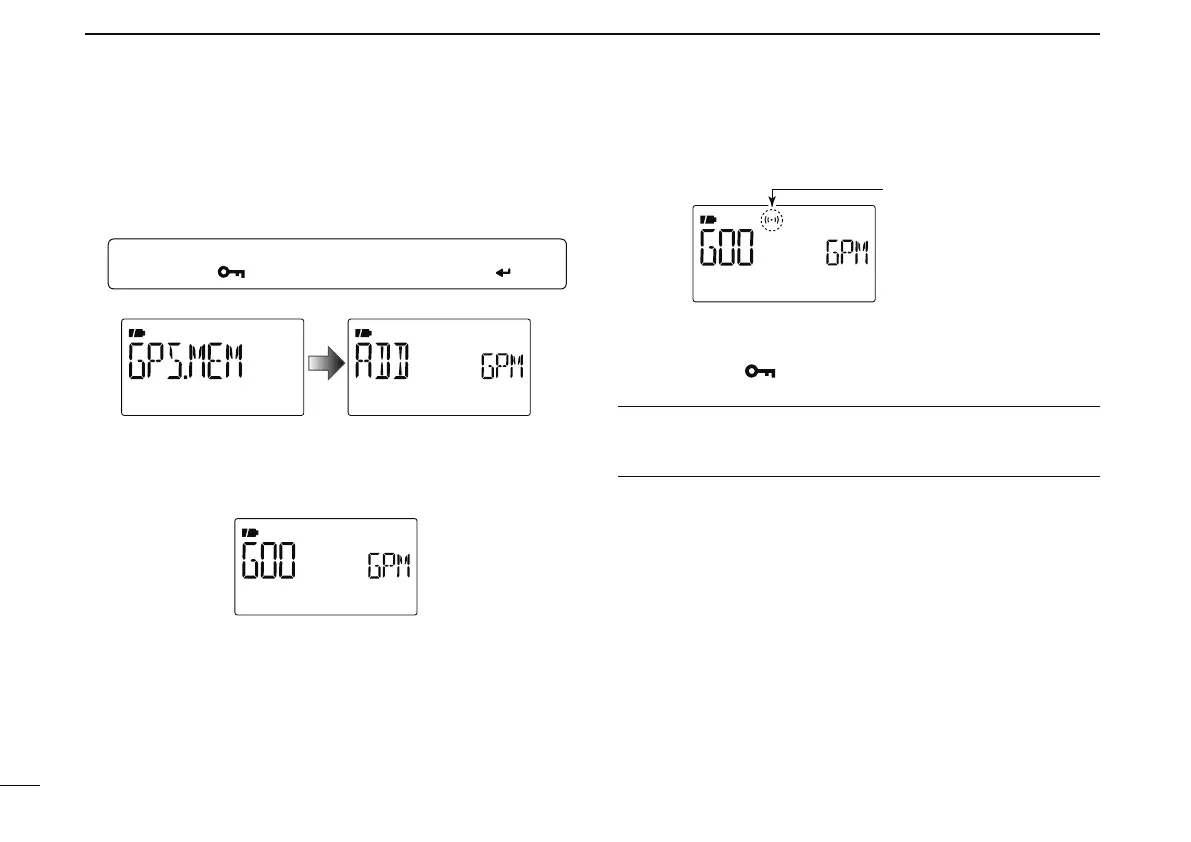
q Enter “GPS.MEM” in GPS mode.
MENU ¶ GPS ¶ GPS.MEM
(Push [MENU ]), (Push [](2)/[](8), then push [ ](5).)
• GPS memory selection screen is displayed.
w Push [](2) or [](8) to select the desired memory chan-
nel.
• Memory name or channel number appears when the channel
is selected.
e Push [M/CALL] to switch the alarm function ON or OFF.
r Push [ ](4) to return to GPS.MEM (GPS memory)
screen.
t Push
[MENU ] to return to the frequency screen.
For your information!
• When a memory channel is selected in step e, the alarm
function depends on “ALM1” setting in GPS mode (p. 88).



 To Next Page