10 User Guide
Creating a space heating demand with PRT [Halo Lite or
Third-Party Thermostat]
The space heating function will be controlled via the use of a
Halo Lite RF or equivalent PRT. Please refer to the instructions
supplied with the PRT to set the schedule. Non-Programmable
Room Thermostats cannot be used in conjunction with this
appliance.
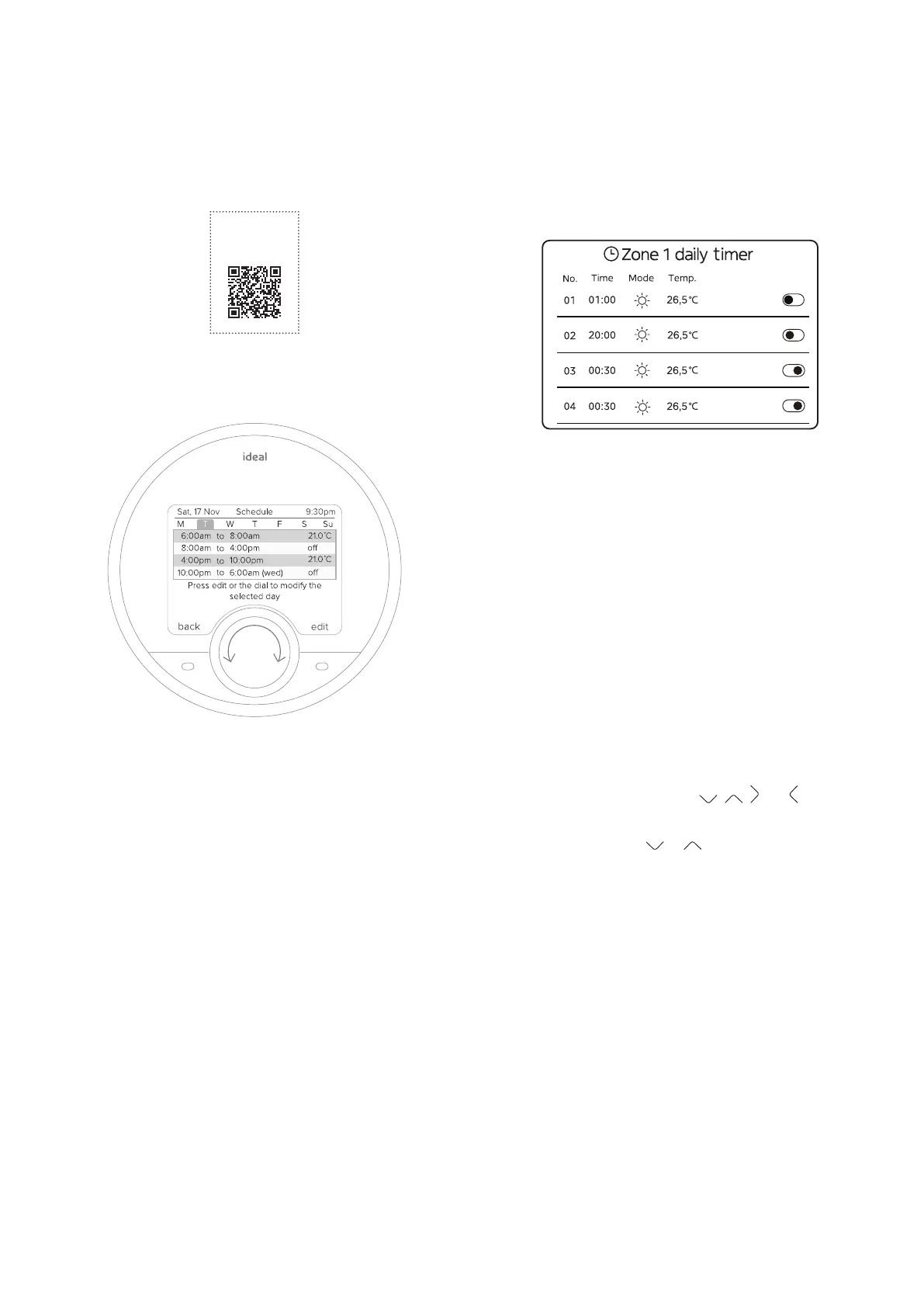
Creating a space heating demand with Ideal Controller
This section shows how to set the heating schedule using the
Ideal Controller where no programmable room thermostat is
present.
To change the setting:
To set the option to OFF, press O.
To set the option to ON, press O.
ⓘ IMPORTANT: For ON periods heat will be provided
using a ow temperature calculated from measured outside
temperature.
ⓘ IMPORTANT: For OFF periods no heat will be provided,
therefore ON periods should be set allowing sucient time
(multiple hours) for the correct room.
The second column is the times that the events will occur.
The third column shows if the heat demand is ON or OFF. The
Heat demand should only be ON for this application.
The temperature in the fourth column cannot be changed.
The temperature in the fourth column cannot be changed (it is
set automatically based on the outdoor temperature).
To scroll through the options select
, , and .
To select an option select O.
To change a setting select
or .
refer to Appendix 1.3 to 1.3.3.3 and 1.3.4 of the Installation
Instructions.
SCAN
for Halo Lite RF
User Guide
Figure 7. Halo Lite display



 To Next Page