Thermography System VarioCAM
®
HD
9. Introduction
User Manual © InfraTec GmbH 2016 81
For the firmware update, please proceed as follows:
■ Format a SDHC card
■ Copy the updates on the SDHC card
■ Connect VarioCAM
®
HD with the power supply
■ Charge VarioCAM
®
HD with full battery
■ Start VarioCAM
®
HD
■ Plug in the SDHC card with updates into the card slot
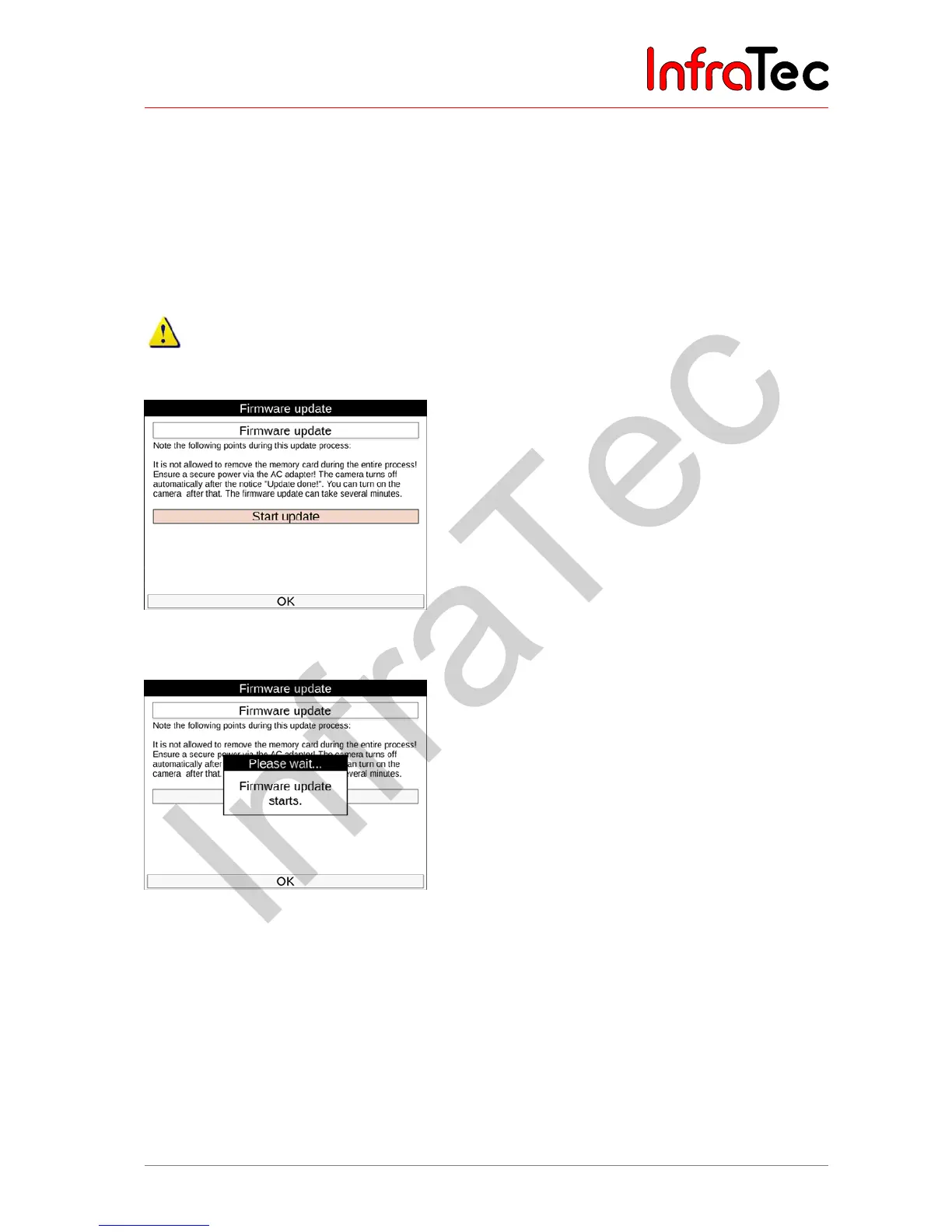
■ Select on the page “firmware update” Start Update and confirm with OK
Make sure you have a reliable power supply before you update your VarioCAM
®
HD: Connect the
camera with the wall wart and insert a fully charged battery. Please do not disconnect the camera from
the power supply during the update.
Fig. 194 Info – Start Firmware update
After starting the update, the following display appears:
Fig. 195 Info – Display content after start of the firmware update
During the firmware update, the whole screen turns black and the LED lamp on the camera starts blinking
in red:



 To Next Page