Thermography System VarioCAM
®
HD
9. Introduction
82 © InfraTec GmbH 2016 User Manual
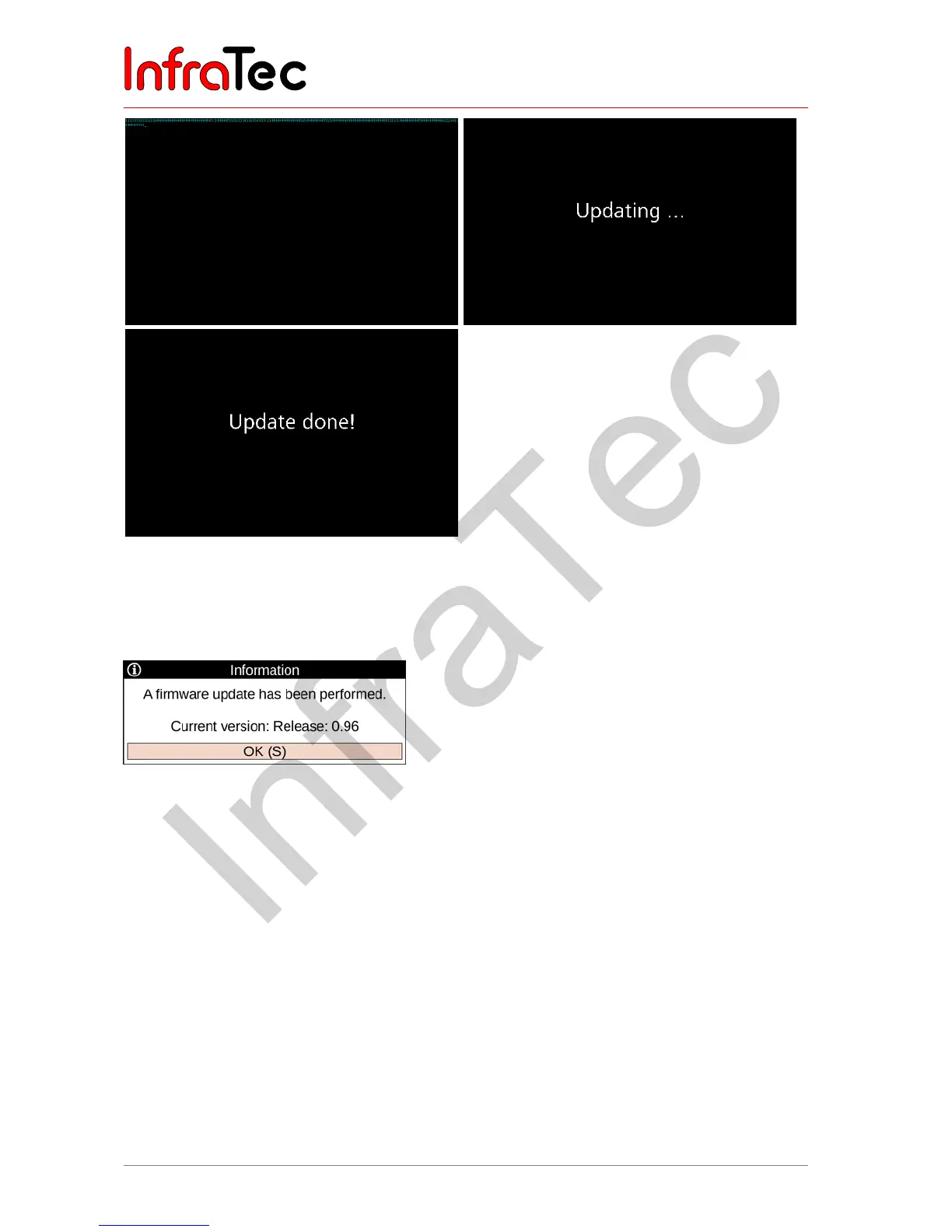
Fig. 196 Info – Display content during the firmware update
When the update is finished, the display „Update done!“ appears and the camera turns off automatically.
When the camera is rebooted after this update. an information field with the message the update was
successful shows up:
Fig. 197 Info – display after firmware update



 To Next Page