SKYZER TECHNOLOGIES PAGE 30 OF 97
INGENICO 5100 PAYMARK VERSION 6.0 OPERATING GUIDE Version 1.3
3.2.3 TCP-IP Configuration
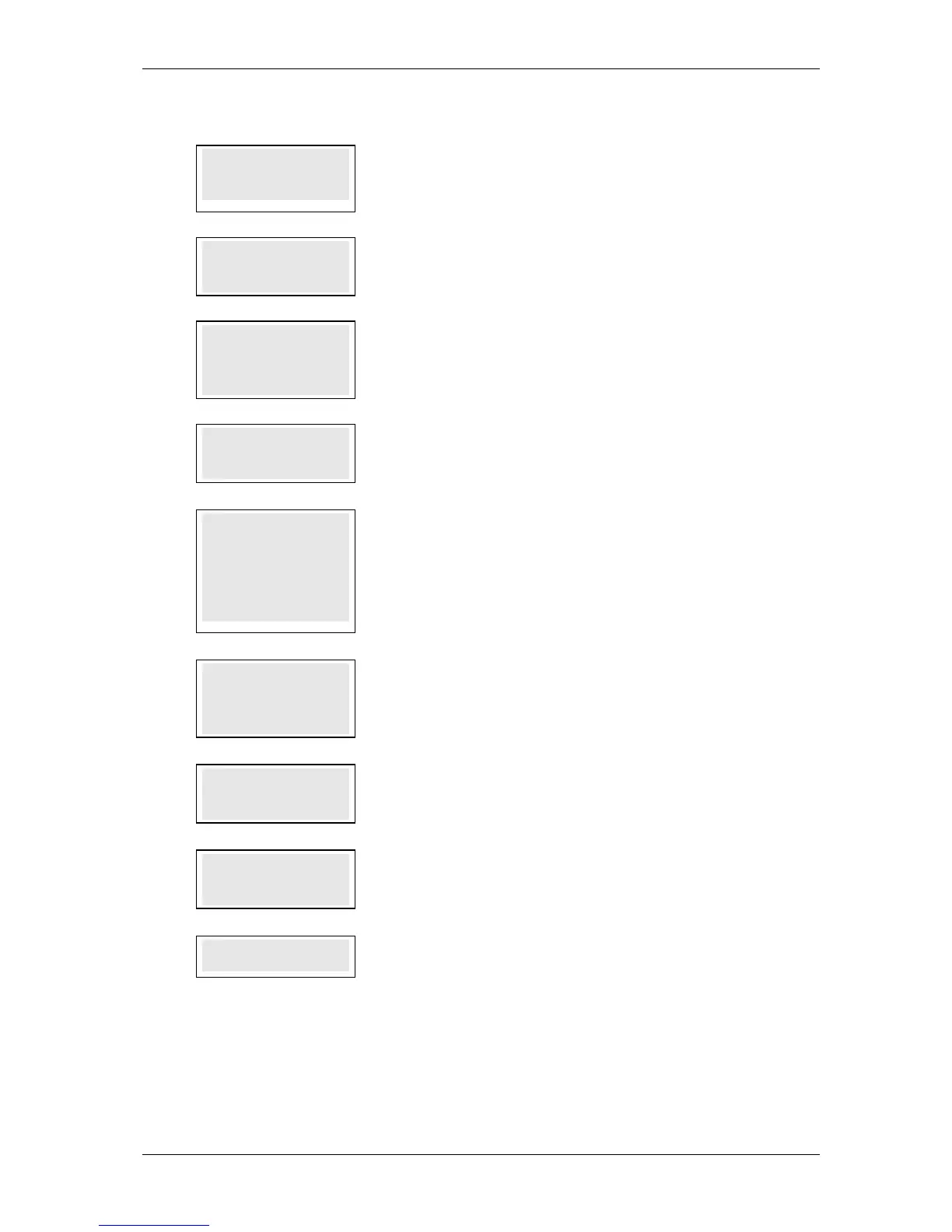
1.0
PRIMARY
PRIMARYPRIMARY
PRIMARY
HOST IP ADDRESS
HOST IP ADDRESSHOST IP ADDRESS
HOST IP ADDRESS
117.120.34.110
117.120.34.110117.120.34.110
117.120.34.110
This parameter specifies the Primary Host IP Address. By default, it is set to
117.120.34.110.
Press ENTER.
2.0
PRIMARY
PRIMARYPRIMARY
PRIMARY
HOST PORT
HOST PORTHOST PORT
HOST PORT
33876
3387633876
33876
This parameter specifies the Primary TCP/IP Port Number of Paymark IP Host.
3.0
SECONDARY
SECONDARYSECONDARY
SECONDARY
HOST IP ADDRESS
HOST IP ADDRESSHOST IP ADDRESS
HOST IP ADDRESS
117.120.32.110
117.120.32.110117.120.32.110
117.120.32.110
This parameter specifies the Secondary Host IP Address. By default, it is set to
117.120.32.110.
Press ENTER.
4.0
SECONDARY
SECONDARYSECONDARY
SECONDARY
HOST PORT
HOST PORTHOST PORT
HOST PORT
33876
3387633876
33876
This parameter specifies the Secondary TCP/IP Port Number of Paymark IP Host.
5.0
ENABLE DHCP Y/N
ENABLE DHCP Y/NENABLE DHCP Y/N
ENABLE DHCP Y/N
1
11
1-
--
-YES 2
YES 2YES 2
YES 2-
--
-NO
NONO
NO
Press the corresponding number key and press ENTER to set the IP address for the
terminal.
Option 1 – to allow the terminal to dynamically obtain its IP address and proceed
with step 7.0. By default option 1 is always selected
Option 2 – to enter in the static IP address for the terminal and proceed with step
4.0
6.0
TERM IP ADDRESS
TERM IP ADDRESSTERM IP ADDRESS
TERM IP ADDRESS
XXX.XXX.XXX.XXX
XXX.XXX.XXX.XXXXXX.XXX.XXX.XXX
XXX.XXX.XXX.XXX
Enter in the static IP address for the terminal.
Example: 192.10.1.14
Note: Press the FUNC key to insert a dot in between numbers.
7.0
SUBNET MASK
SUBNET MASKSUBNET MASK
SUBNET MASK
XXX.XXX.XXX.XXX
XXX.XXX.XXX.XXXXXX.XXX.XXX.XXX
XXX.XXX.XXX.XXX
Enter in the subnet mask for the static IP address.
Example: 255.255.255.0
8.0
GATEWAY IP ADDR
GATEWAY IP ADDRGATEWAY IP ADDR
GATEWAY IP ADDR
XXX.XXX.XXX.XXX
XXX.XXX.XXX.XXXXXX.XXX.XXX.XXX
XXX.XXX.XXX.XXX
Enter in the gateway IP address to forward the packets from.
Example: 192.10.1.1
9.0
SAVE CONFIG Y/N
SAVE CONFIG Y/NSAVE CONFIG Y/N
SAVE CONFIG Y/N
Terminal prompts to save configuration. Press ENTER to save configuration on the
terminal or press CLEAR to exit and return to idle screen.













 To Next Page