EasyManua.ls Logo

Invacare STORM - Page 19

Invacare STORM
125 pages
Print Icon
To Next Page IconTo Next Page
To Previous Page IconTo Previous Page
Loading...
18
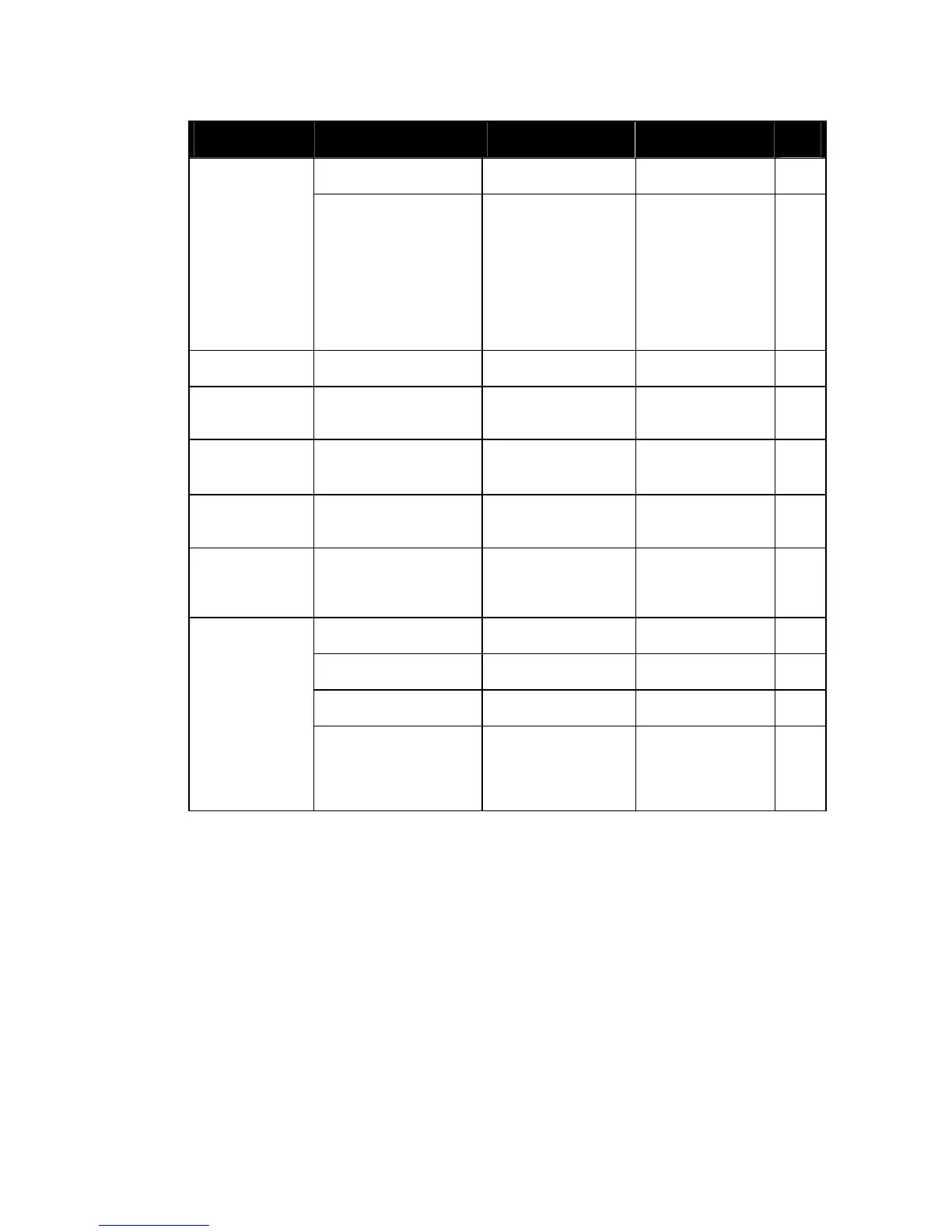
Component Check Remedy Notes
9
Motors
Check motors
See chapter 7.
Drive units,
clutch
mechanism
Check functions in
drive and push
modes
Check clutch
mechanism
Check carbon
brushes, replace if
necessary
Replace motor if
necessary.
Tighten
screws/nuts,
adjust or replace if
necessary
See chapters
8.17.1 and 8.17.2
Brakes
Inspect motor brake Check motor
brake
See chapter 7.2.
Legrests
Check welded
seams, interlocking,
screws, footplates
Tighten, replace if
necessary
Power legrests
(if fitted)
Check cable
Check contacts
check functions
Replace cable if
necessary
Lighting (if
fitted)
Check cable
Check function
Replace lamp or
cable if necessary
See chapter 8.2.
Battery
mounting
Check battery
support and
mounting belts for
damage
Replace if
necessary
Check batteries for
damage
Replace batteries
if necessary
See chapters 8.3.2
and 8.3.3
Check battery
voltage
Charge batteries
Check battery
voltage
Charge batteries
See operating
manual
Batteries
Check contacts and
terminals
Clean contacts
and terminals
Please refer to the
safety information
in chapter 8.3.2and
8.3.3 for handling
batteries

Table of Contents

Other manuals for Invacare STORM

Related product manuals