31
8 Repair work
8.1 Covers
8.1.1 Opening the rear cover panel
Refitting the front cover panel:
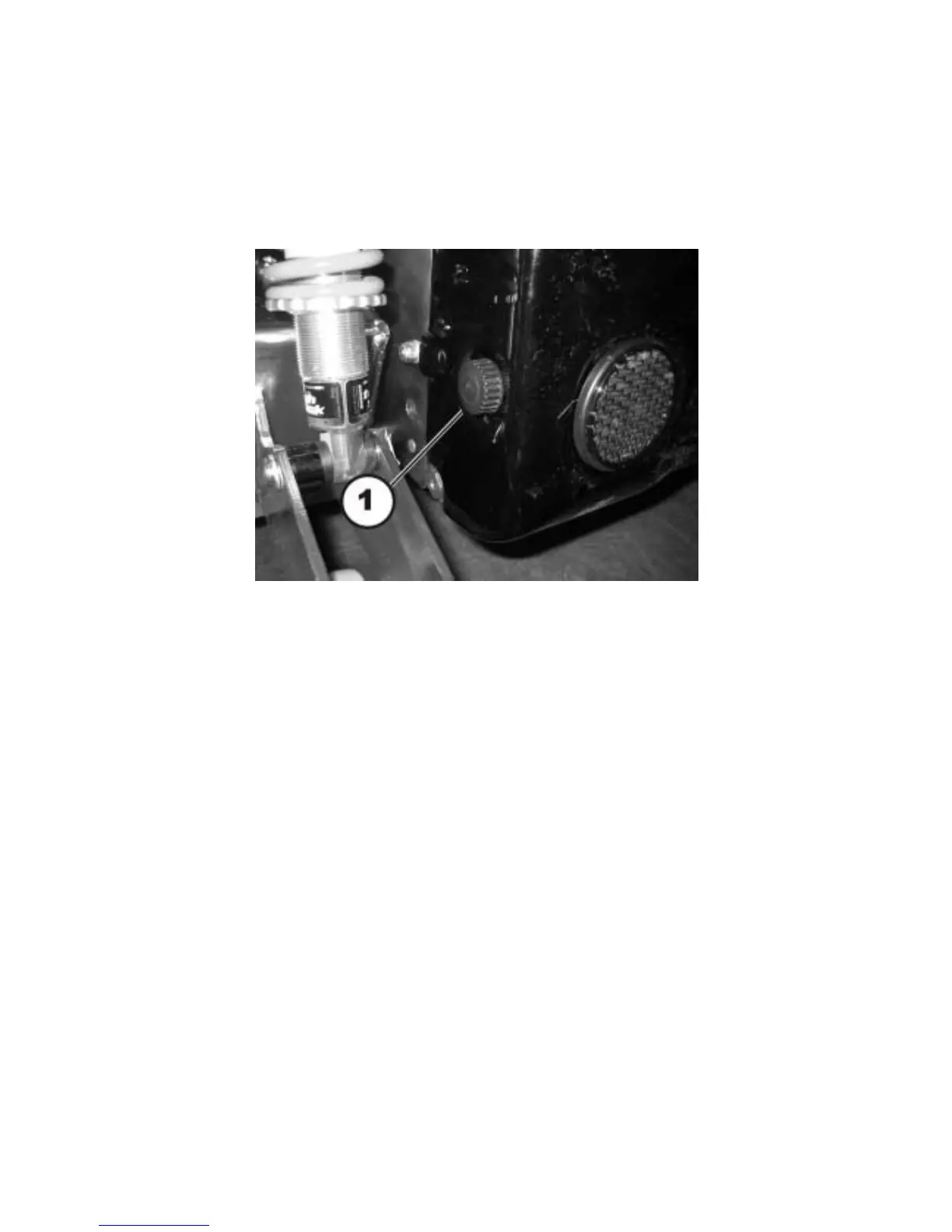
• Loosen and remove the two knurled thumb screws (1) on the left and right side of the rear
casing.
• Carefully raise the rear cover. The front part of the cover is held at the top by means of a
Velcro ® strip. You must also release this.
•
Refitting the rear cover panel:
• Refit the parts in reverse order.
• Tighten the knurled thumb screws hand-tight.






 To Next Page