94 Chapter 11 Settings
Managing Proles
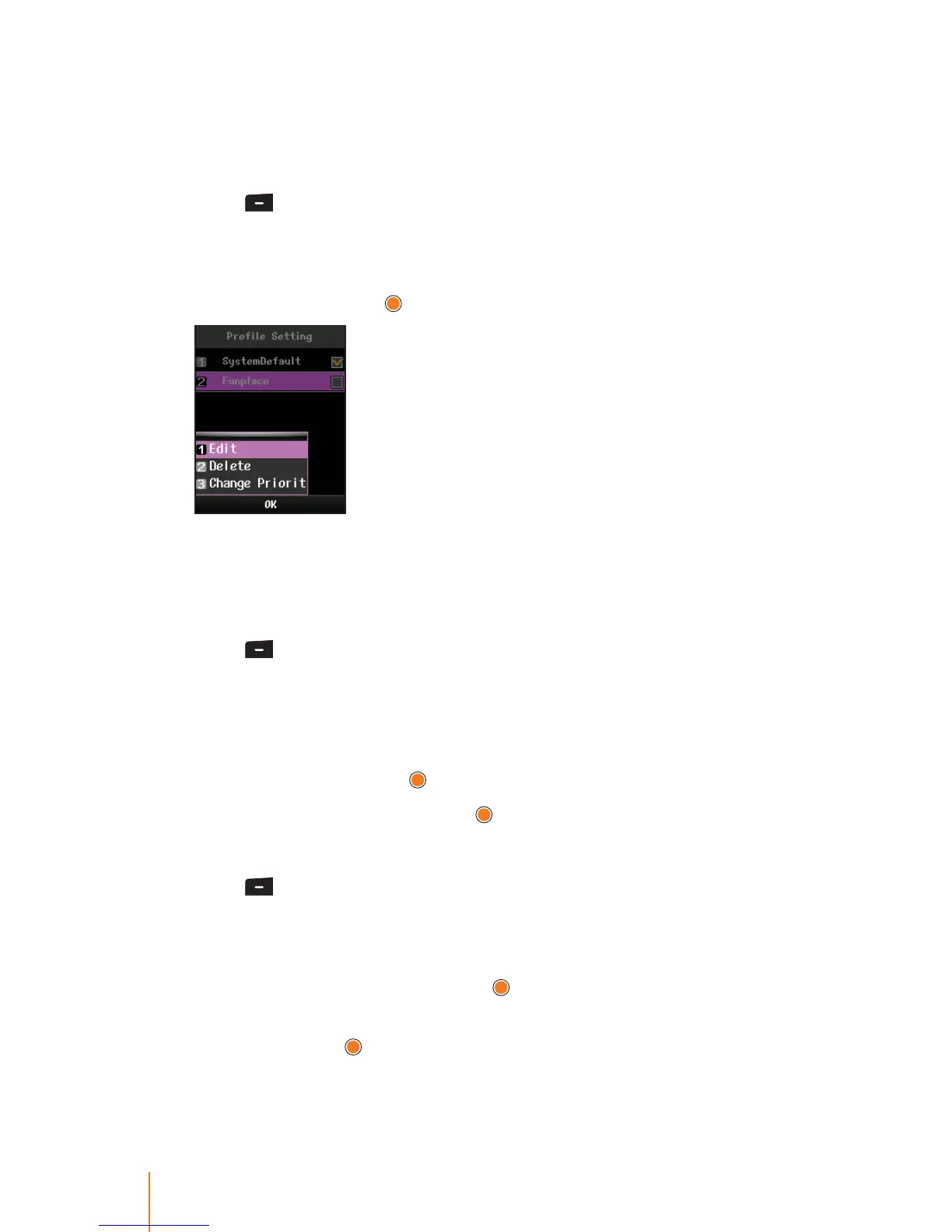
This menu allows you to edit, delete, and change priority proles.
To edit an existing prole:
1. Press > Settings > Prole Setting.
2. Select a prole you wish to edit.
3. Press Menu (left softkey) to display the options.
4. Select Edit and press
.
5. Involves the same steps as creating a new prole. Follow the ap-
plicable instructions in "To create a new prole" on page 87.
To delete a prole:
1. Press > Settings > Prole Setting.
2. Select a prole you wish to delete.
The system default prole can not deleted from the prole entry.
3. Press Menu (left softkey) to display the options.
4. Select Delete and press
.
5. Select Ye s to conrm and press
.
To change the priority of prole:
1. Press > Settings > Prole Setting.
2. Select a prole of which you wish to change the priority.
3. Press Menu (left softkey) to display the options.
4. Select Change Priority and press
.
5. To change the priority of a prole, select Priority Up or Priority
Down and press
.
Depending on the action chosen, the prole is moved up or down
the entry list.



 To Next Page