96 Chapter 11 Settings
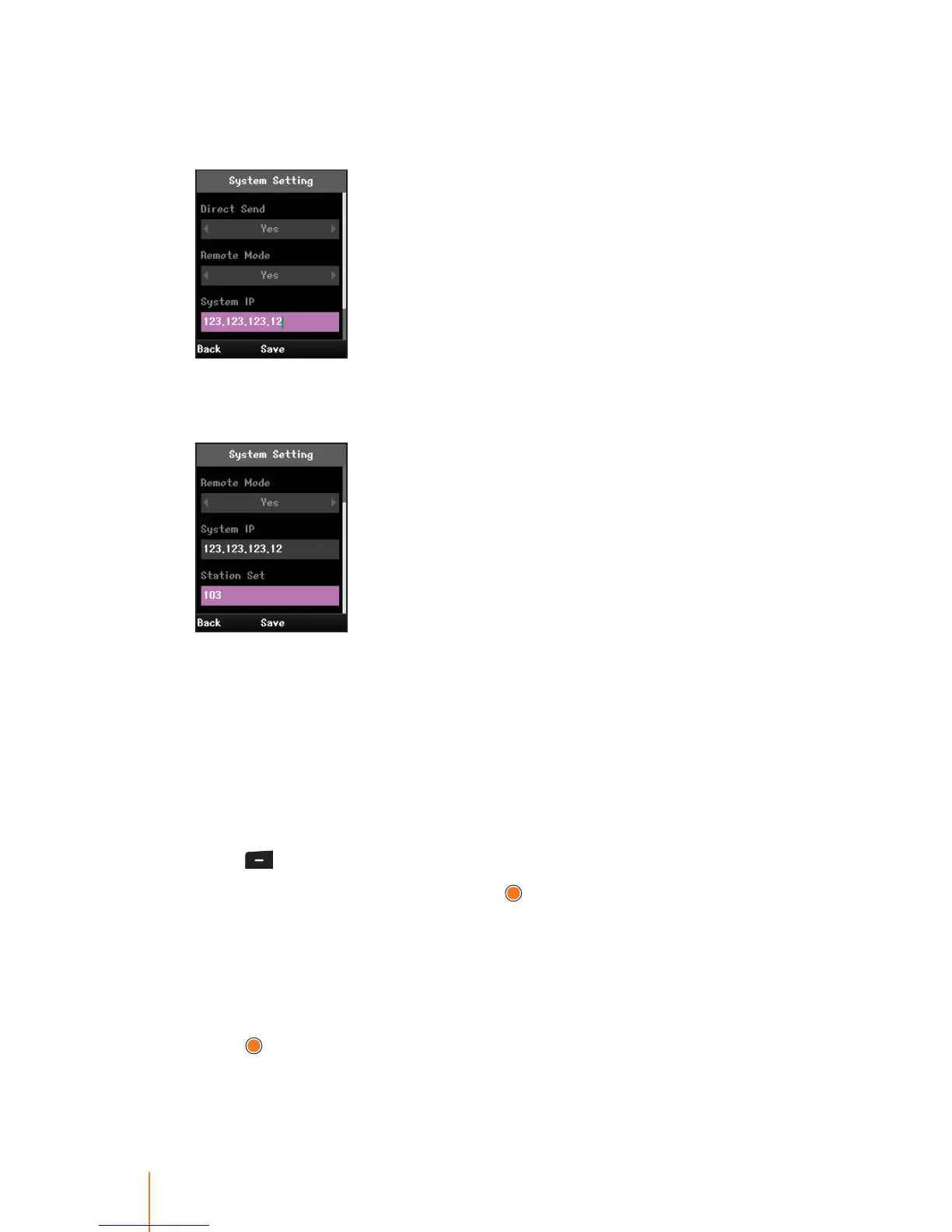
5. System IP must manually enter with the same IP address of the
iPECS system in order to initially request for registration to the iPECS
system.
6. Station Set (extension number for the station) can be entered manu-
ally depending on the system you want to register.
In case of the iPECS-CM, the number you entered is registered as
the extention number when WIT-400HE registered to the iPECS-
CM.
Codec Preference
A codec is a device program capable of encoding or decoding a
digital data signal.
1. Press
> Settings > Cordec Preference.
2. Enter your security code and press
.
The preset code is “0000”.
3. Press the navigation key left or right to select a supported codec for
WIT-400HE.
Supportable codec: System Codec, G.711, G.729, and G.722.
4. Press
to apply the setting.



 To Next Page