71Chapter 9 Tools
Deleting All Memo
1. Press > Tools > Memo.
2. Press Menu (left softkey) to display the options.
3. Select Delete All and press
.
4. Select Ye s to delete all saved memo and press
.
or
Select No to return to the previous menu.
Alarm Clock
Your phone comes with a built-in alarm clock that has multiple alarm
capabilities.
Viewing an Alarm
1. Press > Tools > Alarm/Morning Call, or from standby mode,
press the navigation key left to directly access the Alarm.
2. The list of saved alarm clocks will be displayed. Scroll through the list
and select one.
3. Press
to display an alarm details.
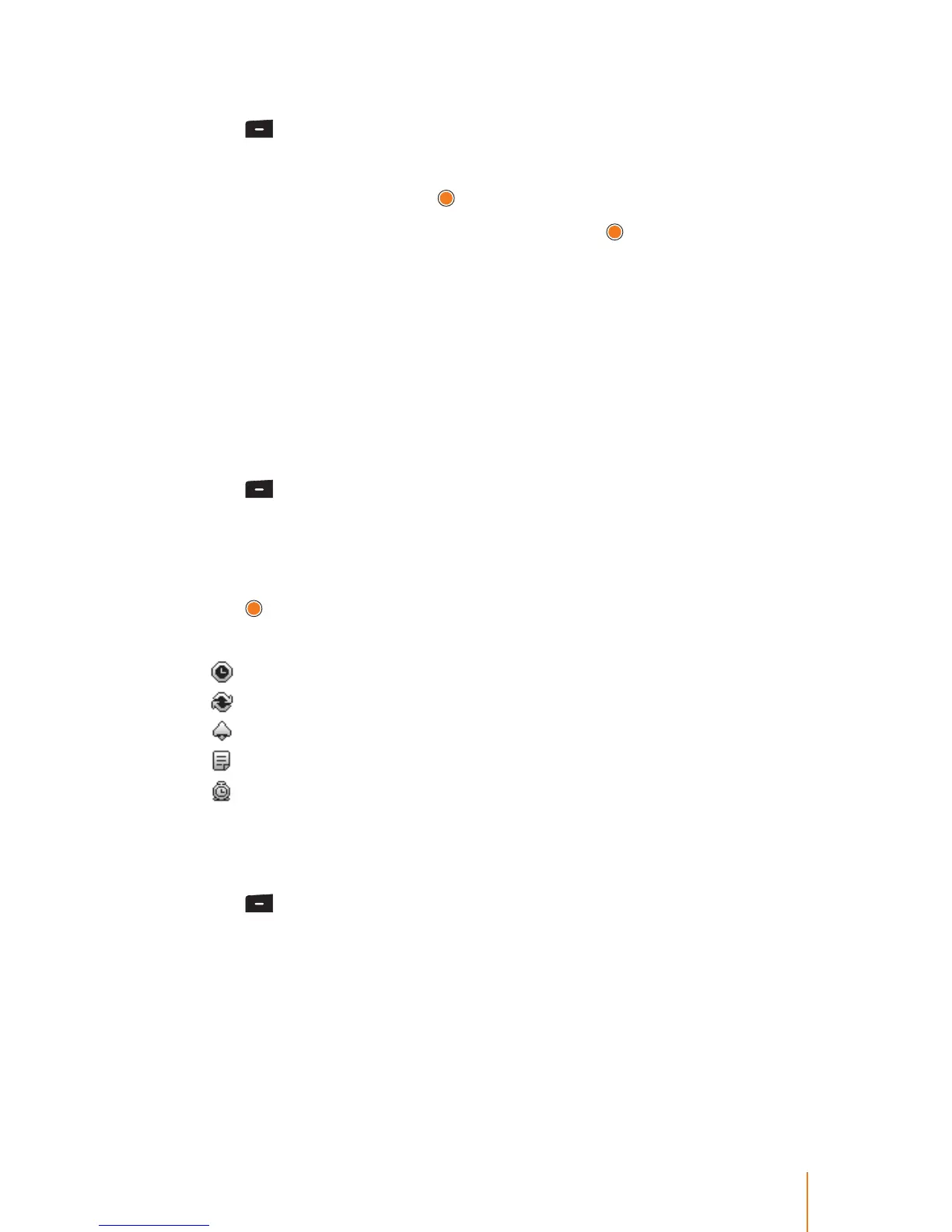
4. The alarm clock contains:
Time - The time for the alarm.
Repeat - For recurring the alarm.
Ring - The ring tone for the alarm.
Memo - The title you assigned to the alarm.
Indicator - The indicator for the alarm setting.
Setting an Alarm
You can set a time for the alarm including its title.
1. Press
> Tools > Alarm/Morning Call.
2. Press the New (right softkey) to add a new alarm.
3. Select a time for the alarm by highlighting the time eld.
Using the keypad, set the alarm time and press right softkey to
select either "am" or "pm".
4. Select a repeating status for the alarm by highlighting the repeat
eld.



 To Next Page