52 Chapter 6 Display
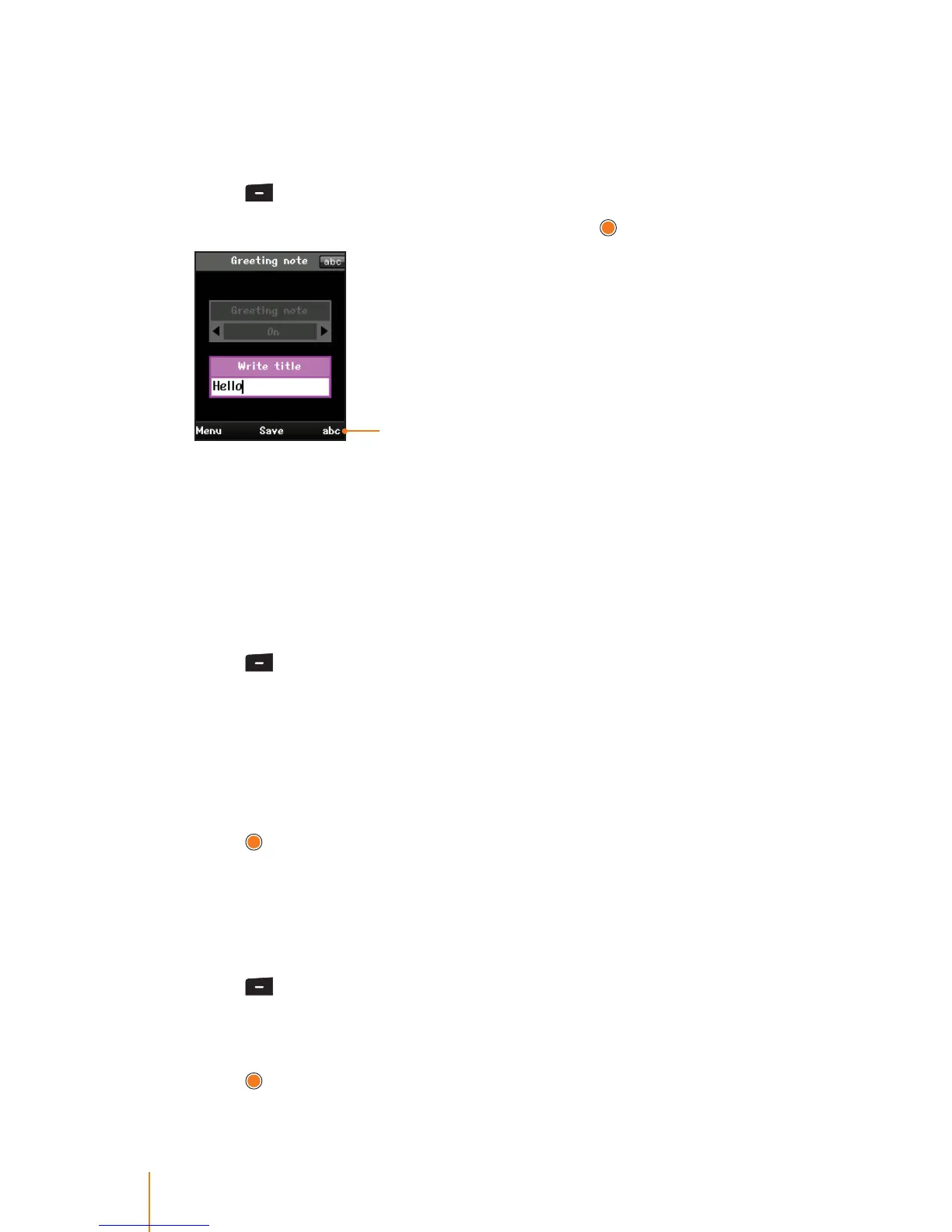
Greeting Note
You can set your own custom greeting to display on the screen in
standby mode.
1. Press
> Display > Greeting Note.
2. Select one of the following options and press
.
Change text input mode
On to show the greeting, enter a custom greeting up to 50 charac-
ters long. (See "Entering Text" on page 18.)
O to disable a greeting.
Idle Clock
You can select a type and color for the idle clock to be displayed
when in standby mode.
1. Press
> Display > Idle Clock.
2. Using the navigation key, select a clock type and color for the idle
clock.
Small or Large to show the idle clock, If you choose "Small or
Large", you can set the color using the color chart.
Clock O to disable the idle clock .
3. Press
to apply the setting.
Dialing Font
You can choose the dialing font and color when enter number (for
example, when dialing or pre-dialing).
1. Press
> Display > Dialing Font.
2. Using the navigation key, select a font size and color with which the
number will display on the screen.
3. Press
to apply the setting.



 To Next Page