59
Chapter
8
Messages
With Messages, you can send and receive short text messages be-
tween your phone and another phone that has been registered with
in the iPECS system. This chapter explains how to use the Messages.
Viewing Message
When you receive a text message, your phone noties you with the
icon
at the top of your screen.
In standby mode, press navigation key right to directly access the
Messages.
Or
1. Press
> Messages > Inbox.
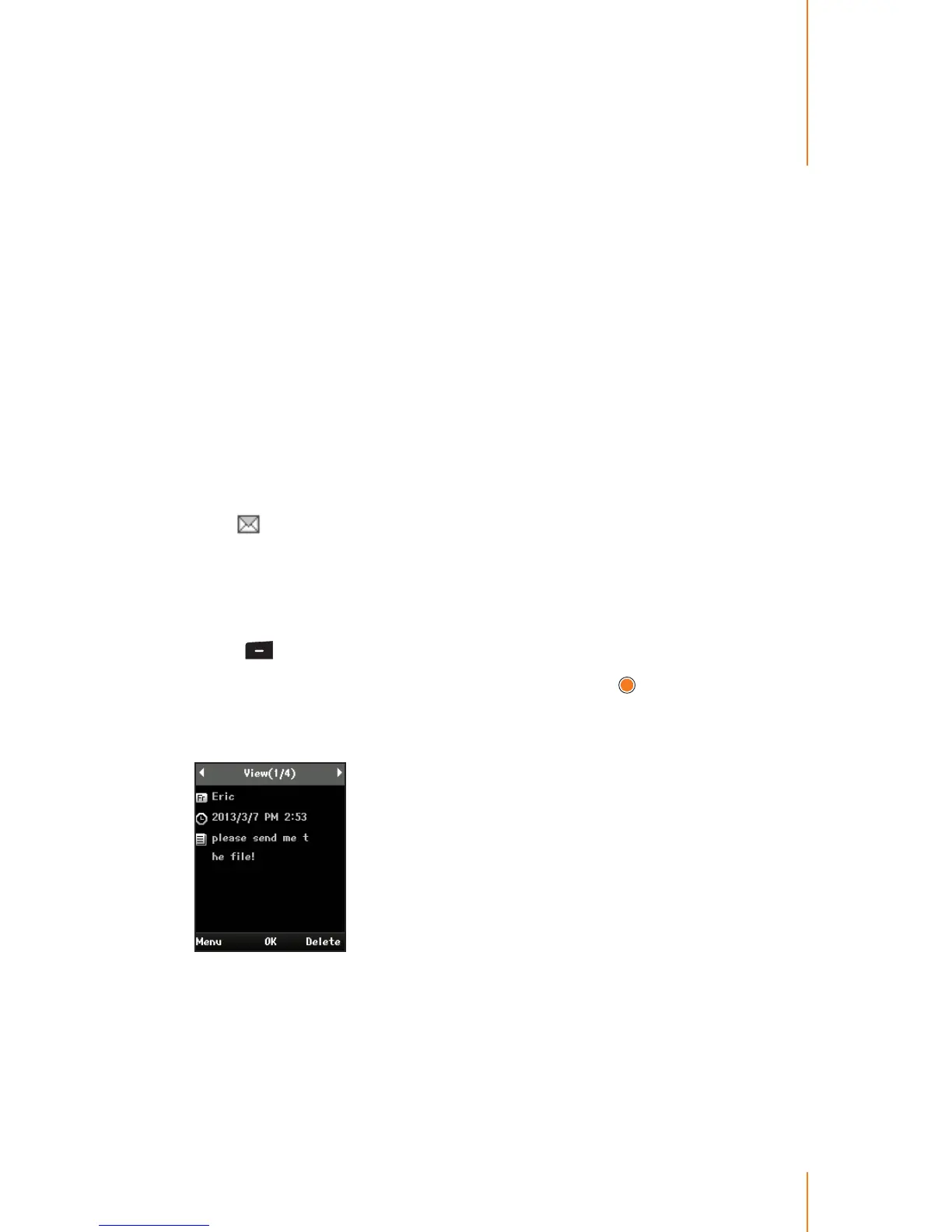
2. Select the message you want to view and press
.
3. After reading the message, select the one of following options you
want:
Menu to display the options which are available in the message.
(See "Inbox" on page 61.)
OK to go to the standby mode.
Delete to delete the current message.



 To Next Page