82 Chapter 10 System
Flash
The Flash function allows you to dial while busy tone is heard or to
make another call without press
to end a current call.
1. If the called party is busy.
2. Press navigation key left to select System > Flash.
2. When dial tone is heared, enter the phone number to which you
want to call again.
System Speed
You may program frenquently dialed external number of your choice
and store them in Speed Dial location on your phone. Internal num-
ber cannot be stored in speed dial.
Storing a Speed Dial
1. Press to access programing mode.
2. Press navigation key left to select System > System Speed and press
.
3. Enter the Speed Dial location with the number which can be up to 2
or 3 digits long, you want to store.
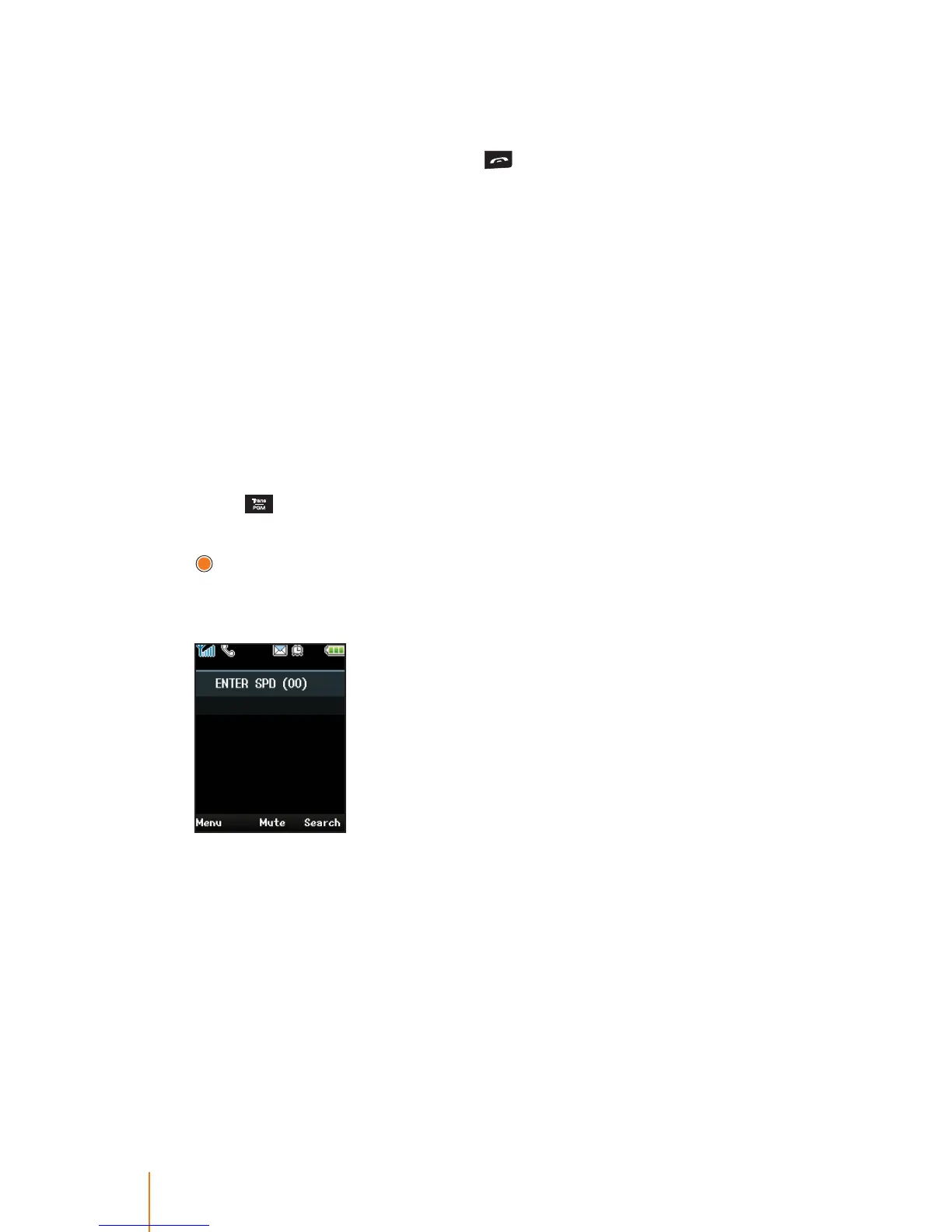
The screen will show "ENTER SPD (XX)" to prompt you to enter the
Speed Dial location number where required.
Assigned Speed Dial number for your phone may dier depend-
ing on what system you have used. In iPECS-LIK, the Speed Dial
number are:
- LIK 50/100: 00 ~ 19
- LIK 300: 000 ~ 099



 To Next Page