62 Chapter 8 Messages
Outbox
Any message sent from your phone is stored in the Outbox.
1. Press
> Messages > Outbox.
2. Select the message you want to view and press
.
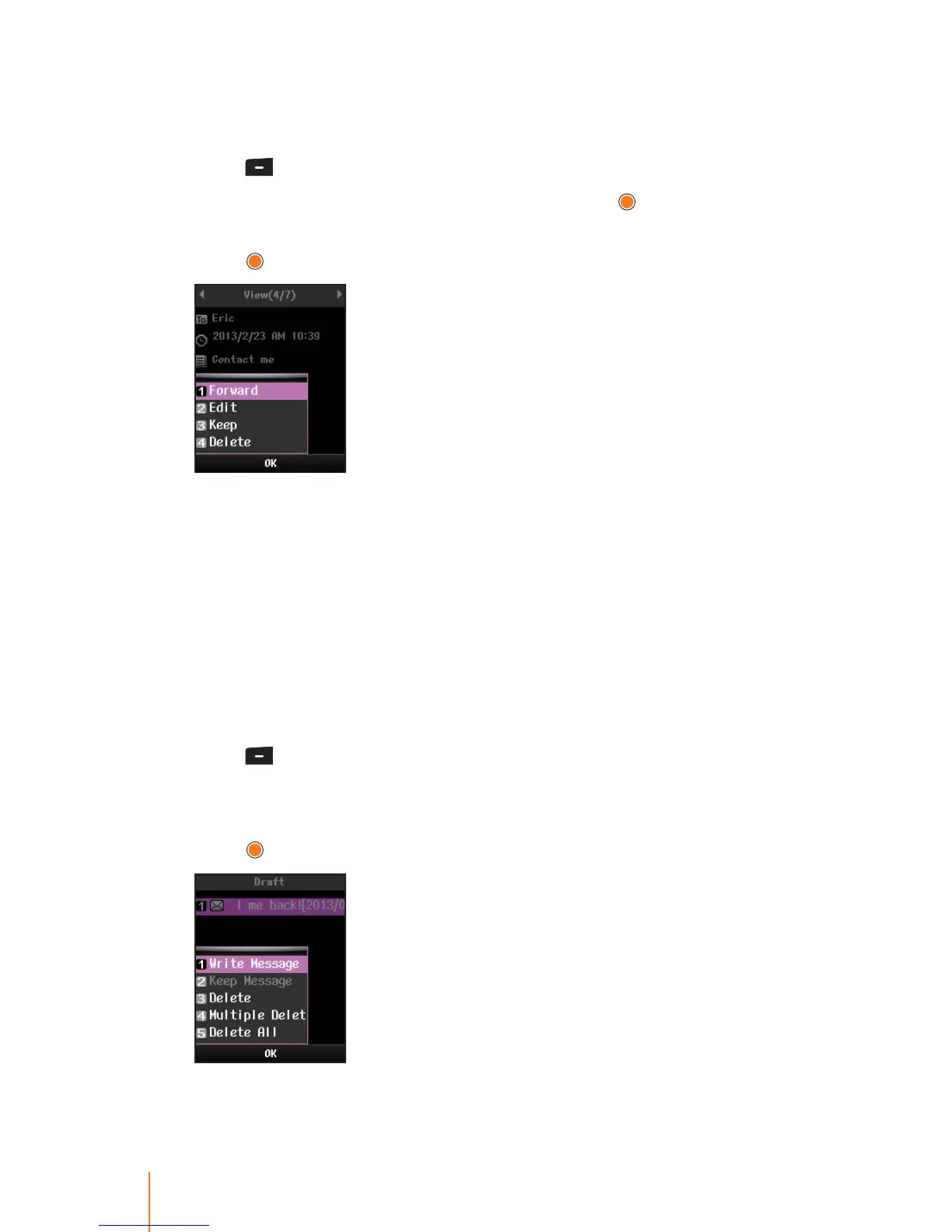
3. Press Menu (left softkey) to select one of the following options and
press
.
Forward to send the selected message to another party.
Edit to edit message you want to change.
Keep to protect the message cannot be deleted.
Delete to delete the selected messages.
Draft
While you are creating a message, you can save it in Drafts before
you send. The draft messages are listed with the date of when the
messages were saved.
1. Press
> Messages > Draft.
2. Select message you want to view.
3. Press Menu (left softkey) to select one of the following options and
press
.



 To Next Page