51
Chapter
6
Display
This menu allows you to customize your phone to look just the way
you want it to. This chapter describes how to change your phone’s
display setting to best suit your needs.
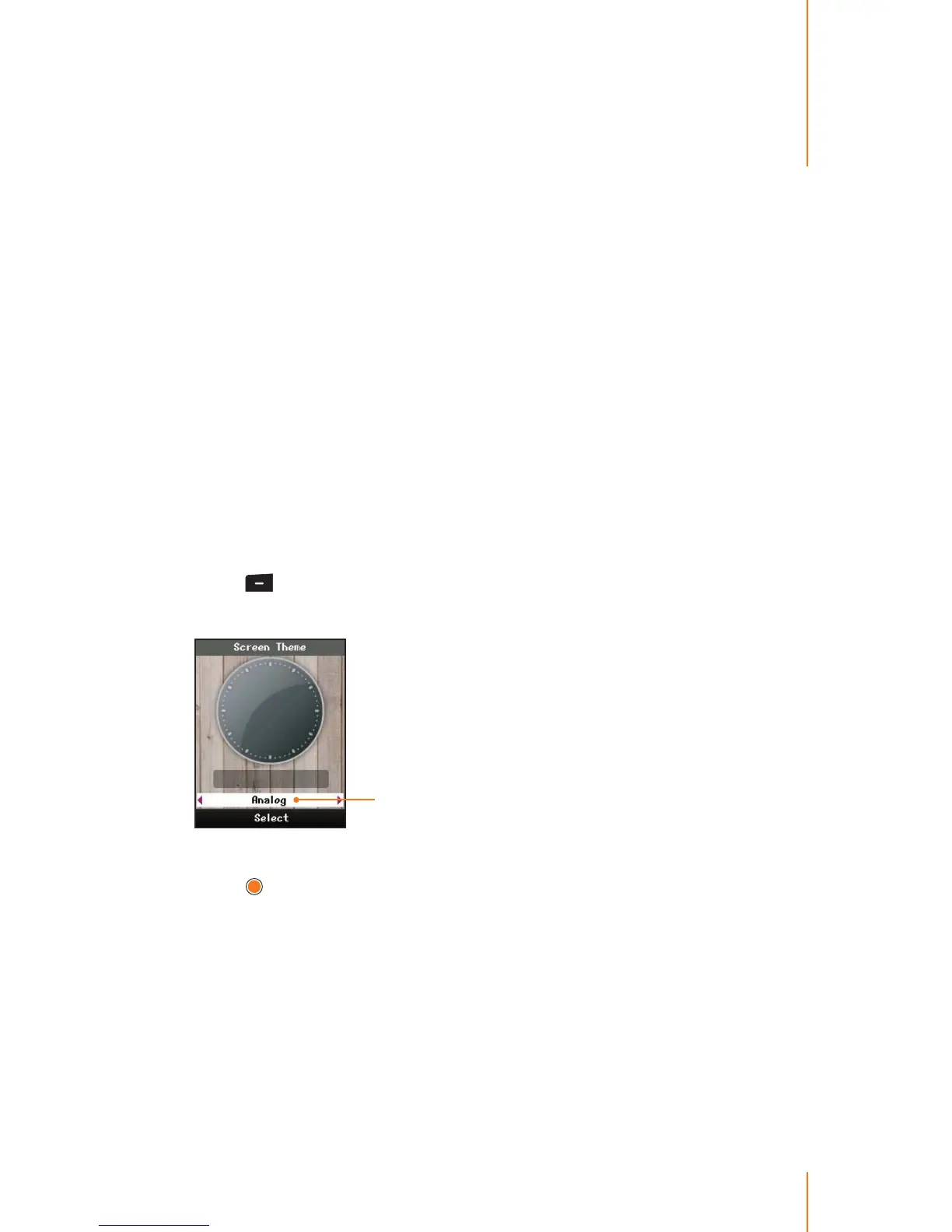
Screen Theme
You can choose what you see on the display screen when in standby
mode. The phone provides twenty screen themes, Including analog
clock mode.
1. Press
> Display > Screen Theme.
2. Use the navigation key to scroll through the image and select one.
File name eld
The name eld shows you le name.
3. Press
to assign an image.
If you choose an Analog, the current time will be displayed on the
screen in analog mode.



 To Next Page