19Chapter 2 Getting Started
The most common punctuation marks such as the "Period", "Com-
ma", "Question", and "Exclamation" are available under the
.
If you make a mistake, press
to erase a single character. Press
and hold
to erase an entire word.
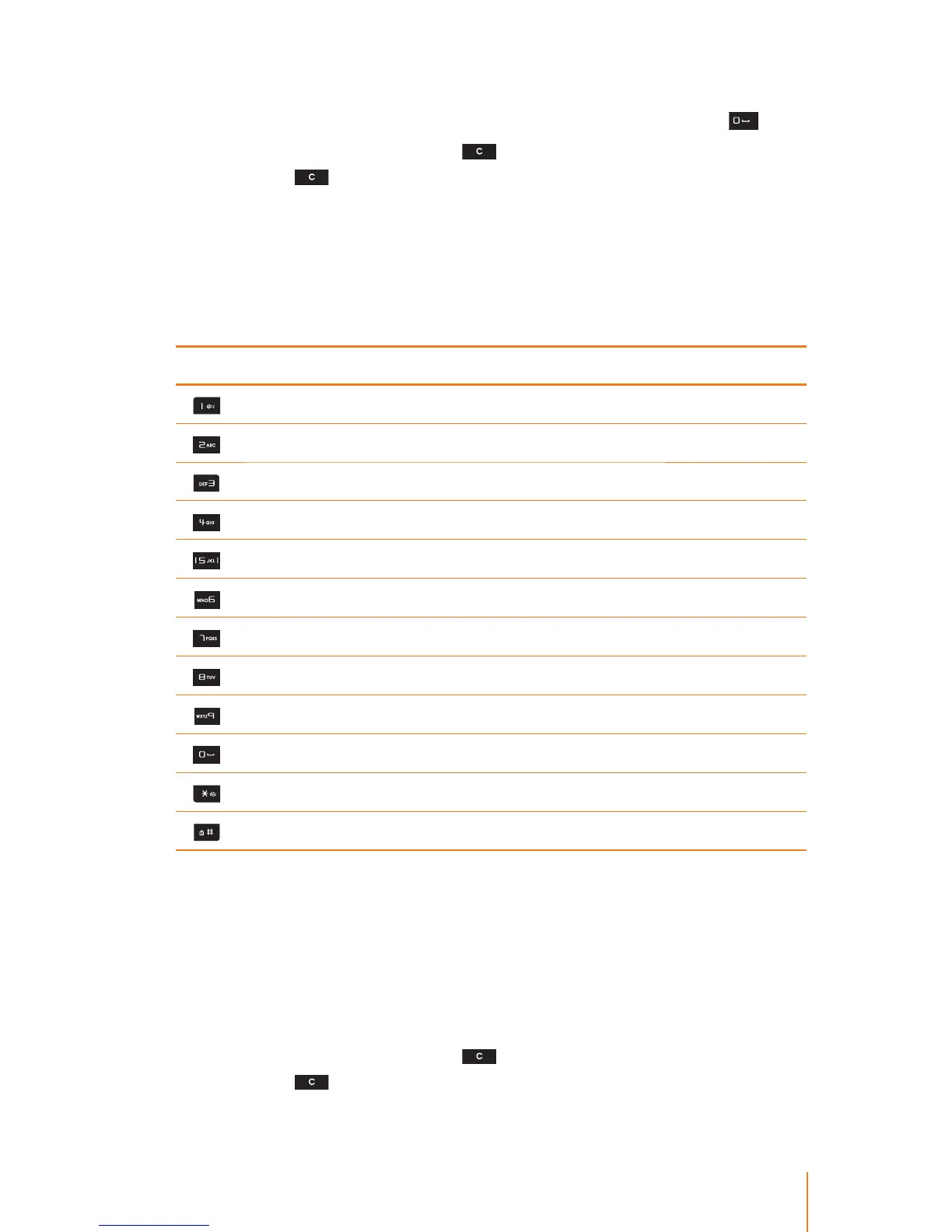
The following table shows you where each letter can be found on
the phone’s keypad. After a character is entered, the cursor automati-
cally advances to the next space after two seconds or when you
enter a character on a dierent key.
Characters scroll in the following order:
Key Sequence in upper case Sequence in lower case
@ : / @ : /
A B C 2 a b c 2
D E F 3 d e f 3
G H I 4 g h i 4
J K L 5 j k l 5
M N O 6 m n o 6
P Q R S 7 p q r s 7
T U V 8 t u v 8
W X Y Z 9 w x y z 9
. , ? ! . , ? !
**
##
Using 123 Mode
The 123 Mode enables you to enter numbers in a text messages (a
telephone number, for example).
1. Select the 123 mode.
2. Press the appropriate keys to the required digits.
If you make a mistake, press
to erase a single character. Press
and hold
to erase an entire word.



 To Next Page