79Chapter 10 System
3-Party Conference
The phone supports conferencing with two other parties. The
number of person supported in a conference call depends on the
System. You can do more than a three person conference call with a
Multi-Party Conference Interface Module (MCIM).
Setting up a Conference Call
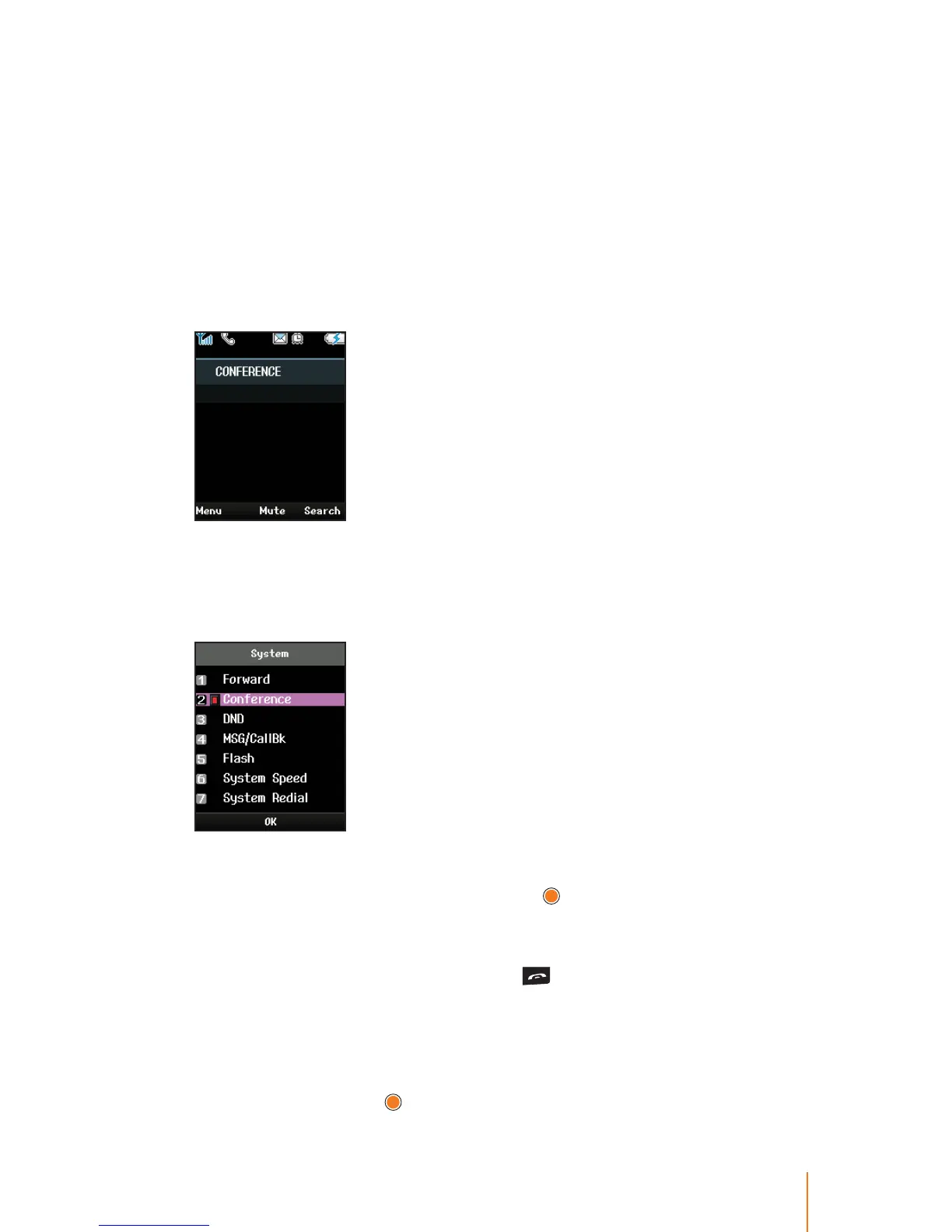
1. During a rst call, press navigation key left to select System > Con-
ference.
The rst call is on hold and dial tone is heared.
2. Dial the second party for the conference, and press navigation key
left to select System > Conference when the party answers.
For joining multiple person in a conference, repeat steps 1~2 .
3. Select System > Conference and press
to connect all parties.
Ending up a Conference Call
When the conversation is over, press to end a conference and
disconnect all parties.
or
1. Press Menu (left softkey) to display the options.
2. Select End and press
.



 To Next Page