78 Chapter 10 System
Code 0: Remote Call Forward, enable call forward for your phone
from a dierent phone. It may need to enter your Authorization Code.
Code 1: Unconditional, refer to page 77.
Code 2: Busy, refer to page 77.
Code 3: No Answer, refer to page 77.
Code 4: Busy/ No Answer, refer to page 77.
Code 5: Attendant O-Premise, forward ncoming CO calls to an
outside number. It is not supported on WIT-400HE.
3. Enter the phone number (Internal, Internal Groups Number etc.) to
which you want to calls forwarded and press
.
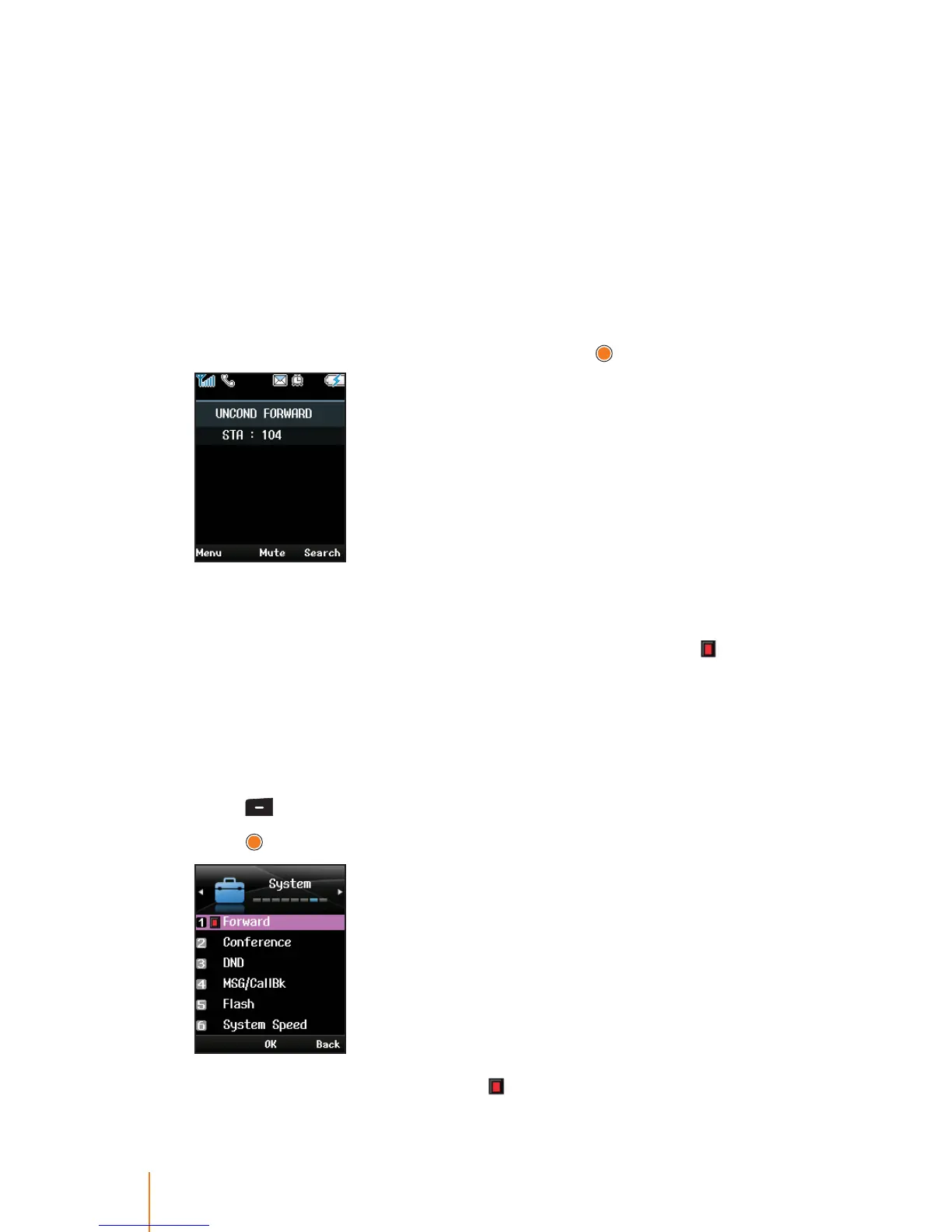
You will see a system message informing you that call forwarding
is actvated. For example, Unconditional to the phone number 104,
"FWD104(U)" displays on the screen in standby mode. '
' appears
next to the function in the menu list.
Note:
When call forwarding is activated, you will not be able to answer
calls in your phone, as they will only ring at the forwarding number.
Deactivating Call Forward
1. Press > System > Forward.
2. Press
to disable Call Forward.
When the function is released, ' ' disappears.



 To Next Page