61Chapter 8 Messages
Save to draftbox to save a message as a draft.
Save option to select the option you prefer:
- Save message will automatically be saved in the Outbox.
- Not save message was sent but not saved in the Outbox.
5. Press
to send the message.
Inbox
The icon on your phone's screen will remain on until there are no
unread items in the Inbox.
1. Press
> Messages > Inbox.
2. Select the message you want to view and press
.
indicates unread text messages.
indicates that you have read messages.
Inbox shows all of your messages. Once a message is displayed,
you can use your navigation key to view the other messages.
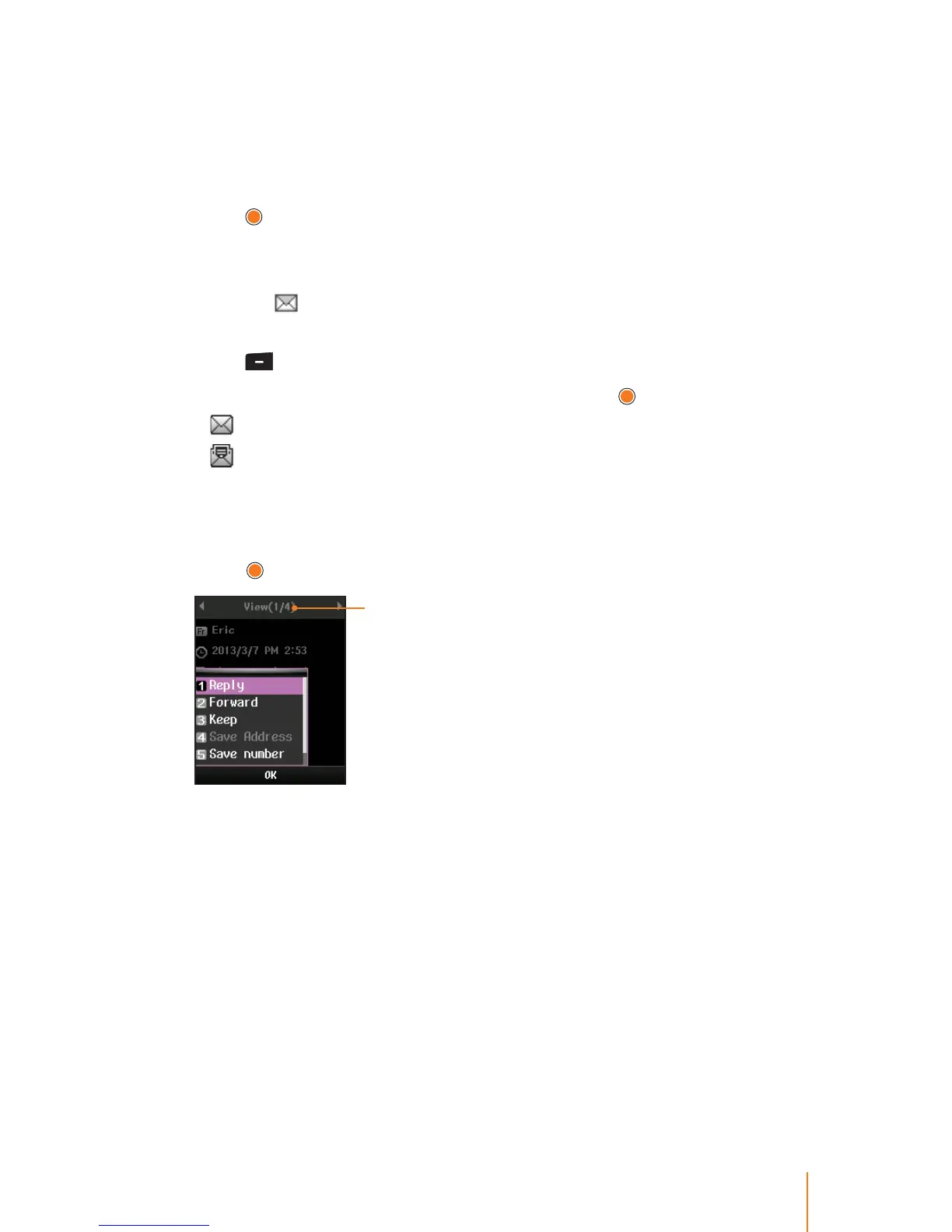
3. Press Menu (left softkey) to select one of the following options and
press
.
Number of received
messages
Reply to reply to the recipients on the selected message. (Follow
steps under "Writing Text Message" on page 61 to complete and
send your reply.)
Forward to forward the selected message to another party.
Keep to protect the message cannot be deleted.
Save Address to add the number which you wish to save to the
Phonebook. (See "Add New" on page 38.)
Save number to get the number which was written in text mes-
sage and save it to phonebook.
Delete to delete the selected messages.



 To Next Page