73Chapter 9 Tools
3. Select Delete All and press .
4. Select Ye s to delete all saved alarm from the list and press
.
or
Select No to return to the previous menu.
Calculator
Your phone comes with a built in calculator that has limited accuracy
for simple calculations, such as add, substract, multiply, and divide.
1. Press
> Tools > Calculator.
2. To make a calculation:
Enter the rst number of the calculation, if you want to remove a
number, press
.
- Press
(left softkey) to enter decimal points.
- Press
to change the numeric value from positive to negative.
Select a mathematical functions (+, –, ×, or ÷).
Enter the second number and press
for the total.
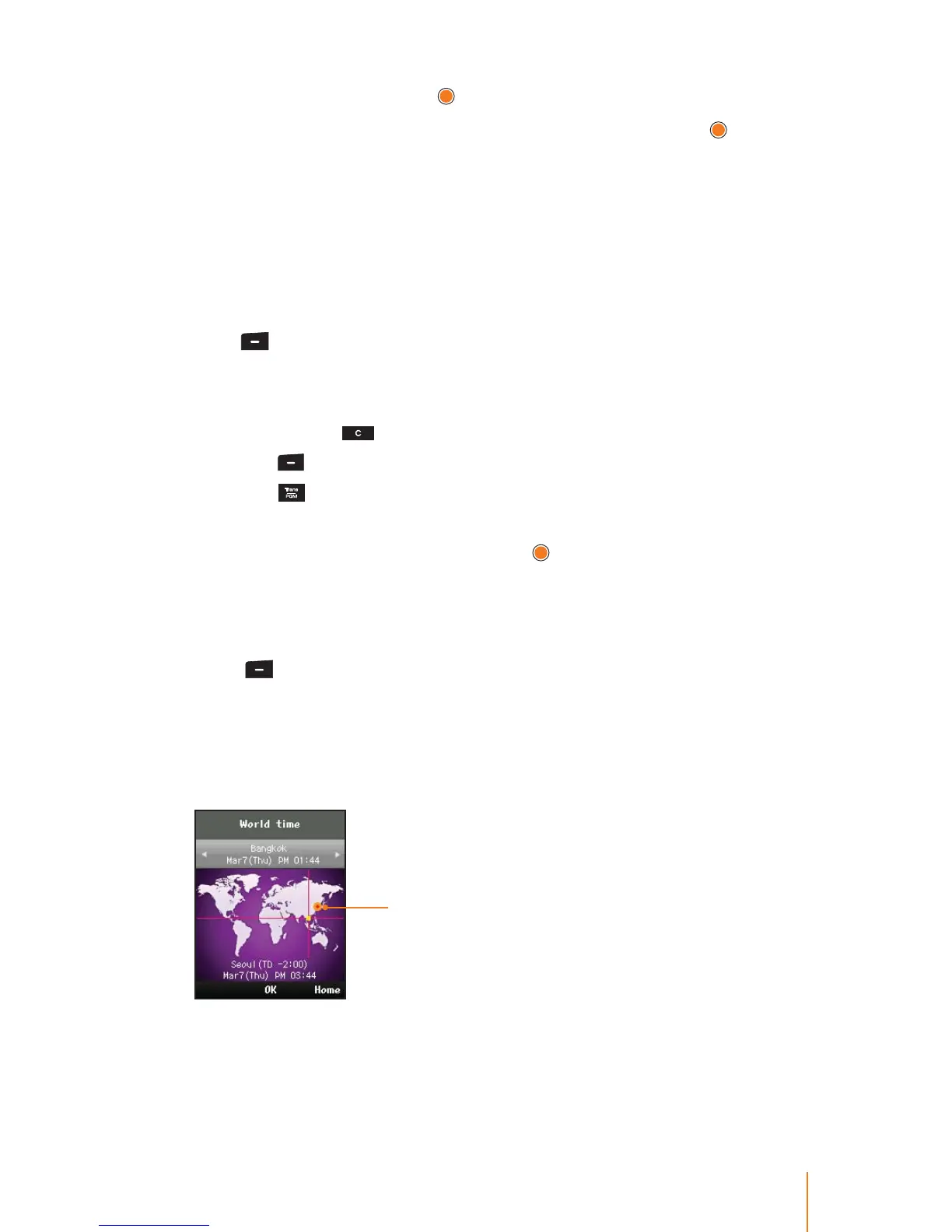
World Time
You can view the time in over 50 dierent locations.
1. Press
> Tools > World Time.
2. Press Home (right softkey) to select a city to be assigned the home
(the local area in which you live).
3. Press the navigation key left or right to scroll through dierent time
zones.
Indicates your local area
The time zones will be shown a time dierence between two cities
based on your local area.



 To Next Page