84 Chapter 10 System
Using a Speed Dial
You can make a call using Speed Dial in the phone.
To make a call using Speed Dial location number:
1. Press navigation key left to select System > System Speed and press
.
2. Press the Speed Dial location number using the keypad. The follow-
ing are number of Speed Dial for your reference:
Personal programing Speed Dial
- LIK 50/100: 00 ~ 19
- LIK 300: 000 ~ 099
System Speed Dial
- LIK 50/100: 200 ~ 999
- LIK 300: 2000 ~ 4999
3. Your phone automatically place the call.
To make a call after viewing the name:
1. Repeat above steps 1~2.
2. Press navigation key left to select System > System Speed and press
.
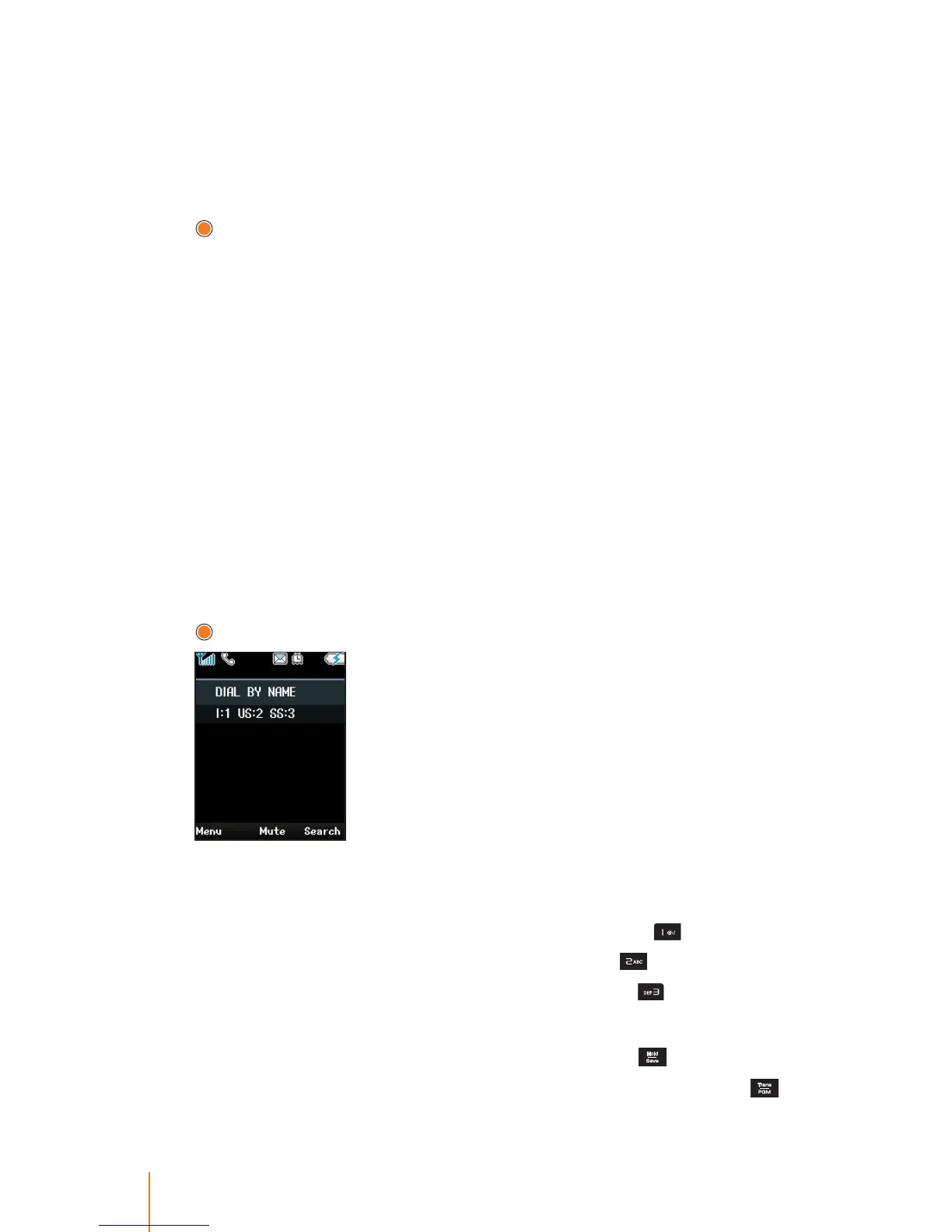
"DIAL BY NAME" is displayed along with informaing the Code as
below.
- I: 1 "I" means the Internal number's name, press
to view.
- US: 2 "US" means the User Speed Dial, press
to select.
- SS: 3 "SS" means the System Speed Dial, press
to select.
3. Press navigation key up or down to scroll though the Speed Dial.
4. When the desired number is displayed then press
to dial.
You can also view the number of selected name, by pressing
.



 To Next Page