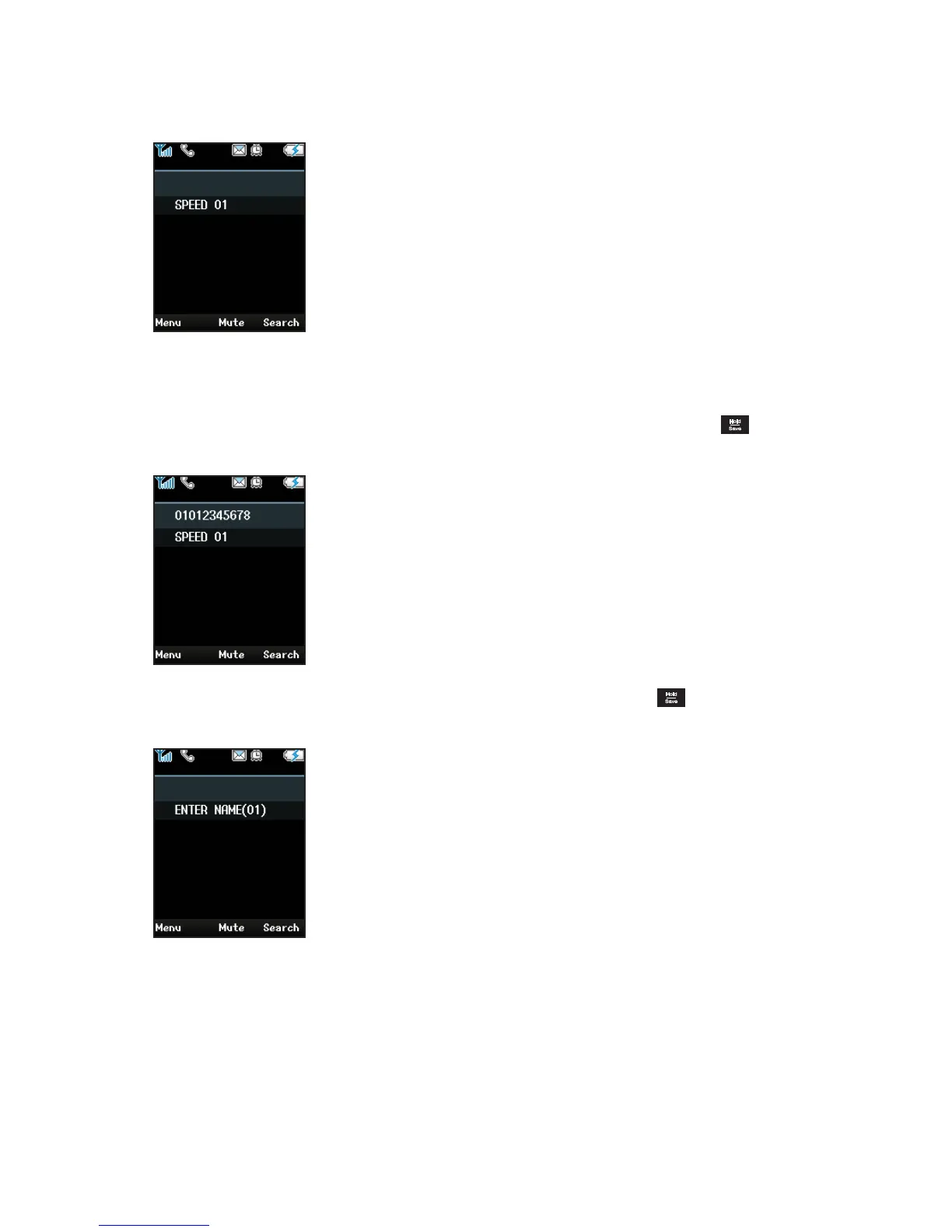
3. Enter the CO Code. Normally the CO code is '9' or '0' etc. For more informa-
tion on this, please ask your system administrator.
For example, "SPEED 01" means that the number of location in the Speed
Dial you entered.
4. Eenter a phone number to the Speed Dial location 01 and press
to save
the location.
5. Enter a name to the number using the keypad and press to save the
name.
You can enter alphanumeric characters using the phone's keypad sup-
ported the text input mode are ABC or 123 refering to "Character Input
Table" on page 85.
The name of an Speed Dial can contain up to 16 characters.
6. Repeat steps 2~5 for each Speed Dial you want to add.



 To Next Page