68 Chapter 9 Tools
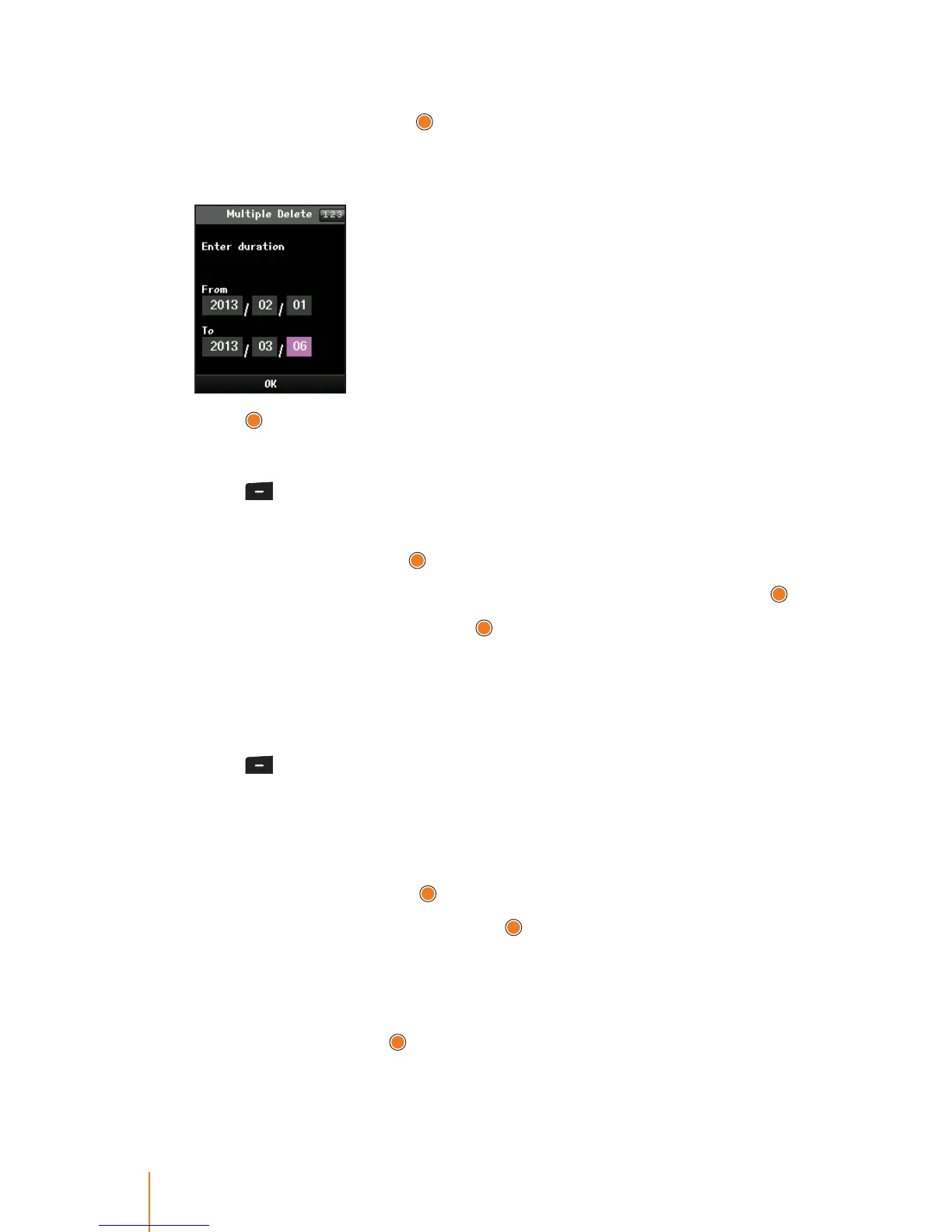
4. Select Multiple Delete to delete an event through the specied
period of time and press
.
5. Using the keypad, enter the date for the duration by highlighting the
date eld.
6. Press to delete events.
To delete all events:
1. Press > Tools > Schedule.
2. Press Menu (left softkey) to display the options.
3. Select Delete and press
.
4. Select Delete All to delete all occurrences of the event and press
.
5. Select Ye s to conrm and press
, or select No to return to the previ-
ous menu.
Setting your Holiday
You can assign any of the days of the week to particular holiday.
1. Press
> Tools > Schedule.
2. Using the navigation key, select the day to which you would like to
assign a holiday.
3. Press Menu (left softkey) to display the options.
4. Select Holiday and press
.
5. Select an holiday option and press
.
Press the navigation key up or down to select On the day, Weekly,
Monthly, Yearly, and Mutiple Settings.
6. If you select Mutiple Settings, enter a number for holiday by using
the keypad and press
.
The date corresponding to the assigned holiday is represented "in
scarlet" in the monthly schedule management screen.



 To Next Page