95Chapter 11 Settings
System Setting
WIT-400HE should be set to register with the iPECS system for nor-
mal interaction with a Multi Function Interface Module (MFIM) in the
iPECS system. These menus are all related to the MFIM conguration.
1. Press
> Settings > System Setting.
2. Enter your security code and then press
.
The preset code is "0000".
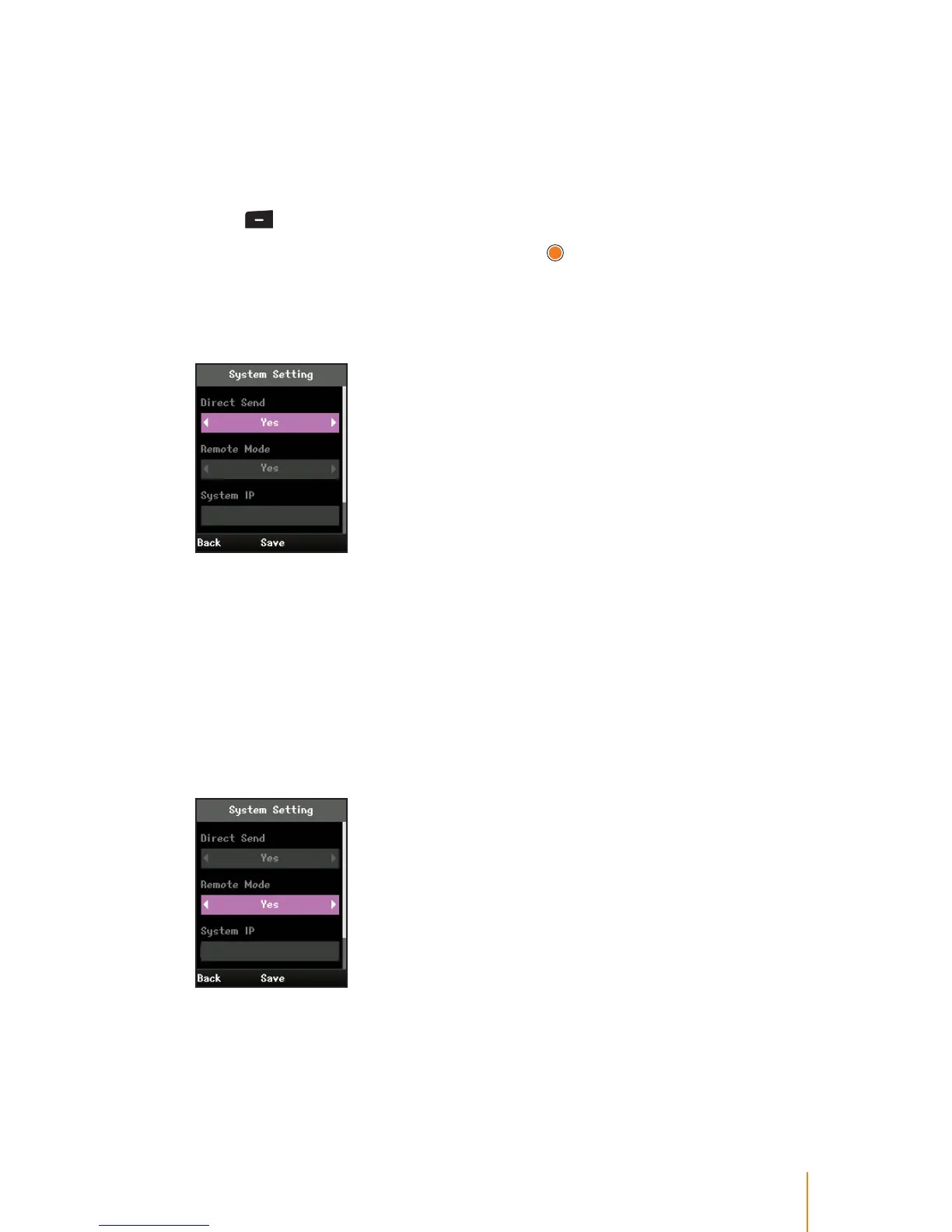
3. Direct Send can be congured depending on the network status,
press the navigation key left or right to select Ye s or No.
WIT-400HE can automatically locate MFIM when Direct Send value
is set to No. This allows a user to register to the MFIM without
knowing its IP address by setting this value to No .
If there are more than one MFIM in the same IP subnet, a user can
selectively register to a MFIM by setting its value to Ye s.
4. Remote Mode can be congured depending on the IP range of
the network between the iPECS system and WIT-400HE, press the
navigation key left or right to select Ye s or No.
Now your iPECS system, your AP and WIT-400HE are in the same IP
range, select this value to No.
In other cases, you should select this value to Yes .



 To Next Page