45Chapter 4 Phone Book
4. Select an entry for which you wish to assign a speed dial location.
If an entry has more than one number stored, press the navigation
key left or right to select a contact type.
Only numbers in your Phone Book can be assigned as speed dial
numbers.
If you attempt to assign an already associated phone number with
a new speed dial location, "Already assigned" message will be
displayed.
5. Press
to save the new speed dial number.
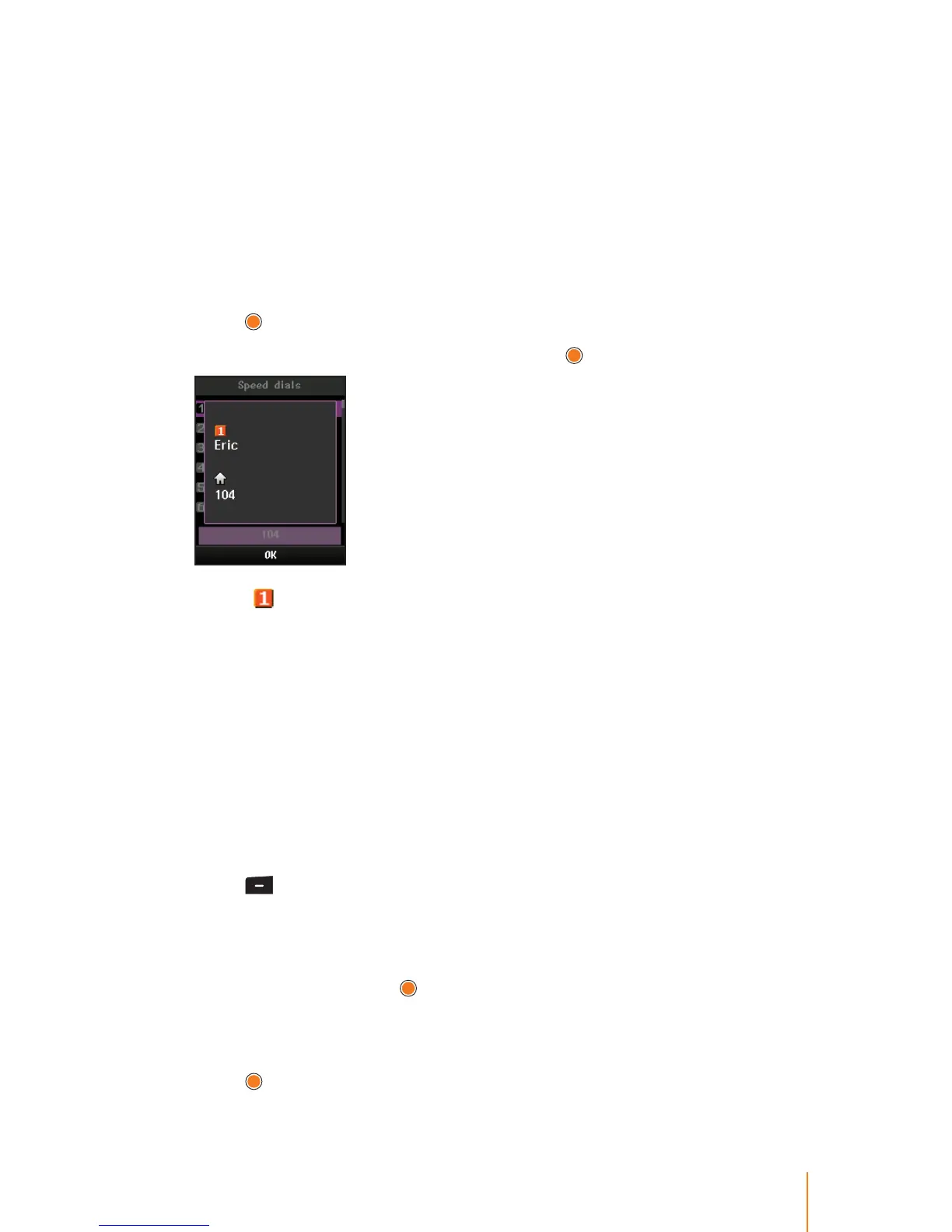
6. To view about the saved speed dial, press
.
Icon shows the assigned speed dial number.
To assign a speed dial to a new phone number:
You can also assign speed dial numbers when you add a new entry,
when you add a new phone number to an existing entry, or when
you edit an existing number. (See related each page for more
details.)
Moving a Speed Dial Number
You can move the already assigned phone number to a new speed
dial location.
1. Press
> Phone Book > Speed Dials.
2. Select a speed dial number you wish to move.
3. Press Option (left softkey) to display the options.
4. Select Move and press
.
5. Scroll up or down to nd an desired speed dial number and select
one.
6. Press
to apply the new speed dial number.



 To Next Page