Additional Functions 75
Vertical
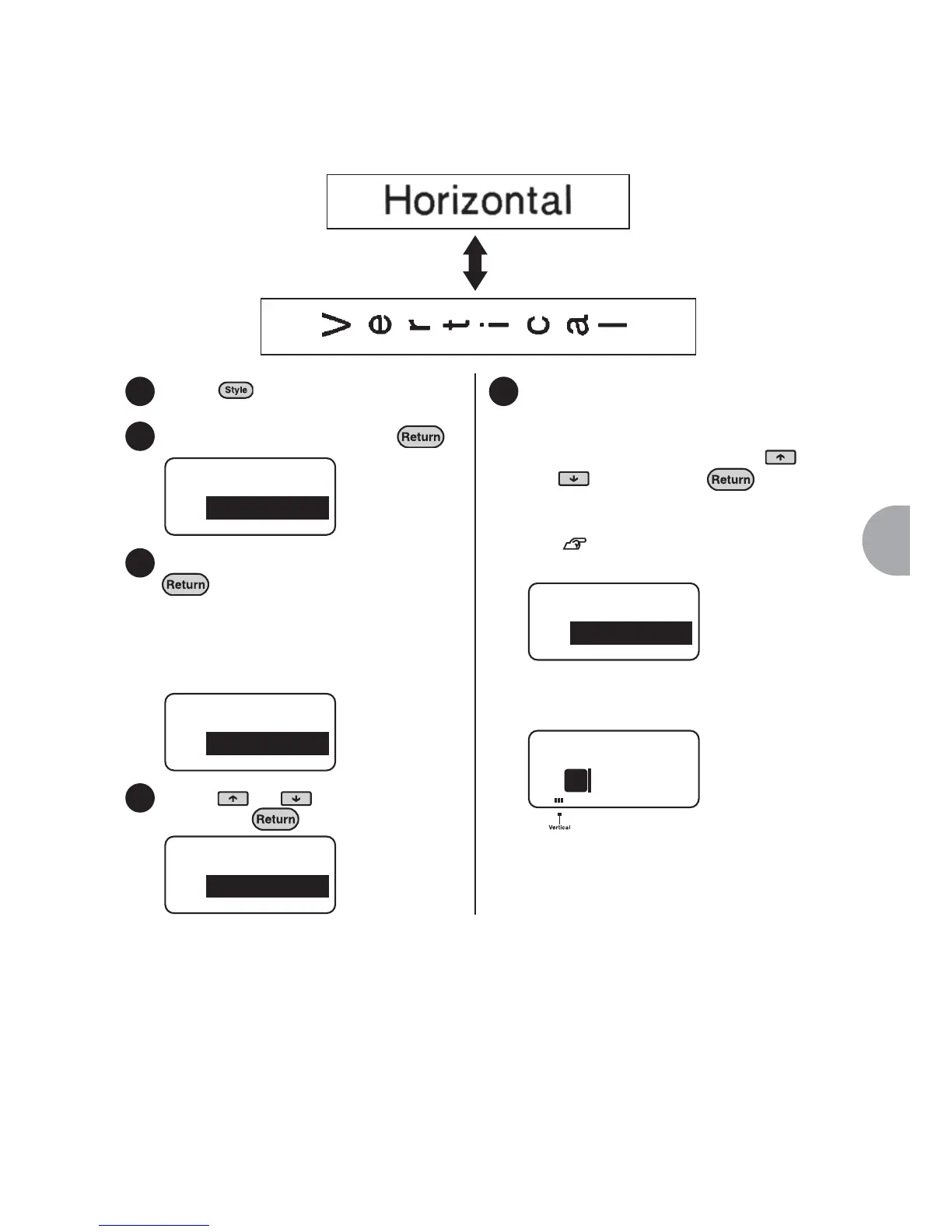
The orientation of the label can be changed to vertical or horizontal by sentence or
paragraph.
Press .
Select "Vertical" and press .
Select "On" or "Off" and press
.
The function menu screen will be
displayed again.
Select "On" to enter the text vertically.
Select "Off" to enter the text horizontally.
Press or to select "End?"
and press .
Set the effective area.
Set the effective area when the
orientation of the label is changed.
Set the effective area using the
and key and press .
Once the effective area has been set,
the text screen is shown again.
See "Effective area and the
position of the cursor" (p.60).
When using vertical orientation, the vertical
indicator also lights up.
Horizontal label
Vertical label
1
2
Style
Vertical
3
Vertical
Off
4
Style
End?
5
Area
Label
1



 To Next Page