73
01/13424999386
300 132
400
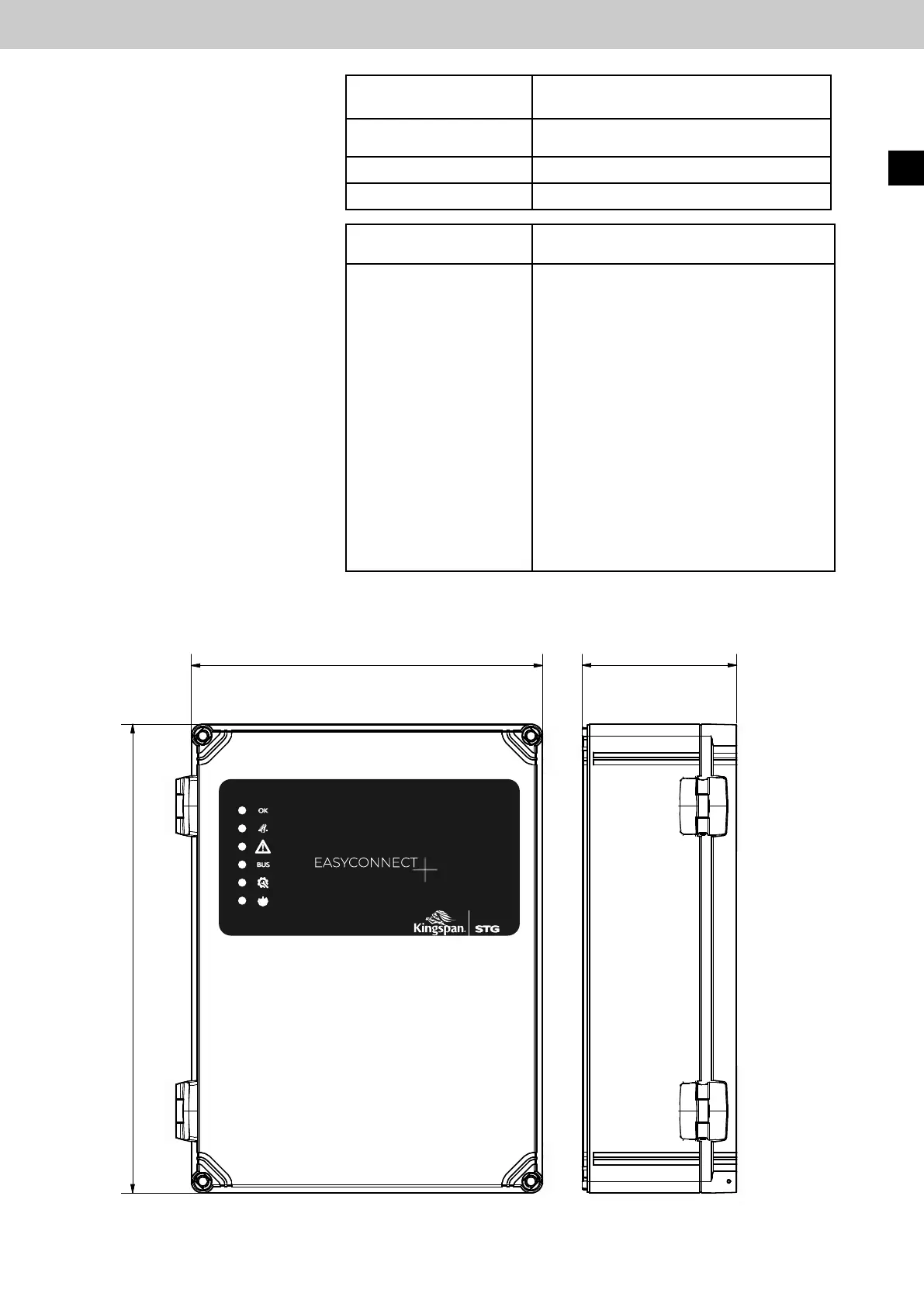
13 Dimensional drawing
Error message on the
2 x 7-segment display
Meaning
EE.xx
Ex Cx
Examples
EE.02 E5 C1
EE.01 E6
Extern Error (EE)
An error has occurred at a control panel in
the bus system.
xx is the ID address of a control panel in the
network (e.g. 02 ) where the error occurred.
After a pause, the error and channel num-
ber (Ex Cx) follows for precise error analysis.
A "Line monitoring drive line" error (E5) has
occurred on the control panel with ID 02.
has occurred on channel 1 (C1).
A station in the bus system is not
reachable (E6).
EasyConnect+
Error message on the
2 x 7-segment display
Causeofthe
error message
E13
Conguration-orData-or
Program-memory error
E14
Ground fault (shortcut to PE)
E15
5 starts with self-test errors in a row
EN



 To Next Page