75
01/13424999386
System components Activity
Electrical drive 24 V DC Check for dirt, damage, corrosion and fastening.
Check connections and fastenings for tightness.
Check interlocks.
Visual inspection of connection cable (for possible damage).
Automatic detector Check for dirt, damage, corrosion and fastening.
Function test with test gas.
Function test with a suitable heat source (heat detector).
Check the visual and fault displays.
Check the connecting cable for damage.
SHE manual call point Check for dirt, damage, corrosion and fastening.
Function test of all functions, displays and signals.
Check the connecting cable for damage.
Ventilation push button Check for dirt, damage, corrosion and fastening.
Function test of all functions, displays and signals.
Check the connecting cable for damage.
Wind/rain sensor Check for dirt, damage, corrosion and fastening.
Function test of all functions, displays and signals.
Check the heating if available.
Checkingtheowtothewindsensor.
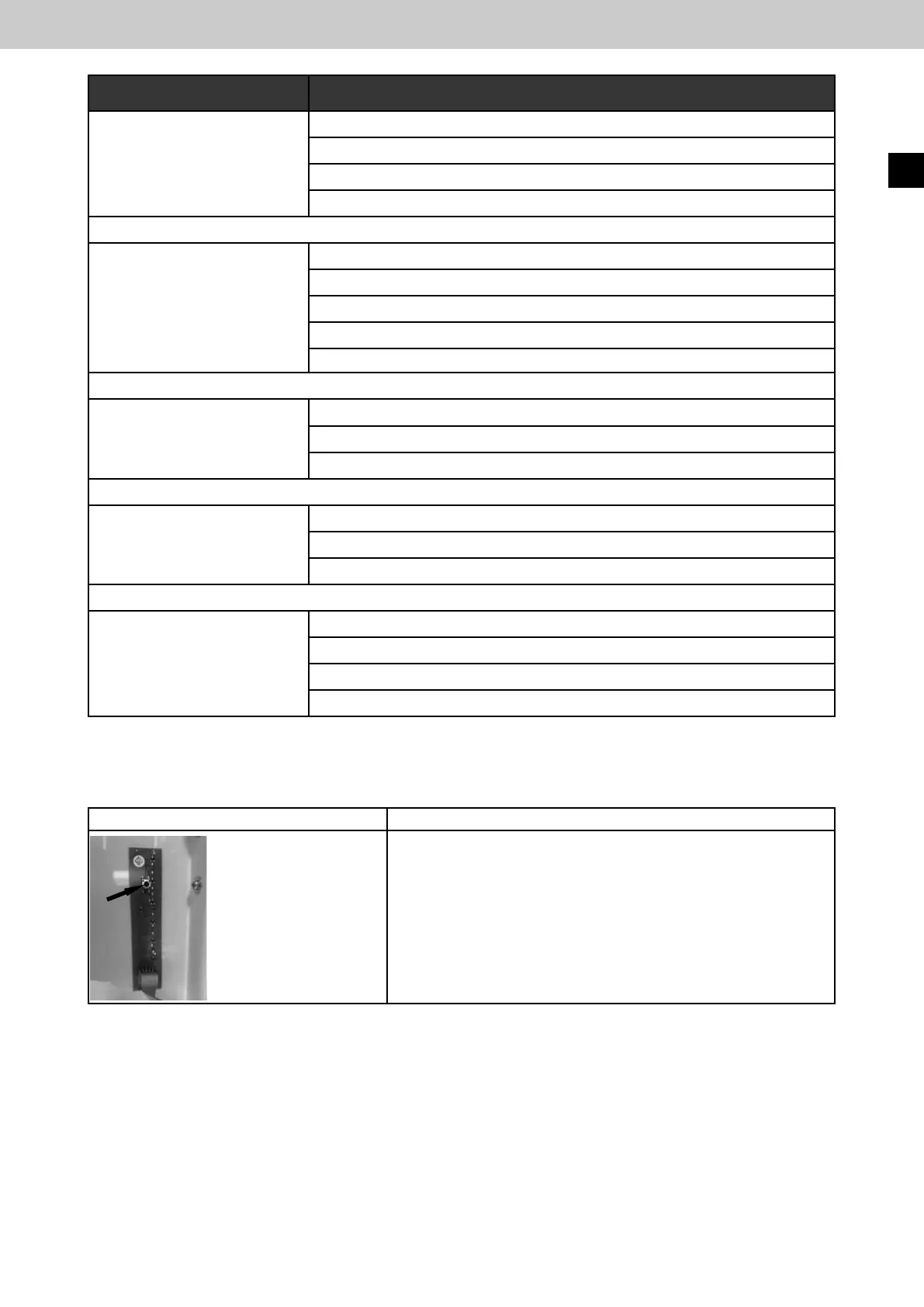
14.3 FunctiontestoftheLEDsinthehousingdoor
Actuation Effect
► Press the button on
the LED board in
the inside of the door
► Press the button for
longer than 10 seconds
- All LEDs in the housing door light up. It serves as a function test
of the door displays (ready for operation, triggering, fault,
maintenance, mains 230 V).
-
Switchingotheacousticsignalintheeventofabuserror.
Complete system reset (restart)
EasyConnect+
EN



 To Next Page