89
01/13424999386
24 V DC drive Fire alarm system External reset button
Floating relay Outputs Vent switch 230 V AC power supply
Automatic detector 24 V DC magnetic clamp Fire alarm system activation
NO contact
SHE manual call point Wind/rain sensor
► Actionstepstobeperformedinthespeciedorder.
18 Explanationofsymbols
17.1.4 Displayingthermwareversion
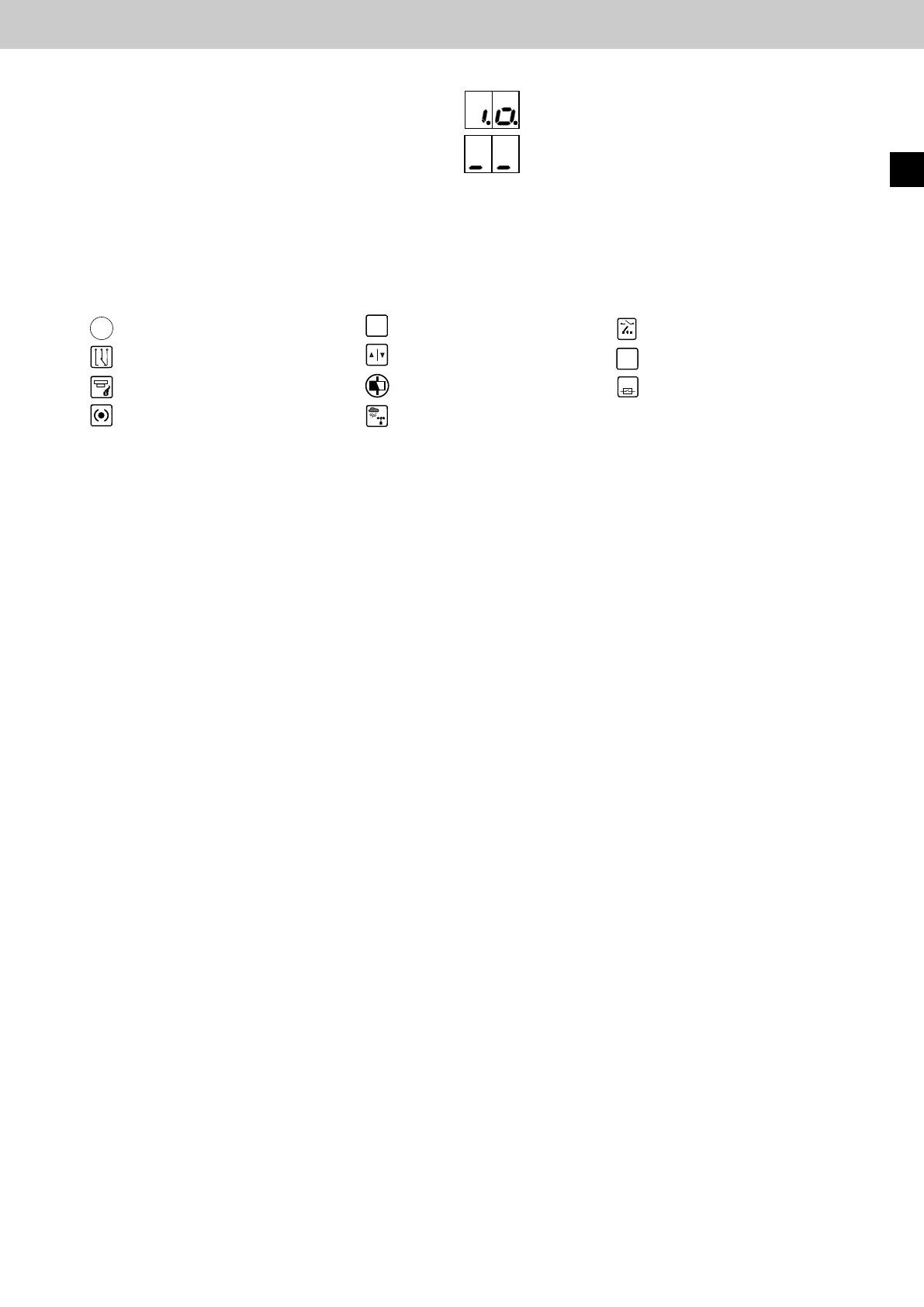
The control panel works without errors and shows "i.o."
► Press the reset button until "_ _" appears,
then release.
Thermwareversion(forexample,01.00.01)isdisplayedinthreesteps:"01.",then"00."then"01"
EasyConnect+
EN



 To Previous Page